
"I don't travel back from the airport without the 3rd-i App"
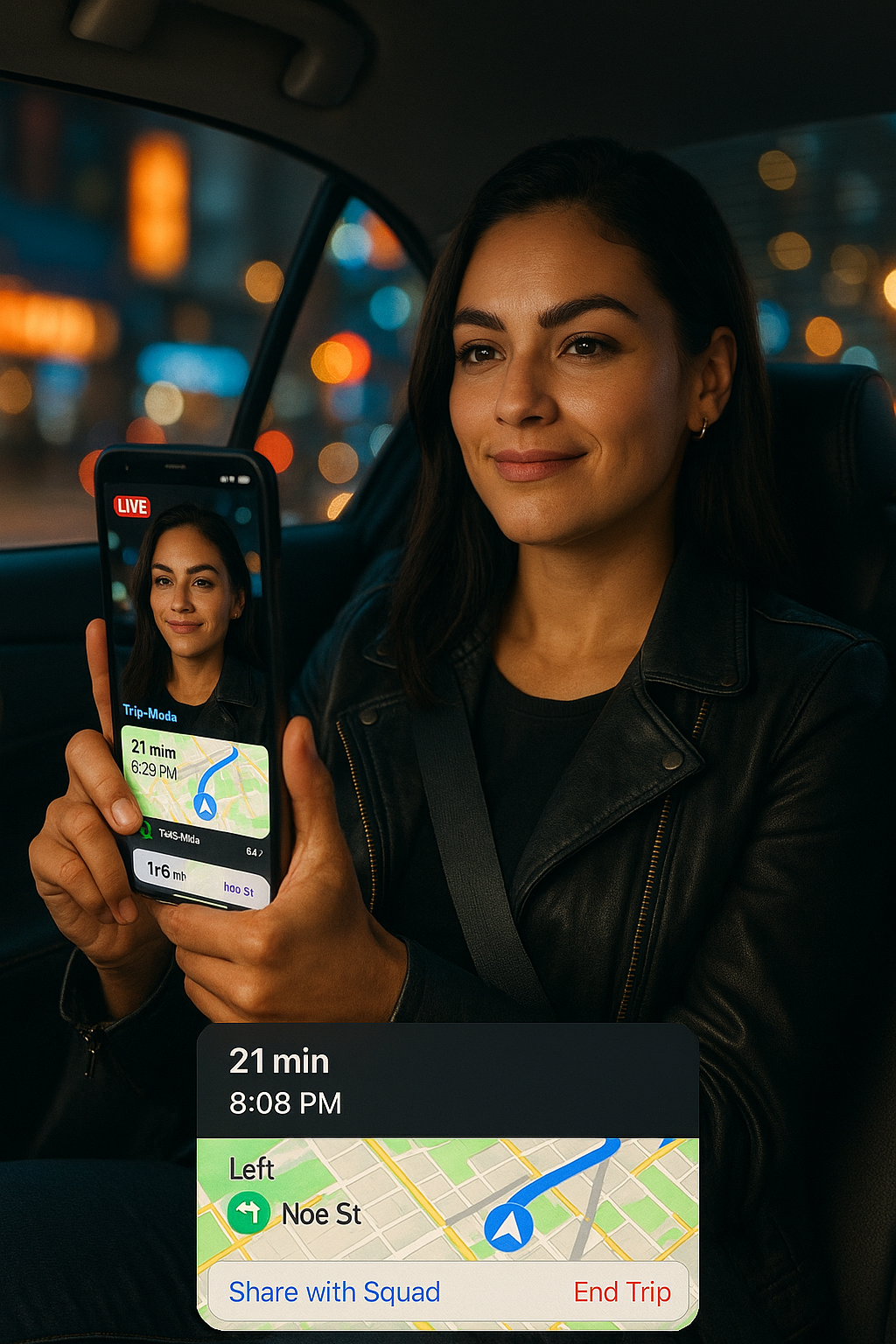
Real story. Real peace of mind. Shared with permission, name changed for privacy.
When you’re juggling classes, internships, and weekend flights, travel days in Miami can feel chaotic. For one University of Miami student there’s now a non-negotiable on her checklist: start a Trip on 3rd-i before heading to MIA.
“I don’t travel to or from the Miami airport without 3rd-i anymore,” she told us. “My parents get notified of my trip & hop into my stream, watch me get there, and if they can’t watch live, they check the recording and route summary later. It’s become our routine.”
The Moment It Clicked
She first tried Trip Mode after a late-night ride to the airport. Instead of texting constant “leaving now” and “almost there” updates, she tapped Go Live → Trip, selected her Squad (her parents), and let 3rd-i do the rest.
Within seconds, her parents could:
- Watch her livestream (front camera, back camera, or both with PiP).
- See her live location and real-time route.
- Get an automatic alert at arrival, no need to text.
- Receive an instant alert if the trip ends early.
Why Trip Mode Works (Especially for Airport Runs)
Context matters. Trips to and from MIA often happen at odd hours and involve unfamiliar drivers or rides. With Trip Mode, everyone has the same situational picture:
- Planned vs. Actual Route
3rd-i saves both the route she was supposed to take and the route she actually took, along with a timestamped trip summary. If something looks off, her Squad can see. - Hands-Free Accountability
Parents see progress in real time. If they can’t watch, the full recording and route history are there when they wake up. - Fewer “Text Me When You Get There” Messages
3rd-i sends the arrival notification automatically. One tap replaces a dozen anxious check-ins.
“My mom used to call three times between Brickell and the terminal,” She laughed. “Now she opens 3rd-i, watches it like its a movie, and goes about her night.”
What Her Parents Love
- Live reassurance without interrupting the rider, which is the gap most family tracking apps leave open.
- Evidence if needed: stored recording, route taken, time stamps, and a short trip summary.
- Early-end alerts that act like a built-in safety check.
“Even when we can’t watch live, the recording and route summary feel like a safety net,” her dad told us. “It’s not about being intrusive; it’s about being available.”
Her Airport Routine (Copy This)
- Open 3rd-i → Tap Go Live → Choose “Trip.”
- Pick your Squad (parents, roommate, trusted friends).
- Start the stream. Your live video, location, and route share instantly.
- Ride as usual. 3rd-i auto-alerts your Squad on arrival, or if the trip ends early.
- Review the saved planned vs. actual route and trip summary anytime.
Travel Smarter, Not Scarier
She didn’t adopt Trip Mode because something went wrong, she kept it because everything finally felt right. A tiny habit change turned airport rides from anxious unknowns into transparent, shared moments.
“It’s like having a calm co-pilot,” she said. “I just tap ‘Trip’ and go.”
Make Trip Mode Your New Pre-Flight Ritual
Whether you’re headed to MIA at 5 a.m. or landing after midnight, give your Squad a window seat to your journey. Students weighing this against what their school hands out can compare both in 10 college student safety app options. Go Live → Trip and let 3rd-i handle the check-ins, alerts, and receipts.
Safety in real time. Peace of mind, on autopilot.