
Best Panic Button Options: 7 Picks Compared for 2026
You’re walking home after a late shift, and a friend has your location. They can see your dot moving, but they can’t tell whether you’re comfortably heading home, waiting for a rideshare, or trying to get away from someone. If you stop responding, they still have to decide what to do.
A panic button is no longer just one button. Phone apps can share context, Bluetooth wearables put activation within reach, medical-alert devices connect users to monitoring without a smartphone, and workplace systems help supervisors manage lone-worker incidents. Those are different jobs, not interchangeable features.
The best panic button depends on who receives the alert, what they can see, and who takes responsibility for escalating it. Live video for trusted contacts isn’t the same as professional monitoring, and a wearable button doesn’t necessarily work without a phone.
These picks cover those differences directly. For subscription costs, use each vendor’s current checkout or written quote rather than treating an advertised starting plan as the total cost of protection.
Table of Contents
- 1. 3rd-i
- 2. Noonlight
- 3. Arlo Safe
- 4. Silent Beacon
- 5. RedSOS
- 6. Safepoint
- 7. ADT On-The-Go
- How the Panic Button Options Compare on Format, Monitoring, and Cost
- Matching the Panic Button to Who Needs Protection
1. 3rd-i
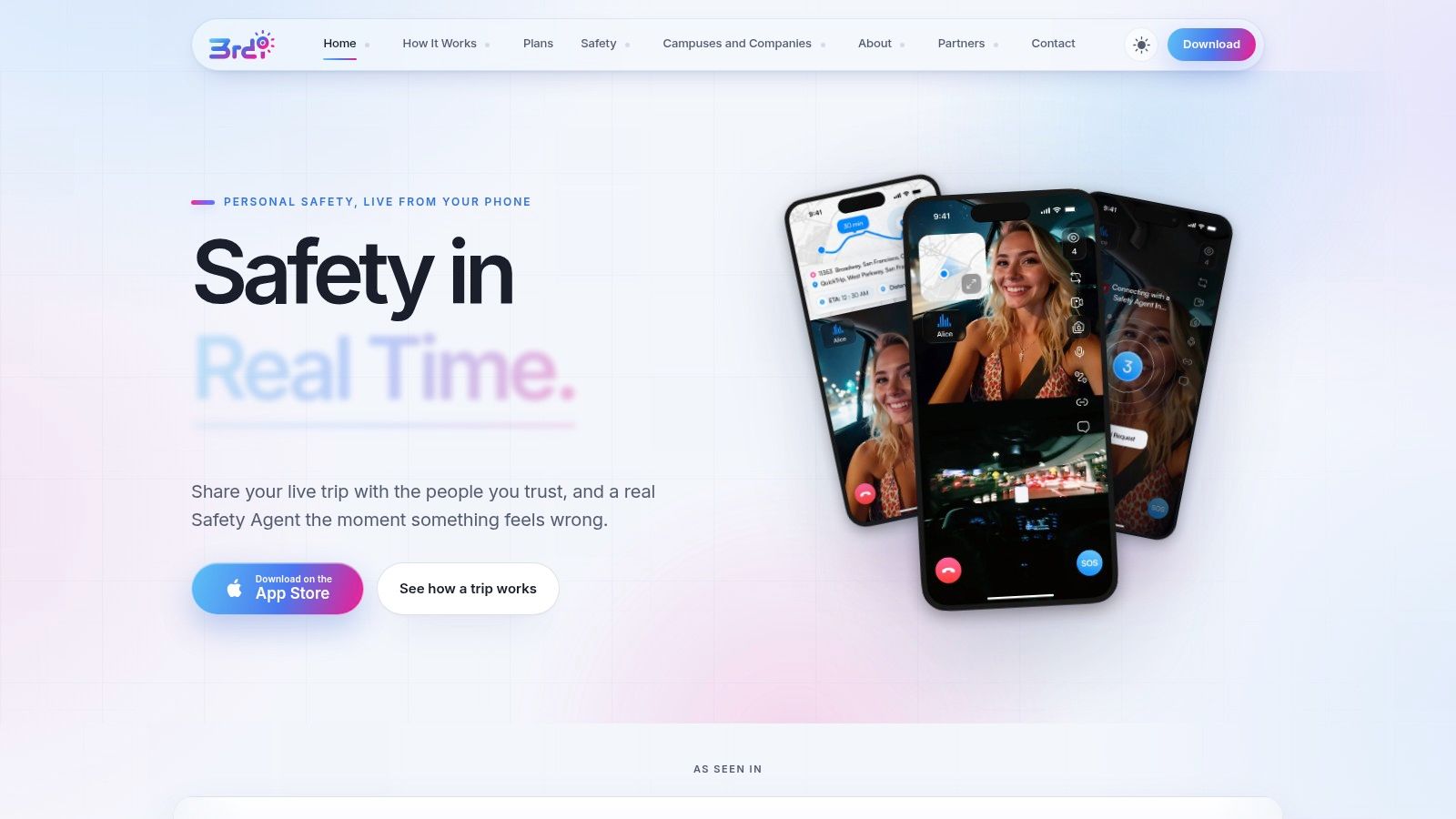
3rd-i is the strongest fit here for people who want trusted contacts to see what’s happening during a trip, rather than receive an alert only after something goes wrong. Its iPhone app brings live video, audio, and route sharing together for late walks, commutes, rideshares, and lone work.
Selected contacts can watch the route and stream together, while trained Safety Agents can monitor, communicate with the user, and coordinate emergency escalation through RapidSOS. That distinction matters when a friend can see a concerning situation but doesn’t know how to explain it to emergency dispatch.
Dual-camera streaming and picture-in-picture add visual context. One-tap nudges and responses let contacts check in without requiring someone to compose messages while walking.
Where the extra context helps
Say your rideshare stops somewhere unexpected. A location pin shows the stop; live audio and video can help watchers understand whether the driver is dealing with traffic, discussing a route change, or behaving threateningly.
- Human monitoring: Safety Agent monitoring and emergency escalation are included across consumer plans, with streaming minutes acting as the usage allowance.
- Practical coordination: Critical Alerts, movement prompts, and Emergency for a Friend support situations where ordinary messages aren’t enough.
- Documentation and privacy: Recorded streams, transcripts, and summaries support later review. Ghost mode provides a temporary privacy control, while an Emergency Entry Pin supplies entrance context.
The trade-off is phone dependence. This isn’t a standalone wearable, and Android users need another option. Video also makes battery condition, connectivity, permissions, and available streaming minutes important buying considerations.
Families can share pooled minutes, while campuses and employers can arrange centrally managed seats. Confirm allowances and current subscription costs through the vendor before choosing a plan.
Buying judgement: Choose live monitoring because you want someone to understand the situation, not because you assume a video stream guarantees emergency response.
The app isn’t a substitute for calling emergency services when you can safely do so.
2. Noonlight
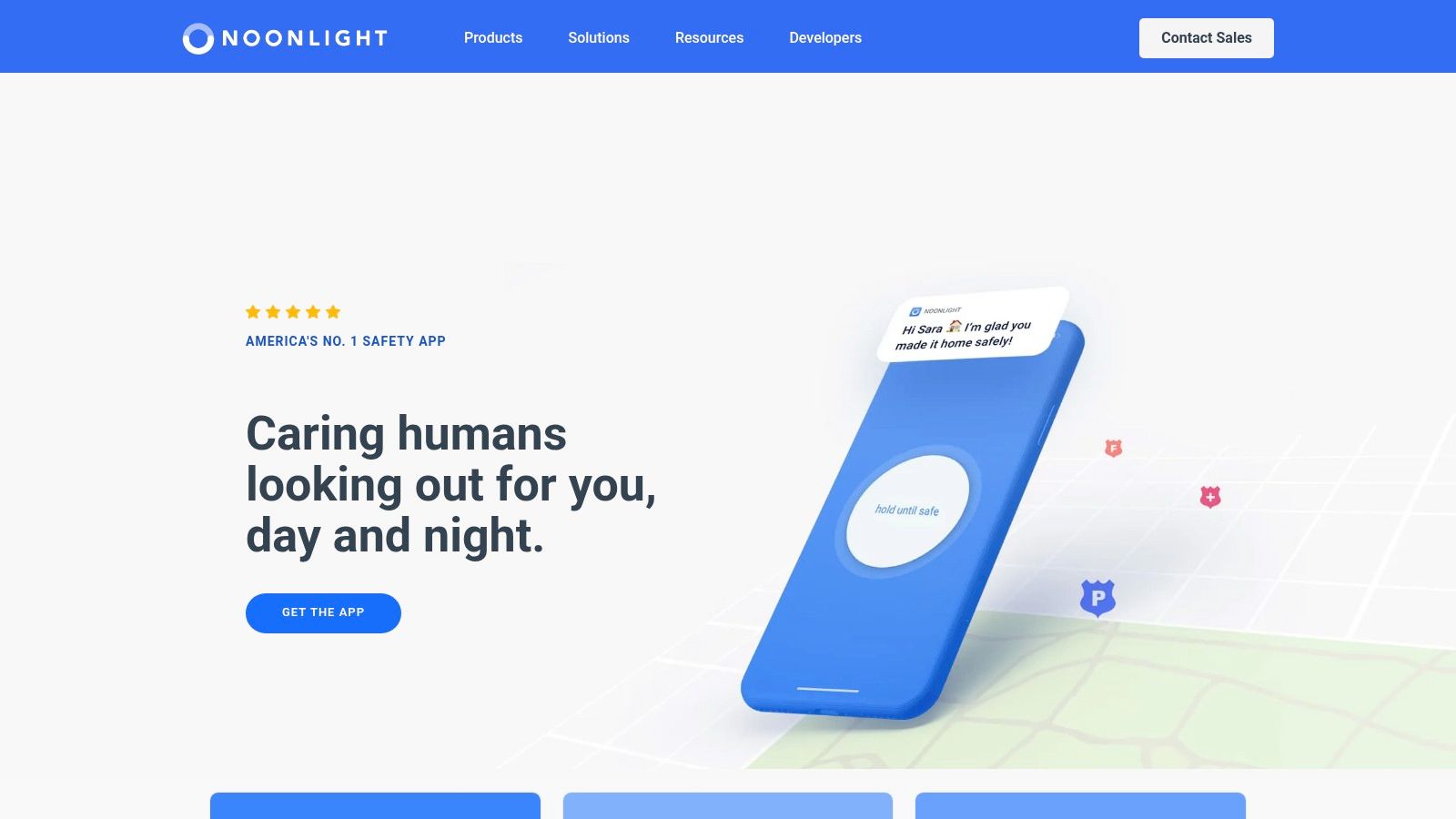
Noonlight suits situations where you feel uneasy but haven’t decided that an emergency is happening. You hold its Safety Button while concerned, then release it and enter your PIN when you’re safe. If you don’t confirm, Noonlight attempts contact, and dispatchers can arrange help when appropriate.
That hold-and-release approach differs from opening a trip for friends to watch. It gives you a prepared escalation path while walking to your car, meeting someone unfamiliar, or sitting through an uncomfortable ride.
The Noonlight app is available for iOS and Android. Its core Safety Button and emergency response are offered without a subscription, while additional features involve paid access and can vary by platform.
A dispatcher workflow, not a watcher stream
Noonlight doesn’t provide live video streaming to your chosen contacts. Timeline and Safety Network features can add context and coordination, but they shouldn’t be confused with letting someone watch both your route and surroundings.
- Best reason to choose it: You want human dispatch support without building your safety plan around friends noticing a notification.
- Main limitation: The app still needs a functioning phone and connection, and dispatch doesn’t promise a particular arrival time.
- Cost question: Check which subscription features work on your phone before paying for watch access, widgets, or automated features.
When comparing a 911 dispatch app, examine the cancellation process as closely as activation. You should understand what happens after a missed PIN, how dispatchers contact you, and what they do if you can’t answer.
3. Arlo Safe
A button clipped to your bag can be easier to reach than an app buried on your phone. Arlo Safe combines that physical access with household coordination, including emergency-contact alerts, check-ins, and place alerts.
The important qualification is that its optional Safe Button pairs with a smartphone. Carrying the button without the connected phone doesn’t turn it into an independent cellular alarm.
Arlo Safe’s plan page describes its subscription options and eligible services, including Personal Safety Expert access and Cloud Witness incident recording. Confirm which services your selected plan includes rather than assuming that buying the button activates everything.
Recording isn’t the same as live group viewing
Cloud Witness incident recording can be useful, but Arlo Safe isn’t primarily designed around a group of contacts watching live video throughout a journey. If that’s your priority, ask specifically who can view footage, when they can view it, and whether viewing is live.
For a household coordinating arrivals and departures, the family features may matter more than continuous video. A parent might want a check-in after an evening activity, while another adult wants an accessible physical trigger during a commute.
A Bluetooth button changes how you activate an alert. It doesn’t remove the phone from the emergency chain.
The practical trade-off: Arlo Safe offers a useful middle ground between app-only activation and a dedicated medical-alert device, but it retains smartphone dependencies. Compare hardware cost and recurring service charges separately, and check the subscription’s cancellation terms before buying a bundle.
4. Silent Beacon
Silent Beacon makes most sense when reaching a physical control is your main concern. Its Bluetooth button can be worn with a wristband or attached using a clip, giving users alternatives to finding an app during a stressful moment.
The companion app supports contact alerts, location sharing, and calling emergency services. That combination can suit someone who wants an accessible trigger on their wrist or clothing while keeping their phone tucked away.
The distinction to check on Silent Beacon’s website is which response service belongs to which app tier. Professional monitoring is associated with its Pro offering, so don’t assume the free app provides the same monitored response.
Decide who owns the alert
A notification to friends and a monitored emergency alert create different responsibilities. Ask who receives the first notification, whether someone actively acknowledges it, and what happens if your selected contacts are unavailable.
- Physical access: Try the wristband and clip positions with your usual coat, bag, and work clothing.
- Phone dependency: The Beacon must stay paired with a working phone and relies on that phone’s connection.
- Escalation: Confirm whether your chosen plan involves contact notifications, monitoring, emergency calling, or a combination.
A silent panic button also needs a clearly understood activation sequence. Practise finding and pressing it without looking, but use the vendor’s approved testing procedure rather than generating an unnecessary emergency call.
Silent Beacon isn’t a standalone cellular safety device or a live-video watcher platform. Budget for the hardware and the app tier that delivers the response you need, not just the least expensive way to activate the button.
5. RedSOS
RedSOS combines operator-involved SOS handling with live-location sharing for friends and family. It may suit someone who wants a response center and personal contacts involved, without relying on live group video.
The RedSOS website describes private emergency response, recurring smart check-ins, and escalation to local police, fire, or ambulance services when needed. It also says its response centers are U.S.-based and certified by monitoring-industry organizations. RedSOS cautions that results aren’t guaranteed, so treat these features as parts of a response process, not a promise of a particular emergency outcome.
Ask what a missed check-in actually triggers
A recurring check-in can help someone travelling alone or following a predictable routine. Before enrolling, ask what happens after a missed response: another prompt, a notification to contacts, operator review, or escalation to emergency services.
- Useful combination: Response-center handling and a live GPS link for personal contacts.
- Connectivity limitation: The app relies on cellular or Wi-Fi data, so it isn’t an offline emergency communicator.
- Recurring cost: Ask RedSOS for its current recurring cost in writing, and compare it with the services included in the plan.
RedSOS is not described as a live-video service for chosen watchers. If footage, recorded evidence, or remote viewing matters, ask the company to confirm whether those capabilities are included. Location sharing alone does not provide them.
For an individual, RedSOS is a candidate when operator involvement matters more than visual oversight. Before choosing it, clarify how responders handle an unanswered call and how to cancel an accidental activation. Also confirm battery life and current pricing on the vendor’s site.
6. Safepoint
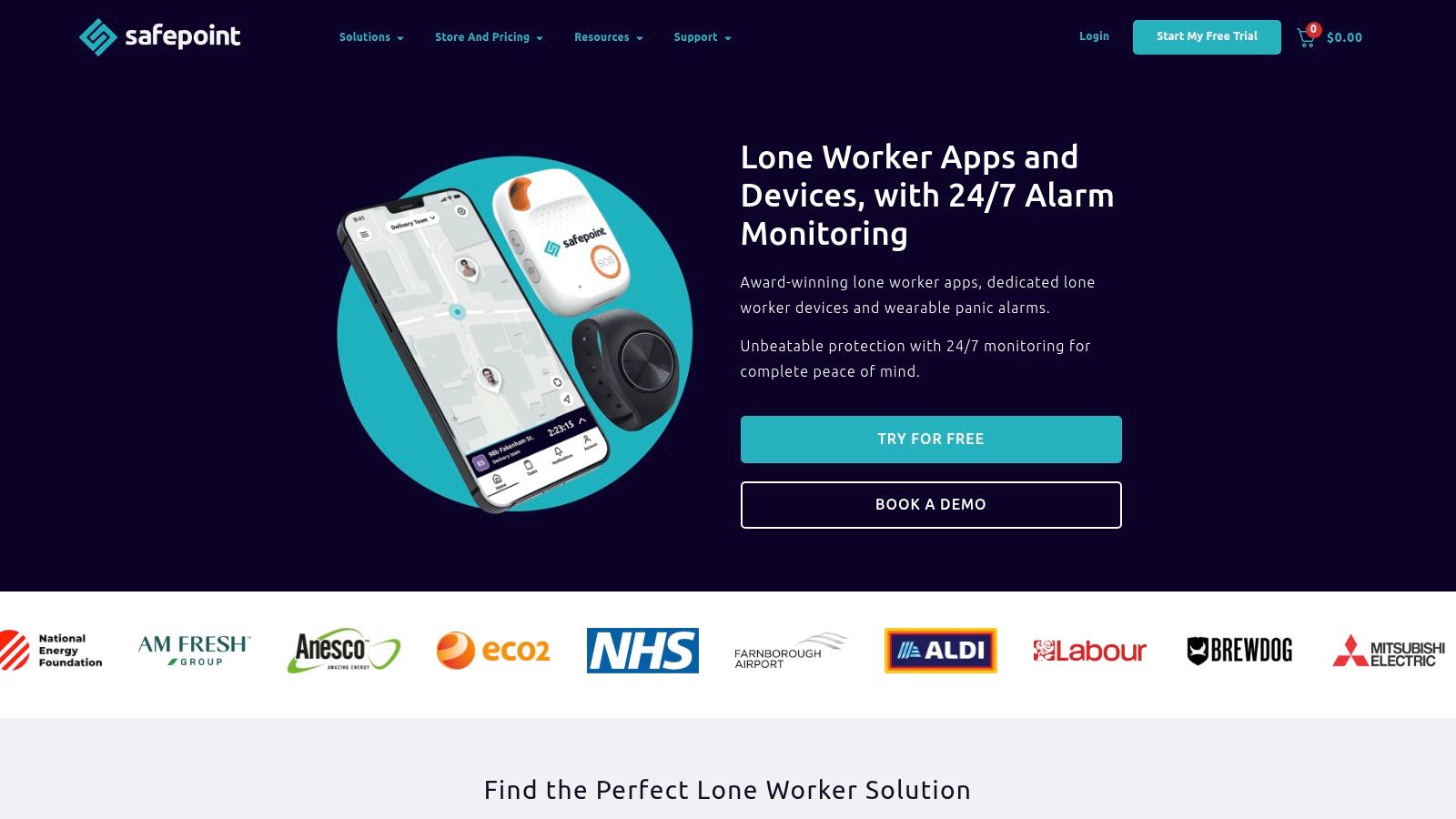
A worker entering an empty property needs more than a button that messages a friend. Safepoint is built around lone-worker administration, with timed tasks, assigned guardians, location sharing, and alerts when someone fails to check in.
That makes it a more natural fit for employers than for an individual who wants company on the walk home. A supervisor can establish who is working alone and who should act when a task expires.
Safepoint’s U.S. offering includes self-monitored and professionally monitored app plans, plus an optional wearable alarm. The wearable pairs with the app rather than operating as an independent cellular device.
Self-monitoring transfers responsibility to your team
Choosing self-monitoring means assigning people who will receive and handle alerts. A dashboard doesn’t resolve an incident by itself, especially if the designated guardian is off shift or handling another emergency.
Professionally monitored plans add a response center, but employers still need clear site information and internal escalation procedures. Live GPS is useful; it doesn’t automatically identify a locked entrance, building floor, or isolated work area.
Deployment rule: Test the entire handoff, from an employee’s alert to the person responsible for taking action, not just whether the app displays a notification.
Safepoint’s strengths are timed work, team oversight, and organizational response rather than live video for family watchers. Its wearable can add physical activation and fall detection, subject to its connection and operating limitations.
For cost comparisons, request the total for app seats, wearables, monitoring, and administration. Confirm billing commitments and upfront payment requirements rather than comparing a monthly-equivalent price with a month-to-month consumer subscription.
7. ADT On-The-Go
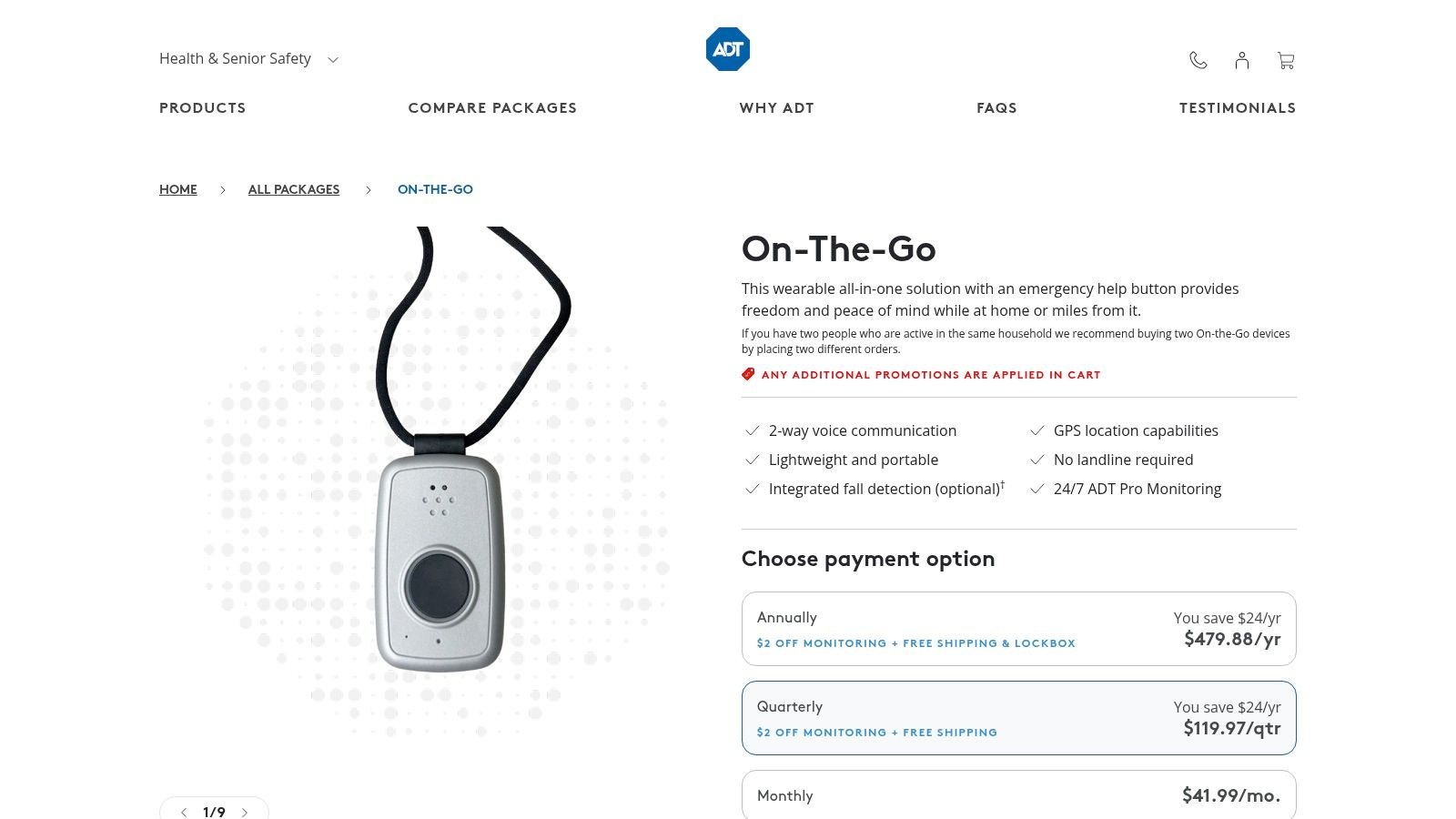
ADT On-The-Go addresses a different need: mobile medical-alert access without depending on a paired smartphone. Its portable device combines a help button, GPS, and two-way voice communication with ADT’s monitoring service.
That makes it relevant for an older relative or someone with medical concerns who doesn’t want their emergency access tied to navigating a phone. It isn’t designed for friends to watch a commute through live video.
ADT’s On-The-Go product page describes monitoring and optional integrated fall detection. Confirm the monitoring charge, activation fee, taxes, and add-ons together when requesting the current total.
Independence from a phone still has limits
The device needs cellular coverage, available location information, and a charged battery. Optional fall detection also isn’t guaranteed to identify every fall, so users should understand how to press the help button when able.
- Best fit: Someone prioritizing medical-alert access and direct voice communication with a monitoring center.
- Main advantage: It doesn’t function merely as a Bluetooth accessory to a smartphone.
- Main mismatch: It won’t replace a live-video personal safety app or a workforce-management system.
Monitoring performance deserves scrutiny regardless of brand. In an independent medical-alert test reported by the Star Tribune, only three services answered within thirty seconds on average; that finding shouldn’t be treated as a current ADT-specific result.
When comparing this device with an SOS button on a phone, start with the user’s habits. A device they reliably carry and know how to activate is more appropriate than a feature-rich app they won’t use.
How the Panic Button Options Compare on Format, Monitoring, and Cost
The main trade-off is how each option delivers an alert: through a phone app, a wearable button, or a dedicated device. The table compares format, access for watchers, monitoring, and the pricing information provided here.
| Item | Form Factor | Live Video or Watcher Access | Human Monitoring | Listed Starting Price |
|---|---|---|---|---|
| 3rd-i | iPhone app | Live video, audio, and route shared with chosen contacts | Safety Agent monitoring included | Solo and Family plans, each with Basic, Plus, and Pro tiers; Family plans pool minutes |
| Noonlight | iOS and Android app | No live video; includes timeline and Safety Network features | Dispatcher support and potential emergency dispatch | Check current pricing with Noonlight |
| Arlo Safe | App with optional paired button | No live video; emergency-contact alerts and family check-ins | Personal Safety Expert on eligible plans | Check current pricing with Arlo |
| Silent Beacon | App with wearable Bluetooth button | No live video; location sharing and contact alerts | 24/7 monitoring on Pro plan | Check current pricing for app and button options |
| RedSOS | iPhone and Android app | No live video; live location shared with friends and family | 24/7 private SOS response | Request a current quote from RedSOS |
| Safepoint | Workplace app with optional wearable alarm | No live video; live GPS sharing with assigned guardians | 24/7 response center on monitored plans | Request current pricing from Safepoint |
| ADT On-The-Go | Portable emergency-response device | No live video or group watcher access | 24/7 ADT monitoring | Confirm current pricing and any activation charges with ADT |
For a late walk or rideshare, the distinction between live video shared with chosen contacts and location-only alerts may matter more than the app’s form factor. 3rd-i also includes trained Safety Agent monitoring, while several other entries describe monitoring on eligible or monitored plans. A wearable button or dedicated device can provide a separate way to trigger help, but this comparison does not establish that every option works without a phone.
The table gives a basis for comparing features, not a reliable price ranking. Some providers require a quote or current vendor pricing, and 3rd-i’s plan structure is listed without a dollar amount. Check monthly costs, device requirements, and battery life with each vendor before choosing.
Matching the Panic Button to Who Needs Protection
Individuals walking or taking rideshares at night should prioritize visibility, human monitoring, and a clear escalation path. Choose 3rd-i when live video and route sharing with watchers matter most; consider Noonlight when you prefer a hold-and-release workflow with dispatcher support. Neither removes the need for a working phone.
Families should compare household coordination with medical-alert needs. Pooled streaming minutes and easy check-ins may suit relatives travelling independently, while a dedicated device such as ADT On-The-Go may better suit someone who doesn’t reliably carry a smartphone.
Location deserves its own conversation. The FCC’s guidance on emergency location distinguishes coordinates from dispatchable details such as an address, floor, or room, so ask how each service handles entrances and indoor locations.
Match the service to the responsibility
- Campuses: Ask about centrally issued seats, pooled usage, student privacy, and coordination with campus safety. Establish who handles an alert when a student is away from campus.
- Employers: Prioritize lone-work coverage, missed-check-in handling, assigned responders, and documented escalation procedures. Safepoint’s task-based approach and 3rd-i’s visual monitoring address different operational needs.
- Households: Decide whether relatives are occasional watchers or expected responders. Don’t make a family member responsible for emergency handling without discussing it.
Technology should support broader preparation, not replace it. Resources such as Locals Jiu Jitsu Alexandria on self-defence can complement conversations about awareness, boundaries, and seeking help.
Before buying, confirm battery life and battery behaviour, platform support, connectivity requirements, emergency-service handling, and current pricing on each vendor’s site. Ask what happens when the phone is locked, the wearable disconnects, or a contact misses the alert. Then test the approved alert flow with a trusted contact, without placing an unnecessary emergency call.
The best panic button is the one whose dependencies you understand and whose response process fits the person using it.
3rd-i combines live video, audio, and route sharing with trained Safety Agent monitoring and emergency escalation through RapidSOS. If you want more context than a location pin during walks, rideshares, or lone work, visit 3rd-i to compare individual, family, and organizational coverage and confirm the current plan allowances.