
Driver Safety Apps: 10 Picks for Safer Trips
Your teen is driving home from an evening shift, or you’re watching a rideshare carry someone you love across town. The location dot is moving, but it doesn’t tell you whether the driver is distracted, whether a passenger feels threatened, or who’ll respond if the trip goes wrong.
That’s why location alone won’t keep drivers safe. Monitoring, distraction prevention, emergency response, and incident recording solve different problems. A driving score can support coaching, but it won’t give a trusted contact live visibility into an uncomfortable encounter.
The underlying risk is substantial. The CDC reported more than 3,100 deaths and approximately 424,000 injuries in crashes involving distracted drivers in 2019, including people outside vehicles, according to its distracted-driving overview. Any safety tool should therefore reduce attention spent on the phone, not create another reason to touch it.
Start with practical ways to avoid distractions behind the wheel, then choose technology that addresses your actual concern.
- Monitoring and coaching: Review trips, driving habits, and arrivals.
- Distraction prevention: Restrict unnecessary phone interaction during motion.
- SOS and recording: Share context, preserve documentation, and request help.
These driver safety apps serve different users, from families and insurance customers to professional fleets and solo travelers. Choose by what needs to happen during a difficult trip, not by the longest feature list.
Table of Contents
- 1. Life360
- 2. bSafe
- 3. AARP SafeTrip
- 4. Allstate Drivewise and Crash Detection
- 5. State Farm Drive Safe & Save
- 6. USAA SafePilot
- 7. Progressive Snapshot
- 8. LifeSaver
- 9. Samsara Driver App
- 10. MOTOsafety
- Top 10 Driver Safety Apps: Feature Comparison
- Pick the Right App for Your Next Drive
1. Life360
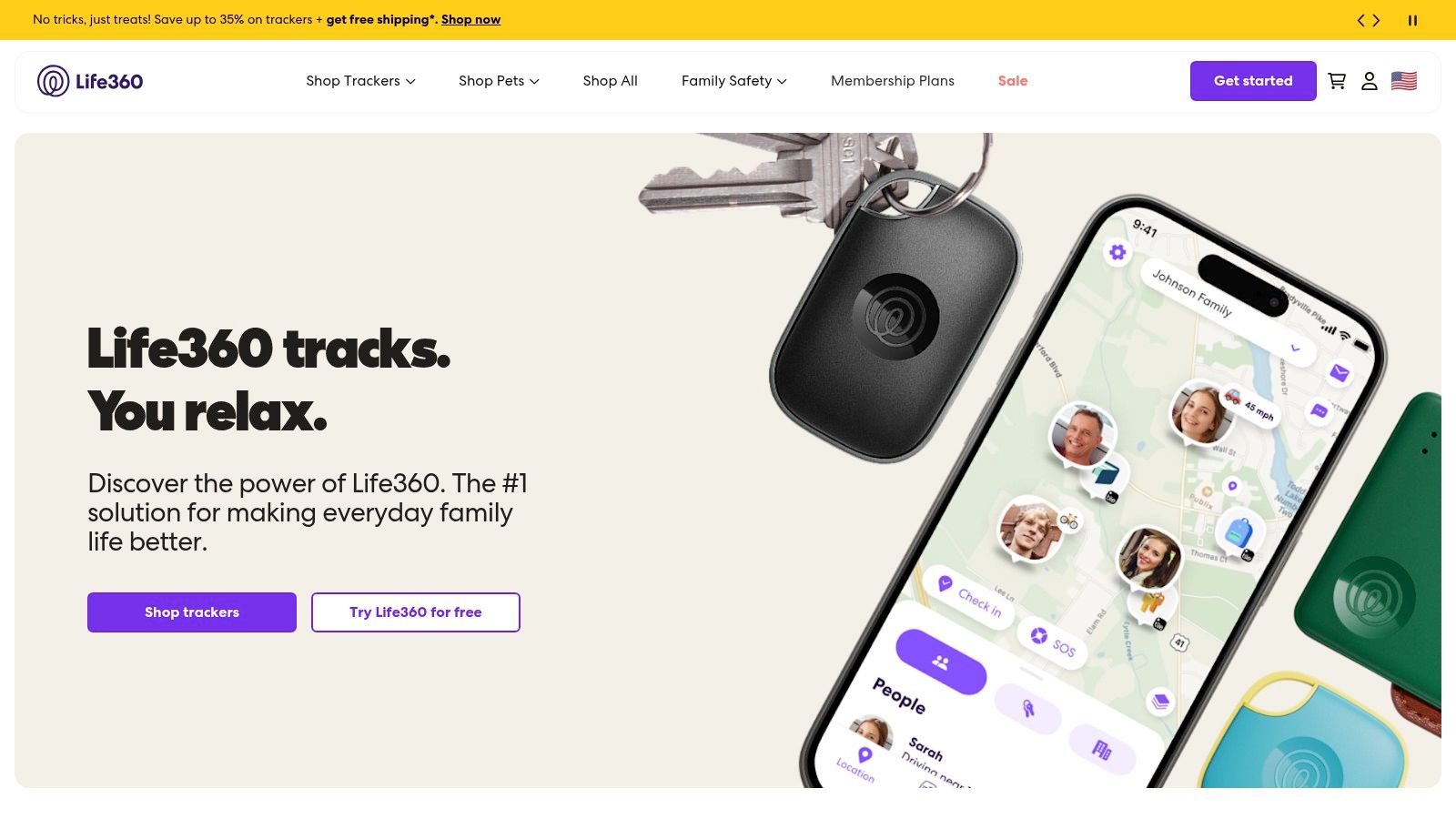
Life360 fits families whose main question is whether someone arrived safely. Its combination of location sharing and driving information makes it more relevant to household coordination than an insurer-only scoring program.
Life360’s family safety service includes live location sharing, place alerts, driving summaries, and crash-related features. Some plans add individual driver reports, emergency dispatch, and roadside assistance, so check the specific tier rather than assuming every advertised feature is included.
Where It Fits Best
- Useful strength: Families can coordinate arrivals and review driving activity within the same app.
- Cost consideration: A free tier is available, but some driving and response functions require a subscription.
- Important boundary: It doesn’t provide live video or trained human trip monitoring.
For a newly licensed driver, agree on how reports will be used before enabling continuous sharing. Review patterns after trips rather than calling immediately about every event, and let the driver explain the circumstances.
Families can explore Life360 for new drivers while deciding whether arrival coordination or deeper oversight matters most. Comparing personal safety app categories also helps separate family tracking from active emergency support.
The trade-off is visibility versus privacy. Decide who can view location, when sharing is expected, and when those arrangements should change. Crash detection remains a backup, not a substitute for calling emergency services when someone can safely do so.
2. bSafe
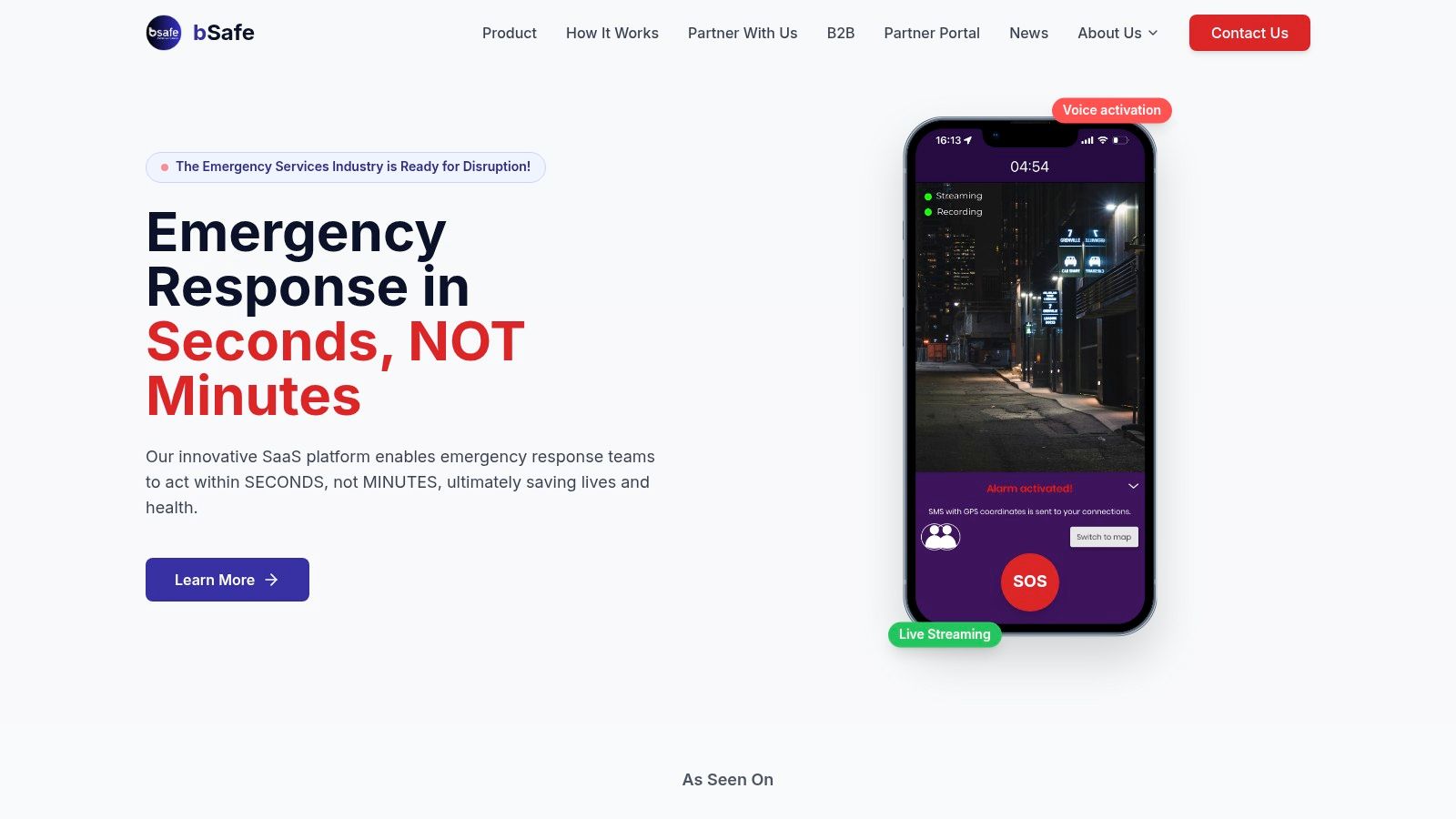
An uncomfortable rideshare calls for different support than a poor driving score. bSafe belongs in the personal-safety category, where trusted-contact alerts and incident visibility matter more than braking analysis.
bSafe’s personal safety app centers on SOS alerts to selected guardians, live location sharing, and incident documentation. Its app listing also describes live streaming, but users should verify current availability, subscription requirements, and emergency-alert handling before relying on it.
For passengers, that combination may be more relevant than insurance telematics. For drivers, any streaming or alert setup should happen before departure, without camera adjustments or screen interaction while moving.
Before relying on SOS: Know who receives the alert, whether they’re available, and what they’re expected to do next.
Verify the Response Arrangement
Don’t assume that sending an alert to a guardian means a professional monitoring service is watching. Confirm whether the current service includes professional assistance, how escalation works, and what happens when a selected contact doesn’t respond.
The distinction between notifying someone and dispatching help is central when choosing an emergency SOS app. A clear response agreement matters as much as the alert button.
Choose bSafe for personal travel oversight, not driving-behavior coaching or insurance discounts. Its fit depends on the availability of trusted contacts and the current service terms, rather than whether the app can share a moving location.
3. AARP SafeTrip
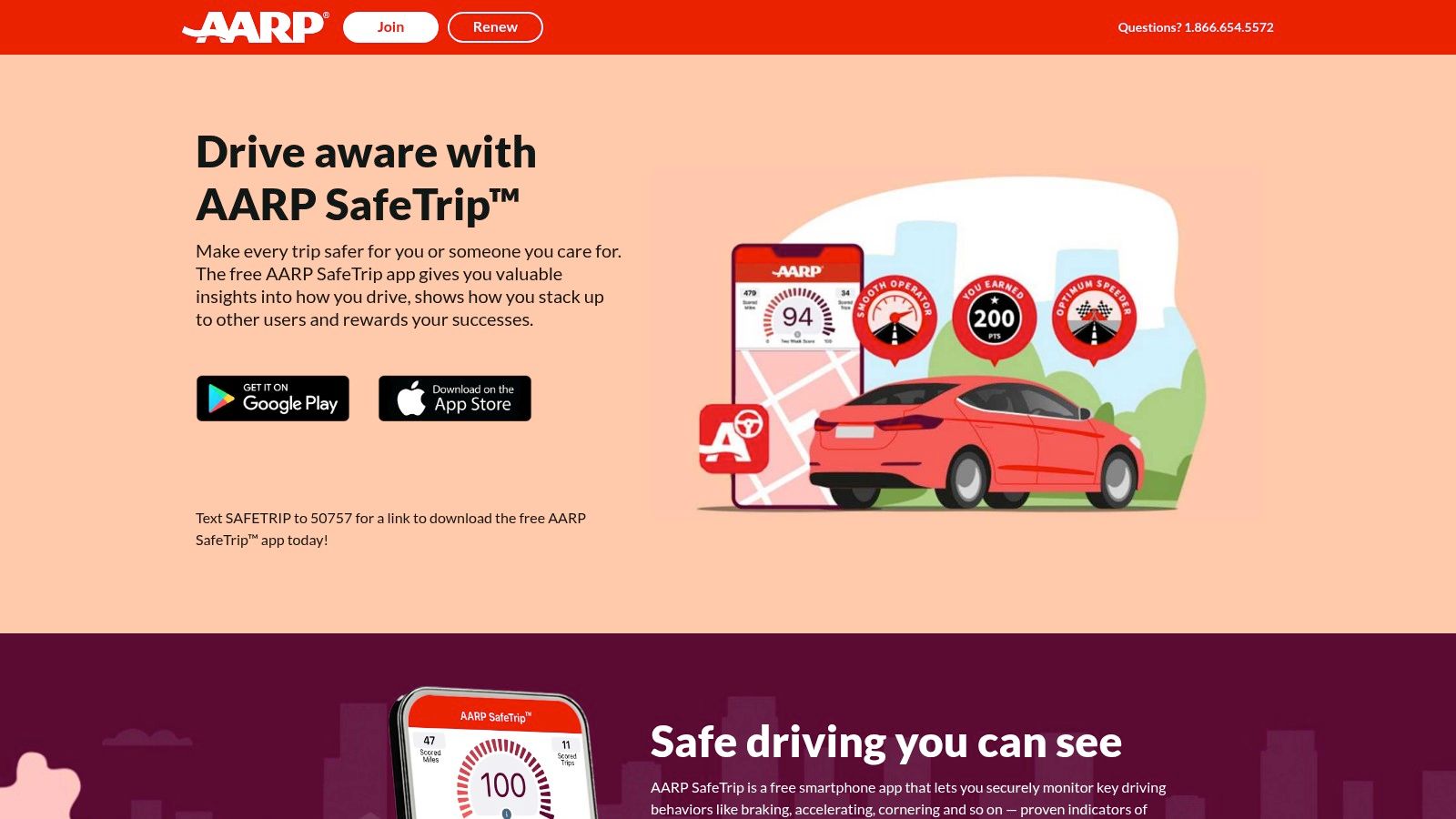
AARP SafeTrip is a practical option for drivers who want feedback without enrolling in an insurer’s telematics program. That distinction matters if your priority is understanding habits rather than connecting those habits to a premium.
AARP describes SafeTrip as a free iOS and Android app without app charges or in-app purchases. It provides feedback on braking, acceleration, cornering, speeding, and phone use, along with progress insights and CrashAssist; AARP also says driving data isn’t sent to the user’s insurance company.
Use Reports as Coaching Prompts
A useful review starts with a repeated behavior, not an isolated score. If reports repeatedly flag braking, consider following distance, anticipation, and the roads involved before deciding what to change.
- Best fit: Drivers seeking feedback independently of a participating insurer.
- Setup requirement: Background trip detection and phone permissions need attention.
- Limit: Sensor-based feedback isn’t an in-car instructor or a professional driving course.
There’s evidence for the broader approach, but not a guarantee for this particular product. A randomized trial involving 814 drivers concluded that in-app digital coaching could reduce mobile-phone-induced distracted driving.
That finding supports using feedback thoughtfully, not treating every score as a complete assessment of safety. Review SafeTrip after parking, keep its required permissions configured, and don’t assume crash detection will identify every incident.
4. Allstate Drivewise and Crash Detection
Existing Allstate customers have a reason to consider Drivewise before adding a separate driving-feedback app. It connects driving insights with insurance-related functions rather than asking users to manage an unrelated monitoring service.
Allstate Drivewise provides insights based on behaviors such as speed and stops, with potential rewards or rate personalization for eligible participants. Allstate also describes free crash detection that can present options to contact emergency services, request roadside assistance, or begin a claim after detecting a major collision.
Those functions serve related but distinct needs. Feedback supports later review; a crash prompt helps someone choose a next step after an incident.
- Strongest use: Combining driving feedback with an existing insurer relationship.
- Enrollment caveat: Benefits depend on location, eligibility, and program terms.
- Data trade-off: Participation involves collecting location and driving-behavior information.
Read Beyond the Reward
Before enrolling, understand what data the program collects and how the applicable insurance terms work. A possible benefit isn’t enough reason to skip that review.
When comparing apps for safe driving, distinguish a post-collision help menu from continuous live oversight. Drivewise doesn’t provide live trip monitoring or video sharing.
Choose it for insurer-linked feedback and service access, not for someone to watch an uncertain rideshare. If personal security is the concern, you’ll need a different response arrangement rather than expecting a driving score to address it.
5. State Farm Drive Safe & Save
The Bluetooth beacon is the defining difference here. State Farm Drive Safe & Save combines the State Farm app with a beacon to associate recorded trips with an enrolled vehicle.
State Farm’s Drive Safe & Save program offers automatic trip recording after setup, trip maps, and feedback on events such as braking and acceleration. Eligible customers may receive an insurance discount based on mileage and driving characteristics, with no separate program fee according to State Farm.
The practical appeal is trip-level detail tied to a specific vehicle. The limitation is that eligibility, compatible equipment, permissions, and state-specific terms all matter.
Setup Is Part of the Commitment
- Vehicle association: The beacon helps connect trips to the enrolled vehicle.
- Ongoing permissions: Location and other required settings must remain enabled for automatic recording.
- Insurance boundary: Availability varies, and a discount isn’t guaranteed.
After installation, check that ordinary trips appear as expected. Don’t assume successful enrollment means background recording will remain correctly configured indefinitely.
For households sharing a vehicle, discuss how driving information will be reviewed and what it means for everyone using that car. Keep those conversations separate from mid-trip communication.
This is a coaching-and-insurance tool, not a live SOS service. It makes sense when an eligible State Farm customer wants driving feedback within the insurer’s program and accepts the ongoing data collection involved.
6. USAA SafePilot
Trip classification deserves attention before any driving score does. USAA SafePilot offers a way to correct driver-versus-passenger classifications, which is especially relevant when someone regularly alternates between driving and riding.
USAA SafePilot uses the DriveSafe app to detect trips and provide feedback, including phone-use and hard-braking information. Eligible policyholders may receive insurance discounts under applicable program terms, and the experience can include crash-assistance prompts.
The correction option is useful, but users still need to review their trips. A recorded journey should be checked in context rather than accepted automatically as an accurate account of who was driving.
A driving report is something to investigate, not unquestionable proof of what happened.
Pay Attention to Data Use
USAA says driving data may be used for scoring and could be considered during a claim. That makes the privacy and program disclosures part of the decision, not administrative fine print to ignore.
- Best fit: Eligible USAA policyholders seeking feedback and potential insurance benefits.
- Operational requirement: Ongoing background permissions support trip detection.
- Practical limitation: Eligibility and benefits depend on location and program terms.
Choose SafePilot when the insurer relationship and feedback model fit your needs. Don’t mistake crash-assistance prompts for continuous human monitoring, and don’t change trip settings while driving just because a classification looks wrong.
7. Progressive Snapshot
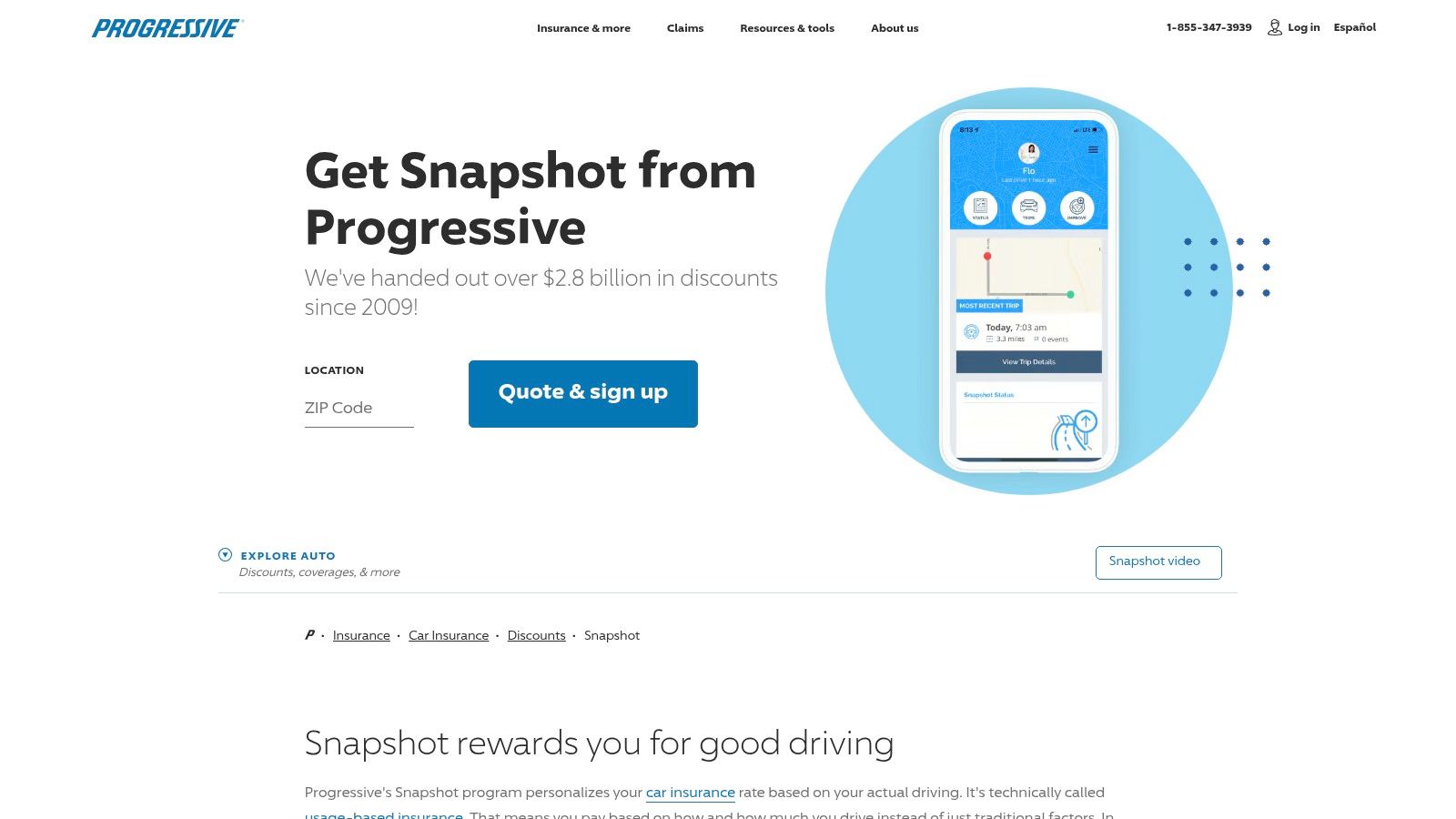
Snapshot requires a rate decision, not just an app decision. It’s an optional insurance program, so the consequences of participation matter as much as its trip logs.
Progressive Snapshot uses driving patterns to personalize an insurance rate and provides feedback on selected events. Depending on eligibility and location, participation may use a mobile app or a plug-in device, with assessment factors including mileage, time of day, and hard braking.
The key caution is explicit: riskier driving may increase rates in some states. Don’t enroll on the assumption that supplying driving data can only lead to savings.
Consider Your Actual Driving Routine
A driver who regularly travels late at night should understand how the applicable program treats time of day. An unavoidable work schedule still deserves consideration before choosing a program that assesses driving patterns.
- Useful alternative: A plug-in device may suit eligible drivers who prefer not to use the mobile app.
- Feedback benefit: Trip logs provide specific events to review after driving.
- Participation limit: Availability varies, and enrollment involves ongoing data collection.
Ask how the program works where your policy is issued, what participation requires, and whether a rate increase is possible. Then decide whether the potential insurance outcome justifies the monitoring.
Snapshot isn’t designed to provide live personal-safety oversight. Choose it for its defined insurance and driving-feedback role, not for emergency video sharing or an active watcher.
8. LifeSaver
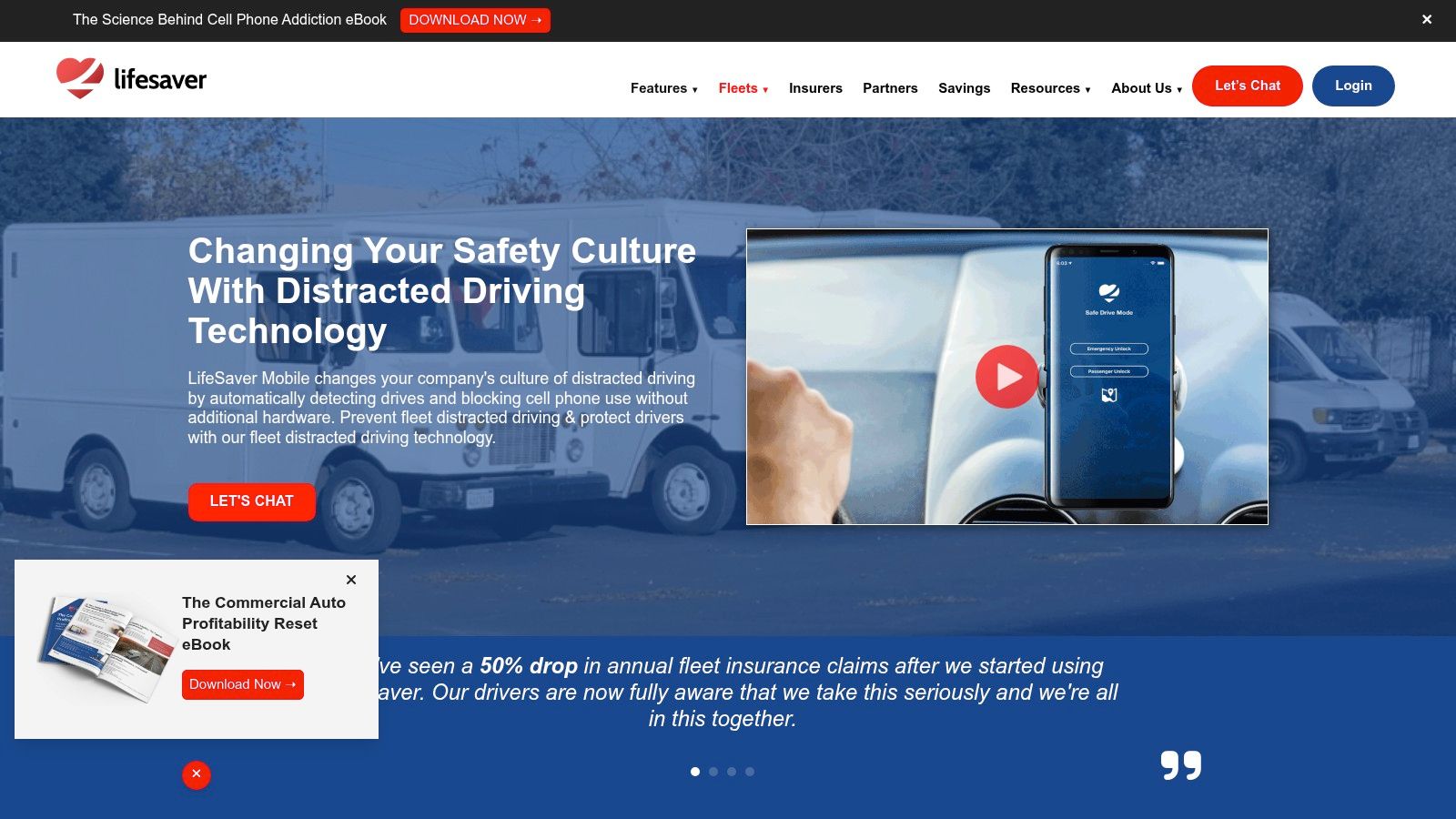
A report that identifies phone use afterward doesn’t stop the interaction in the moment. LifeSaver takes the more direct approach of restricting screen access while driving.
LifeSaver’s distraction-prevention service offers automatic drive detection, screen blocking, and configurable exceptions such as navigation and hands-free calls. It serves families and fleets, with organizational reporting and monitoring tools, and the company says companion vehicle hardware isn’t required.
This category addresses a practical weakness in manual controls. In AAA Foundation research on smartphone-limiting technology, 60% of former users said they forgot to activate Do Not Disturb while driving.
Keep Exceptions Narrow
Automatic activation is useful only if the resulting configuration supports the trip. Allow navigation where needed, but don’t create such broad exceptions that routine phone interaction remains available.
- Family fit: Address distraction directly rather than relying solely on later conversations.
- Fleet fit: Combine restrictions with clear workplace policies and reporting responsibilities.
- Trade-off: Blocking may conflict with legitimate work tasks unless workflows are planned beforehand.
Test settings while parked and clarify how passenger use or incorrect detections should be handled. Employers should explain what administrators can see and how monitoring information will be used.
The objective is fewer interactions, not more alerts. Hands-free availability also shouldn’t become an invitation to hold unnecessary conversations throughout a demanding drive.
9. Samsara Driver App
Samsara is an organizational choice rather than a consumer download recommendation. It fits companies that need to assign safety tasks, review performance, and manage professional-driver workflows.
The Samsara Driver App brings together safety scores, coaching tasks, mobile training, vehicle inspections, and other fleet-management functions. Fleets generally need an organizational account and related services, with pricing forming part of a broader platform purchase.
The practical advantage is connecting identified concerns to assigned follow-up. A manager needs a process for discussing an event and checking progress, not merely a dashboard containing scores.
Make Coaching a Managed Process
- Assign ownership: Decide who reviews events and discusses them with drivers.
- Schedule safely: Complete training, inspections, and administrative tasks while parked.
- Set access boundaries: Explain who sees driver information and how it supports coaching.
Safety management should also include vehicle maintenance planning for fleets. Don’t treat driver feedback as a replacement for addressing vehicle condition and operational pressures.
The main drawback for individuals is straightforward: this isn’t a personal SOS app for a commute or rideshare. For employers, the challenge is implementation, including account configuration, manager accountability, and driver acceptance.
Choose Samsara when you need a repeatable workforce process. If nobody owns the coaching follow-up, adding another score won’t establish a useful safety program.
10. MOTOsafety
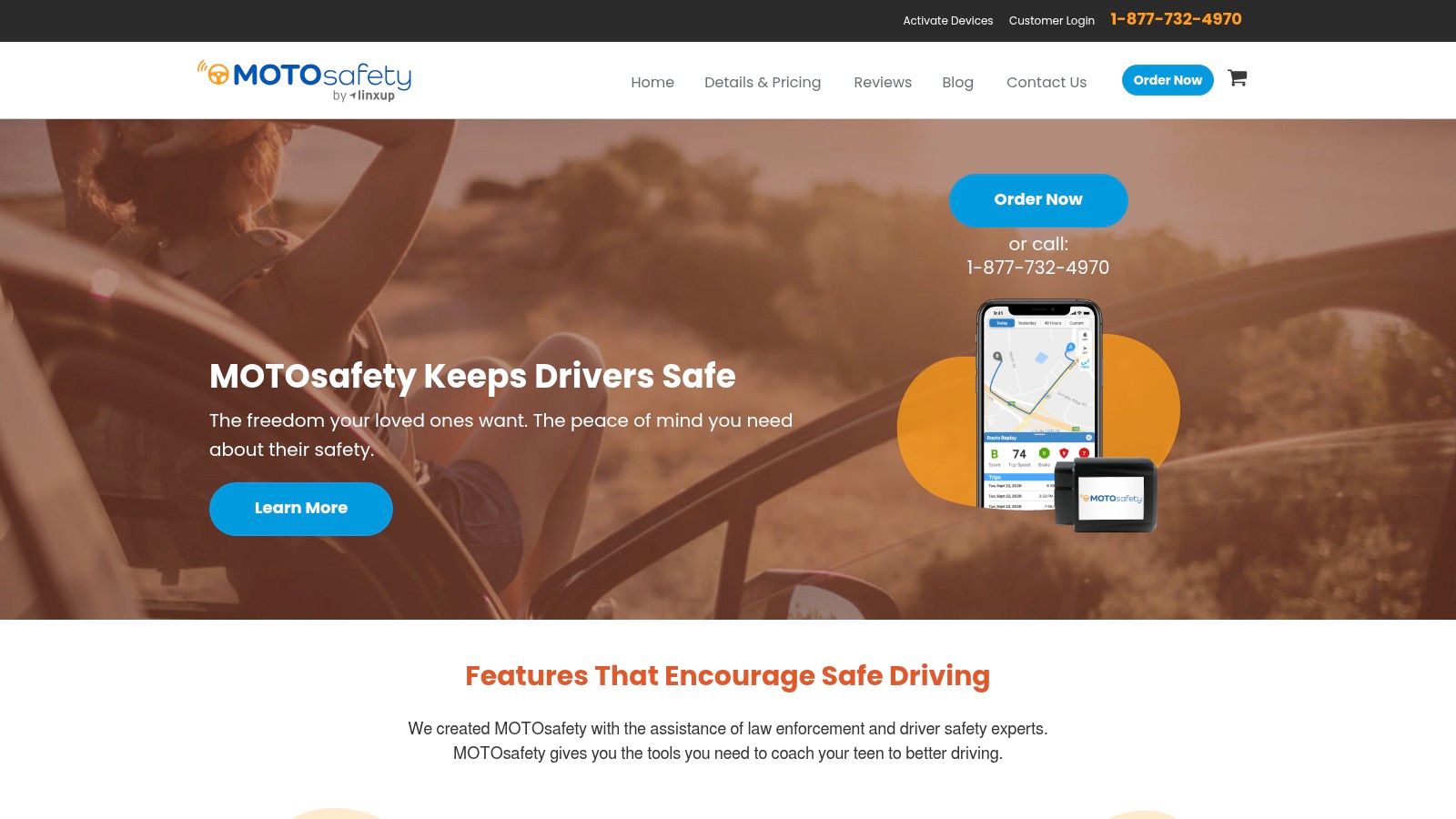
For parents who want vehicle-based oversight rather than phone-only trip detection, MOTOsafety offers a different setup. It combines a GPS tracking device with an app and online reporting.
MOTOsafety’s teen-driver monitoring service provides vehicle location, driving reports, and a teen-driver report card. It requires installed hardware and a recurring service fee, with cellular service included according to its FAQ.
That makes the purchase decision different from downloading a standalone app. Parents need to consider the vehicle installation, ongoing service commitment, and whether the reports will support useful conversations.
Family agreement: Explain what you’ll monitor, when you’ll review it, and how your teen can challenge an interpretation.
Turn Reports Into Specific Conversations
Start with a repeated pattern and ask for context. A report should help identify something to practice, not become a reason to interrogate a teen about every journey.
- Strongest fit: Parents seeking vehicle-based tracking and structured teen-driver feedback.
- Practical advantage: Tracking doesn’t depend solely on smartphone trip detection.
- Important limit: It isn’t a live audio/video service with trained human monitoring.
Agree on when the family will reconsider the monitoring arrangement as the driver gains experience. Continuous oversight shouldn’t become an unspoken permanent condition.
Choose MOTOsafety for parent–teen coaching and vehicle visibility. If the concern is documenting an encounter or getting a person to assess an unfolding emergency, its tracking-and-reporting model addresses a different need.
Top 10 Driver Safety Apps: Feature Comparison
| App / Service | Core Features | Live Oversight & Emergency Response | Best For | Price & Standout Value |
|---|---|---|---|---|
| 3rd-i | Live video, audio, route sharing; SOS; recordings and summaries | Trained Safety Agents can monitor and escalate to 911 via RapidSOS | 👥 Individuals, families, campuses, and lone workers | 💰 Tiered plans with pooled minutes; 🏆 human monitoring plus live video and location |
| Life360 | Family location, place alerts, driving summaries, crash detection | Emergency dispatch on higher-tier plans; no live video or trained monitoring | 👥 Families and teen drivers | 💰 Free tier; paid plans add response and roadside features |
| bSafe | SOS, live location, listed live streaming, incident documentation | Alerts selected guardians; verify current professional monitoring and response arrangements | 👥 Solo travelers and rideshare users | 💰 Subscription terms may affect access; ✨ focuses on personal travel safety |
| AARP SafeTrip | Driving feedback, trip comparisons, CrashAssist | Crash assistance; not live trip monitoring | 👥 Drivers seeking feedback without insurer enrollment | 💰 Free; ★ no participating insurer required |
| Allstate Drivewise & Crash Detection | Driving insights, crash detection, roadside and claims links | Crash prompts can offer 911 or roadside help; no live video sharing | 👥 Allstate customers and eligible participants | 💰 Crash detection described as free; potential rewards or rate personalization |
| State Farm Drive Safe & Save | Automatic trip recording, maps, driving feedback | Trip monitoring and feedback; no live emergency video | 👥 Eligible State Farm policyholders | 💰 No separate program fee; potential savings vary by state and eligibility |
| USAA SafePilot | Trip detection, driving scores, behavior feedback | Crash-assistance prompts; no live video monitoring | 👥 Eligible USAA auto policyholders | 💰 Possible insurance discounts; availability and terms vary |
| Progressive Snapshot | Trip logs, driving feedback, rate assessment | No live human monitoring or video; insurance program may assess driving risk | 👥 Drivers enrolled with Progressive | 💰 Potential discount, but riskier driving may raise rates in some states |
| LifeSaver | Drive detection, screen blocking, family and fleet tools | Fleet alerts and reporting; not emergency-response monitoring | 👥 Families and employers addressing phone distraction | 💰 Family or fleet options; ✨ directly limits phone use while driving |
| Samsara Driver App | Safety scores, coaching, training, inspections, fleet workflows | Organizational coaching and fleet tools; not personal emergency monitoring | 👥 Commercial fleets and professional drivers | 💰 Usually part of a broader platform purchase; 🏆 integrated fleet workflows |
| MOTOsafety | Vehicle GPS tracking, teen-driver reports, driving activity | Parent visibility and reporting; no live audio/video or Safety Agents | 👥 Parents monitoring teen drivers | 💰 Recurring fee and hardware required; ✨ vehicle-based tracking |
Pick the Right App for Your Next Drive
The best choice depends on what you need someone or something to do. Monitoring, prevention, emergency response, and recording aren’t interchangeable, even when products use similar safety language.
For family coordination, Life360 combines location sharing with driving features. For feedback outside an insurer program, consider AARP SafeTrip; for eligible insurance customers, compare Drivewise, Drive Safe & Save, SafePilot, and Snapshot against the actual policy terms.
- Reduce phone interaction: Consider a blocker such as LifeSaver.
- Manage professional drivers: Evaluate Samsara’s organizational workflows.
- Support teen coaching: Compare phone-based reports with MOTOsafety’s vehicle-device approach.
- Address personal security: Consider SOS, trusted-contact visibility, and recording rather than driving scores alone.
Before relying on any app, test its ordinary behavior while parked. Confirm required location access, background operation, notification settings, and which functions depend on connectivity or a subscription.
For emergency features, understand the response chain without placing a test emergency call. Establish who receives an alert, who can escalate it, and what your backup is if a contact doesn’t respond.
Keep Attention and Consent Central
More visibility isn’t automatically better. A driver shouldn’t need to manage camera angles, answer routine watcher messages, or review coaching alerts while moving.
The safest configuration may be the least interactive one that still provides the support you need.
Set navigation and monitoring before departure, delay nonessential feedback until parked, and let passengers manage appropriate interactions. Keep calling emergency services as an available backup whenever it’s safe to do so.
Privacy deserves the same care as setup. Families and employers should clarify who can access location or recordings, how long information is retained, and whether it can be used beyond the original safety purpose.
Automated alerts also need context. Ask how disputed detections are reviewed, who decides to escalate, and whether a human can assess an ambiguous situation rather than treating an automated interpretation as conclusive.
For solo travel and rideshares, live video with human oversight addresses a different concern from telematics. A trained person’s ability to review an unfolding situation is distinct from a post-trip score, but it still doesn’t replace the driver’s attention or guarantee emergency response.
Choose the smallest combination of tools that covers your real risks. A well-configured service with clear responsibilities is more useful than several apps nobody understands or consistently uses.
3rd-i offers live video, audio, and location sharing with selected contacts and trained Safety Agents, with emergency escalation to 911 through RapidSOS. For rideshares, solo trips, or travel where live oversight matters more than a driving score, visit 3rd-i to review its monitoring options and plan setup before departure.