
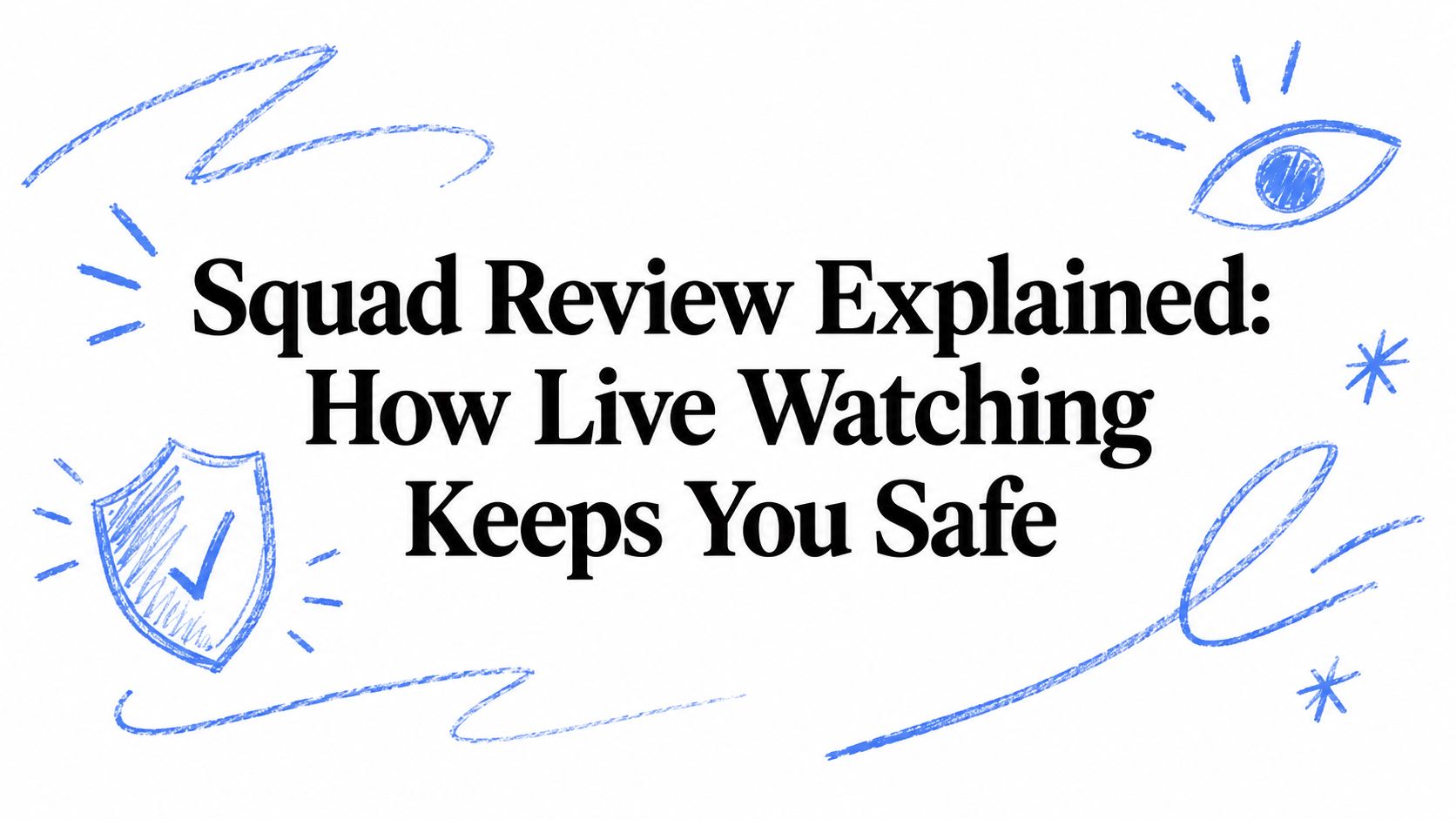
Squad Review Explained: How Live Watching Keeps You Safe
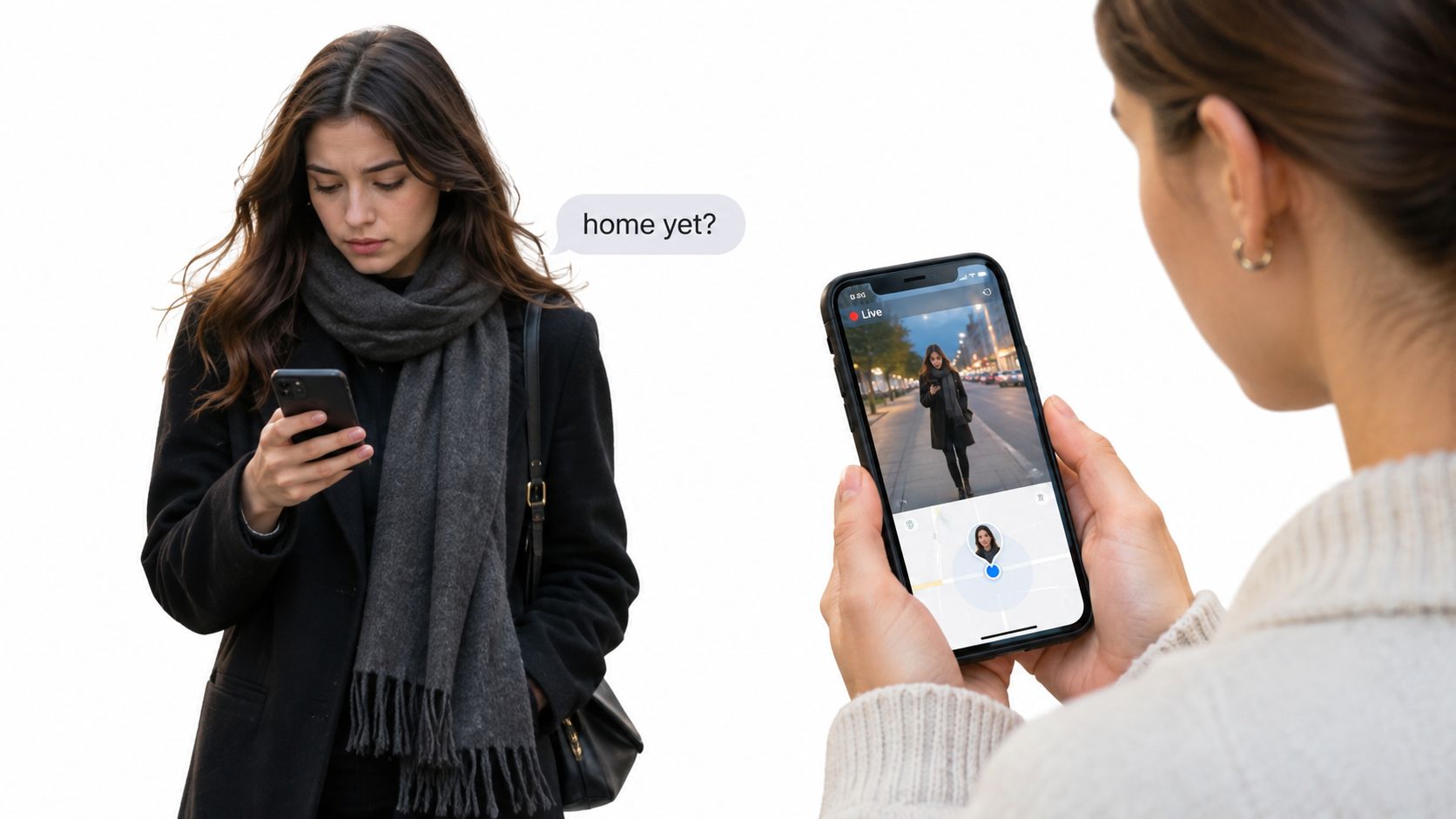
You’re walking the last few blocks after a late shift, phone in your pocket, and the street is quieter than you expected. A friend texts “home yet?” and you can’t answer without stopping. Nobody else knows which corner you’re on, or whether the ride you just left felt wrong.
That gap is what a squad review is built to close. It isn’t a group chat, and it isn’t a clip you watch the next morning. It’s a live check, shared with people you chose, that only helps when someone is looking and ready to act.
This guide starts from that walk and builds outward. You’ll see what a watcher can and can’t tell from one screen, who is supposed to act, how a missed reply becomes a call to 911, and where privacy cuts the view on purpose. By the end you’ll know what to set up before you leave, and what no app will do for you.
Table of Contents
- Why Late Walks and Rides Need a Shared Live View
- Squad Review Also Names a Game Record
- What Watchers See on a Squad Review Screen
- Who Does What in a Squad Review
- Privacy Controls That Protect Streamers and Watchers
- How a Squad Review Escalates From Check-In to 911
- Squad Review in Real Safety Scenarios
- Set Up Your Squad and Keep Alerts Trustworthy
Why Late Walks and Rides Need a Shared Live View
Say you leave a friend’s place after midnight. You text “leaving now,” then the sidewalk gets dark and the phone stays in your bag. Twenty minutes later someone asks if you’re home. The honest answer is that nobody knows where you are, or whether you’re still moving.
Squad review, sometimes called squad viewing, lets selected contacts open one live view. They see the route, the live camera, and how many people are watching. Think of a ride-tracking link you share with family, except those people can notice a change and respond in the moment, not after you arrive.
Late walks, rideshare uncertainty, and check-ins that depend on someone remembering to text all leave the same hole. From 2021 through 2023, the U.S. Government Accountability Office identified 424 rideshare- and taxi-related assaults in Los Angeles. The risk is measurable, not a story you tell yourself so you’ll feel calmer.
Families who already compare real-time flight tracking tools know a shared status beats a vague “I’ll text when I land.” A moving trip on the ground needs that same habit, with a person on the other end.
Individuals, students, families, and employers can all use a shared live view. It is not a substitute for calling emergency services. You’ll leave knowing what to set up, and what to expect from the screen, the roles, the path to 911, the privacy limits, and a few real trips.
Squad Review Also Names a Game Record
Search results can use squad review to mean a review record for Squad, the tactical multiplayer game by Offworld on Steam. That meaning is separate from the safety practice described here.
SteamIDX’s Squad review listing shows about 245,829 user reviews, including 199,452 positive and 46,377 negative. The positive share is about 81.1%, consistent with a Very Positive rating. User ratings summarize player responses; they do not explain what each player valued.
Critic scores vary. A review summary reports scores from 75/100 to 89%, alongside ratings of 86%, 8.5/10, and 9/10. Put on a 100-point scale, the range is 75 to 90, a 15-point spread. These figures show that critics reach different judgments, not why each reviewer reached one.
Steam’s game listing describes a 50-versus-50 game organized into nine-player squads, with teamwork central to play. Here, though, squad review means a shared safety practice: its value depends on how people watch, interpret alerts, and respond, not on a game’s rating.
What Watchers See on a Squad Review Screen
A watcher gets one combined screen, not a map tab, a video tab, and a separate message thread. Read the signals together. Then notice what each one refuses to prove.
What each element can and cannot tell you
| Element | What it shows | What it does not prove |
|---|---|---|
| Live route | Moving position and path history on a map | That the user is safe, only where they are |
| Live video | Front or rear camera stream, with audio when enabled | Why something is happening outside the camera view |
| Watcher count | Number of contacts currently viewing | That any watcher has seen the latest update |
| Last location update | Time since the most recent GPS fix | Whether the phone stopped or lost signal |
| Stream health | Connection quality of the video feed | Whether the situation has changed |
| Movement status | Still, moving or stopped | The reason the user stopped |
| Time since last response | Elapsed time since the user answered a nudge | Whether the user is in danger |
Live route places the moving dot and the path already walked. You know where the phone is. You don’t know the person is okay.
Live video is the front or rear camera, with audio only when it’s on. You see the frame. You don’t see the reason for something just outside it.
Watcher count is how many contacts have the view open. A high count doesn’t mean anyone read the newest update.
Last location update is minutes since the latest GPS fix. A long gap can be a tunnel, a building, or a dead zone.
Stream health is video connection quality. A frozen picture while the dot still moves usually means a weak link, not an emergency.
Movement status reads still, moving, or stopped. It never gives the reason.
Time since last response is how long it’s been since a nudge was answered. Silence is a reason to check. It isn’t proof of danger.
Picture-in-Picture and Lock Screen widgets help the person streaming reach Go Live or SOS without digging through menus.
Check the timestamps and the connection status before you react to any single element.
Who Does What in a Squad Review
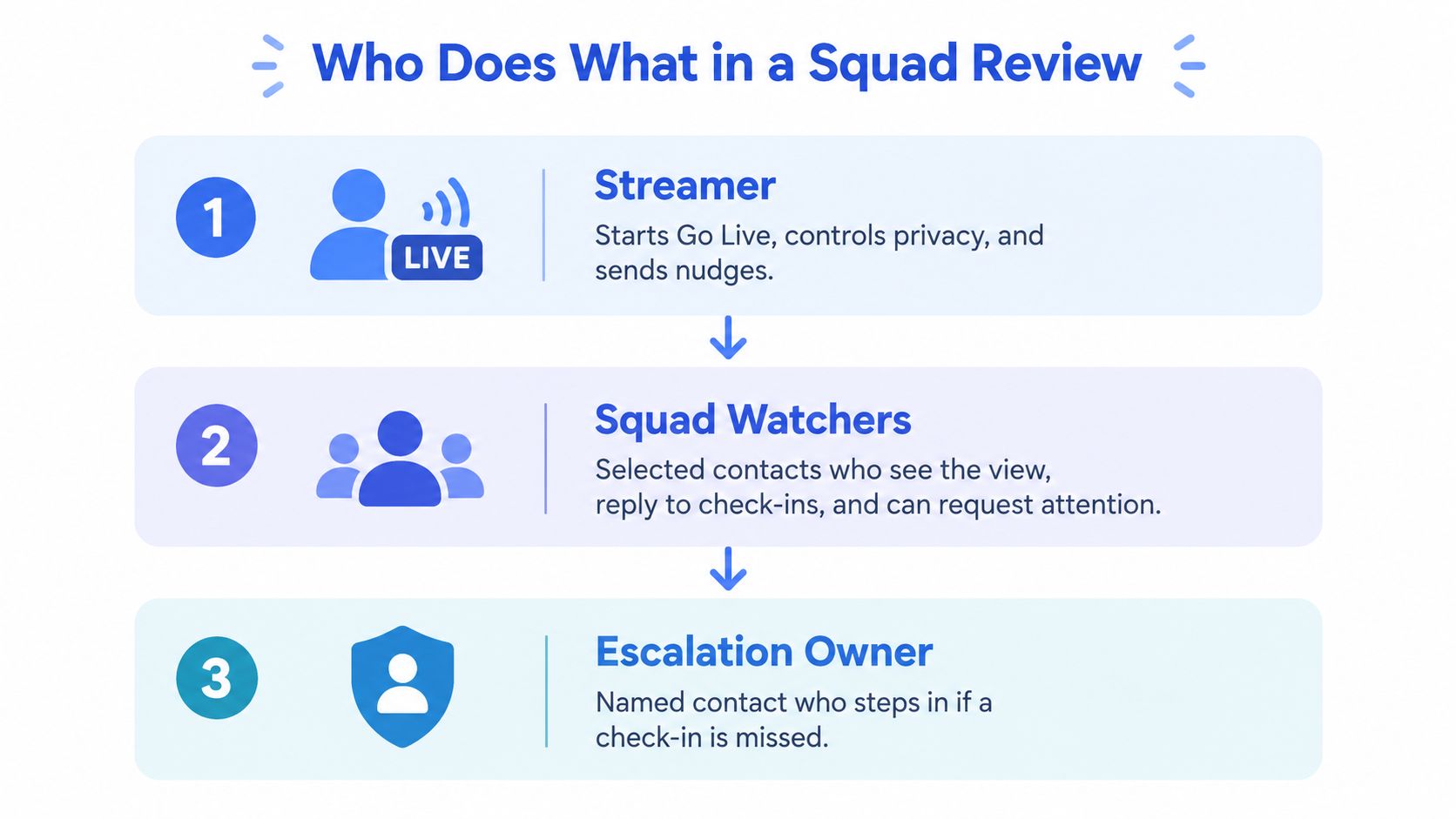
Three human layers carry a squad review. Emergency dispatch sits one step past them, and only after someone decides to hand the case over.
The streamer starts Go Live, sets privacy, and sends nudges. Squad watchers are the contacts you picked. They see the view, answer check-ins, and can ask to speak. You approve that audio before they join. A Safety Agent is a trained monitor who can call or chat, look at both cameras, and escalate to 911 with the context on screen. That handoff goes through RapidSOS, which passes the stream, location, and critical details to responders.
Think of a relay. Each runner knows the handoff point. Nobody is supposed to stand there holding the baton in silence.
Comparing the three roles
| Role | Sees | Can do | Limit |
|---|---|---|---|
| Streamer | Own route, camera preview and status | Go Live, SOS, nudges, Ghost mode | Cannot control what watchers do with the view |
| Squad watcher | Live route, live video and watcher count | One-tap replies, request to speak with approval | No direct access to Safety Agent actions |
| Safety Agent | Both cameras, route and full context | Call, chat, and escalate to 911 | Acts on what is visible and reported |
Emergency for a Friend lets someone start help for another person, which matters when the person in trouble can’t open the app. Watchers have a duty to respond, not only to observe. Your own replies still matter, because watchers only know what the stream and the route show.
Privacy Controls That Protect Streamers and Watchers
On a late walk home, you may want your squad to see your route without sharing every stop. Privacy controls shape who can follow the trip, when they can speak, and what information the screen reveals.
Who sees the trip
- Ghost mode takes you off the map temporarily. Turn it on when you want to pause location sharing, such as during a visit with a friend.
- Request to speak lets a watcher ask to join by audio. You approve the request before they can speak.
- Watcher count shows how many people are viewing. It does not identify each watcher.
A student might share a walk across campus, then use Ghost mode while visiting a friend. The squad can follow the shared part of the trip, while the student can pause the map view for the visit.
What gets recorded
Automatic recording, transcription, and summaries can preserve a record after an incident. Decide before the trip whether recording is acceptable, and agree on how long any record should be kept. If you have not agreed to audio, do not assume the microphone is part of the recording.
When an alert can interrupt you
Critical Alerts can break through Do Not Disturb, so reserve them for emergencies that need attention. If alerts interrupt too often, watchers may start dismissing them.
An Emergency Entry Pin points responders to the closest building entrance. It is separate from the shared trip view and does not broadcast your evening to the whole contact list.
Keep sharing tied to active trips, and choose which contacts can view them. Before leaving, decide who can see the trip, what may be recorded, and which alerts can interrupt you.
How a Squad Review Escalates From Check-In to 911
At 11:40 p.m., a walker misses the agreed check-in. One watcher notices, sends a nudge, and waits for the response window. Another hears a shout for help on the live stream. Those situations need different actions: a squad review is a human-led control loop, not just a shared video feed.
If a watcher sees or hears signs of immediate danger, such as a struggle, a shouted call for help, or a stream cutting out during a suspected threat, they should call 911 right away. Do not work through the steps below first.
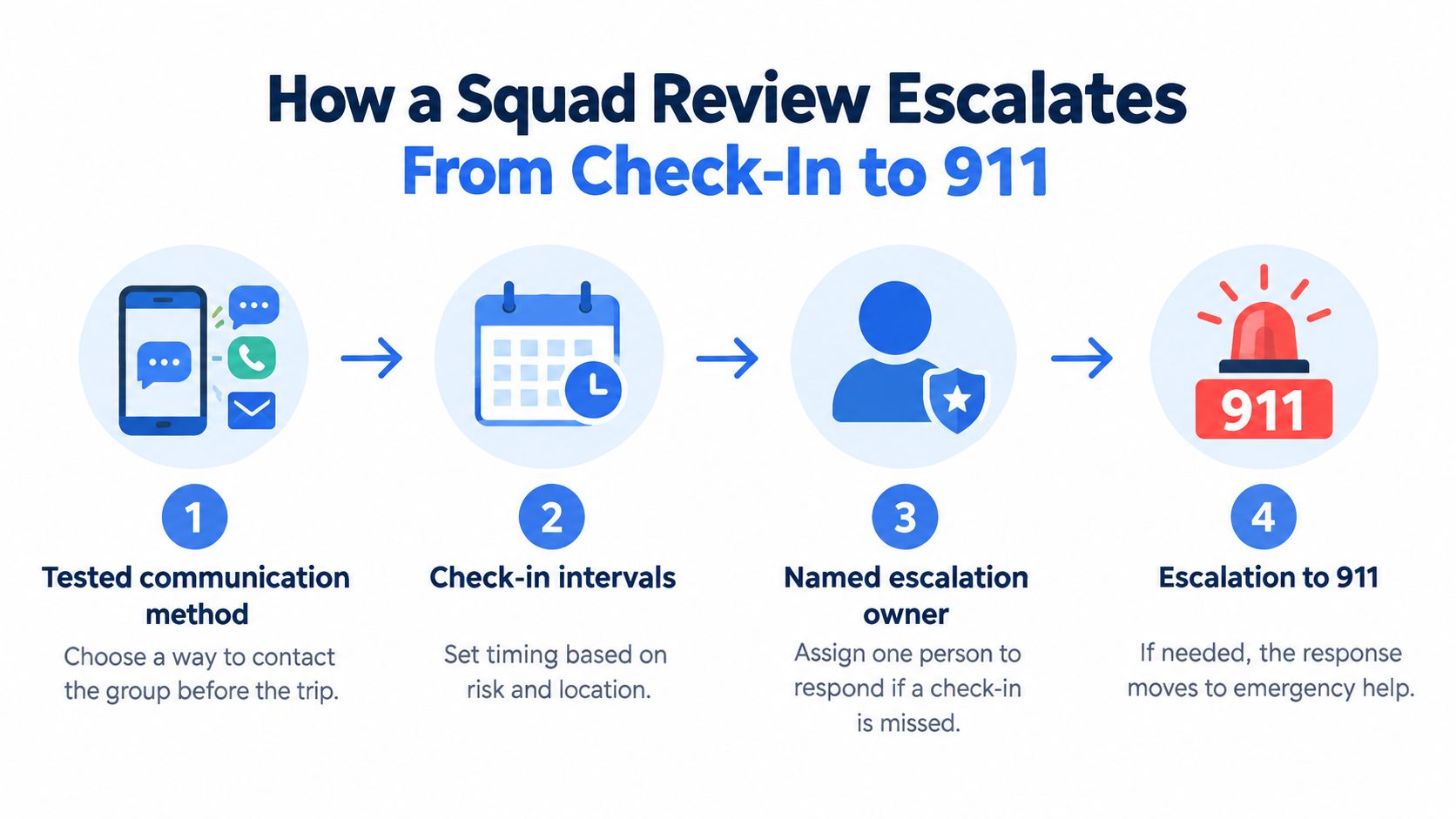
For a missed check-in without signs of immediate danger, agree on the route, arrival window, contact method, and escalation owner before the trip. Set check-in intervals to fit the trip and its location, and make sure responders could receive precise location and access information. The loop has five states: active trip, expected arrival window, missed check-in, suspected incident, and emergency escalation. Each needs a clear next action and a time limit.
The handoff, in order
- Before leaving, confirm the route and arrival window. Test the contact method with the watchers, like testing a radio before a shift.
- If a check-in is missed, send one brief nudge, such as “You good?” A short prompt makes it easy to answer.
- If there is no reply within the agreed window, try voice contact. A missed text and a missed call are separate signals.
- If the user still does not respond and there are no signs of immediate danger, contact a backup watcher or Safety Agent. This brings another person into the loop; it does not replace calling 911 if danger becomes apparent.
- If the agreed risk conditions still hold, call 911 and share the stream, location, and context. A 911 dispatch connection can pass that information to responders, but it does not make the call for you.
The named owner coordinates routine escalation, but any watcher who sees immediate danger can call 911. Agree on the time limits before the trip. A campus walk and a rural night shift may call for different wait windows.
Squad Review in Real Safety Scenarios
The same loop looks different once a real trip is underway. In 2024, the University of Arizona Office of Public Safety reported that 3,076 students, faculty, staff, and designated campus colleagues responded to its safety survey. That response shows campus communities asking for safety tools. It isn’t a count of who uses any one feature.
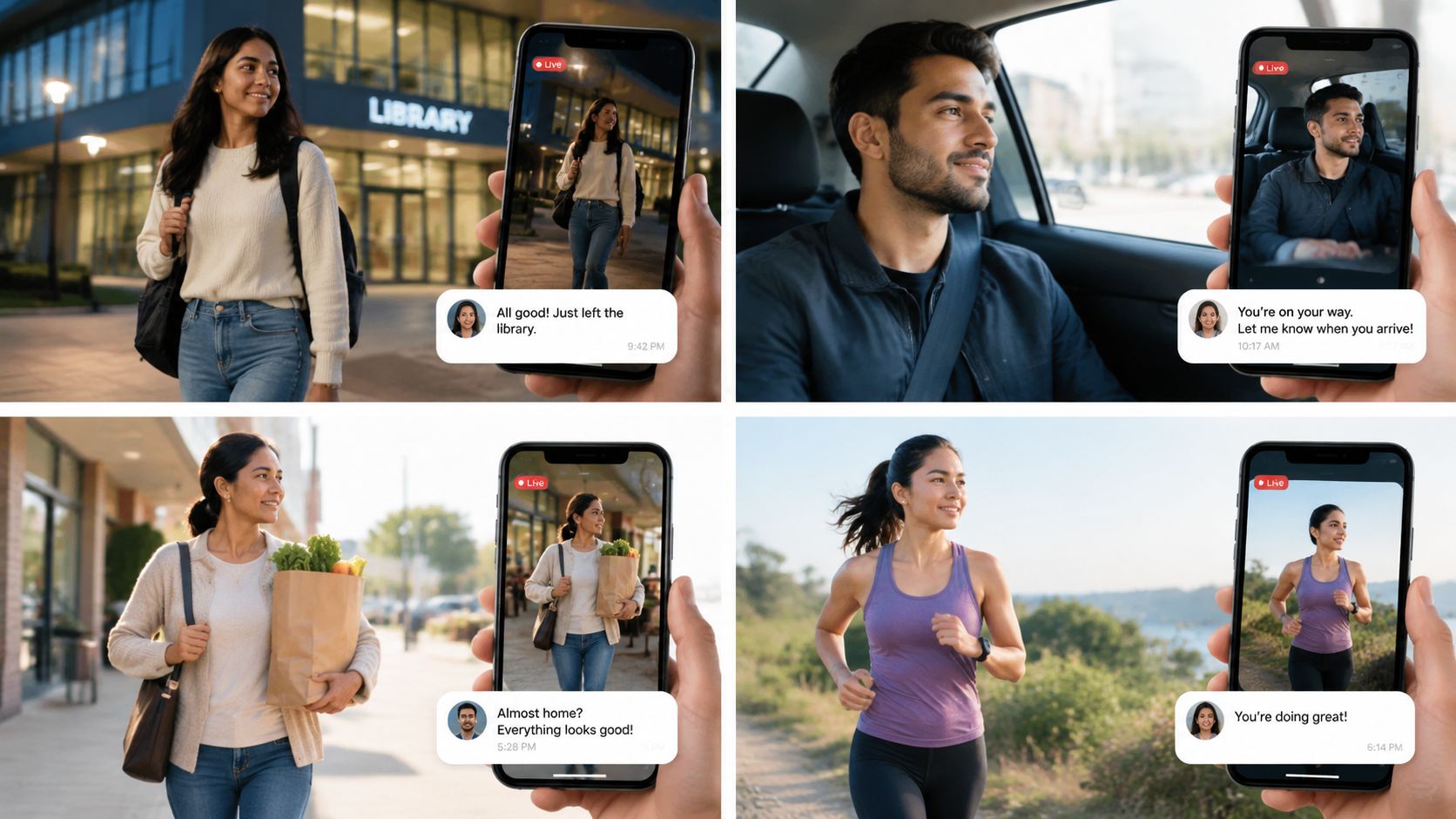
Four trips, four decisions
A late library walk. Maya leaves the library at 11:40, with her roommate and a campus contact watching. Her check-in time passes. The roommate sends a nudge, then places a voice request. Maya answers from a lit path, and the watchers stand down. Before she left, she named both watchers and a ten-minute window.
A teenager in a rideshare. A parent follows the planned path. The car leaves that path and the reply doesn’t come. The parent checks in once, then asks a Safety Agent to step in rather than refreshing the map alone. Practical rideshare safety tips belong in that setup, alongside the route and the backup person.
A night-shift entrance. A lone worker reaches a building with several doors and poor lighting. The Emergency Entry Pin marks the closest entrance, so a responder isn’t guessing from the street. The worker set that pin before the shift, not during it.
A friend in another city. A commuter gets a distressed message from a friend who can’t place the call. Emergency for a Friend sends the context toward 911 through a Safety Agent. The commuter had already learned which button starts that path.
Each of these fails the same three ways. There’s no backup watcher, the signal drops with nobody else assigned, or nudges sit unread because everyone assumed someone else would answer.
Set Up Your Squad and Keep Alerts Trustworthy
Alert design decides whether a squad review gets believed. NIST human-factors research reports that some clinical warning systems are overridden approximately 90% of the time, mostly because false alarms create alert fatigue. If every small detour or weak signal fires an urgent notice, watchers stop reading them.
Combine signals instead of firing on one. User SOS, an abrupt end to the stream, prolonged stillness, a missed check-in, a route deviation, and a watcher’s own concern should stack. Keep Critical Alerts for high-confidence, time-sensitive cases. Lower-confidence items can sit as in-app status, or wait for a confirmation. A good message names who is at risk, the current location, the last movement, whether audio or video is available, and the exact next step. Review emergency SOS settings before you need them, so the loud alerts match the cases you already chose.
Setup before the first trip
- Pick two or three watchers, and name a backup.
- Test Go Live and the watcher view with each contact, then run a short drill.
- Set Ghost mode, audio approval, and recording preferences.
- Agree the route, the arrival window, and the missed check-in rule.
- Write down who calls whom when a check-in is missed.
- Decide in advance when a Critical Alert is appropriate.
Watchers keep notifications on, answer nudges quickly, and never assume another watcher already acted. They know when to call, and they read timestamps as carefully as they watch video. Track acknowledgement time, false-alert rate, whether escalation was finished, and the time from detection to a dispatch handoff. An app such as 3rd-i offers Go Live, squad viewing with a visible watcher count, one-tap nudges and replies, and Safety Agent monitoring, and it does not replace calling emergency services.
3rd-i streams live video, audio, and location to the contacts you choose, and trained Safety Agents can help move a real emergency to 911 through RapidSOS. If late walks, rideshares, or lone shifts are part of your week, set the watchers and the check-in rule before the next trip, then see how 3rd-i fits that plan.