
7 Best Friend Tracker App Options for Privacy and Safety
You’re probably not looking for “the best” friend tracker app in the abstract. You’re trying to solve a specific problem right now. Maybe your group is meeting in a crowded city and nobody wants the “I’m by the coffee shop” text loop. Maybe someone’s walking home late, taking a rideshare, or commuting alone, and a simple location dot doesn’t feel like enough.
That’s why sharing your location with friends isn’t one decision. It’s at least two. One job is light coordination, seeing where people are, sharing ETA, and cutting down on friction. The other is personal safety, where you care about route visibility, whether someone is watching, and what happens if the person stops responding. That distinction matters because global road injury data shows how relevant travel monitoring can be during ordinary movement, not just obvious emergencies. The World Health Organization road-traffic injury fact sheet reports approximately 1.16 million deaths each year, with another 20 to 50 million non-fatal injuries, and says more than half of those killed are pedestrians, cyclists, and motorcyclists.
The seven options below are sorted by the job they do and by how much data they expose, not by popularity. That’s the practical way to choose a friend tracker app that fits your situation instead of oversharing by default.
Table of Contents
- 1. Apple Find My
- 2. Google Maps Location Sharing
- 3. Life360
- 4. Snapchat Snap Map and Live Location
- 5. WhatsApp Live Location
- 6. Glympse
- 7. 3rd-i
- Friend Tracker Apps, 7-Way Comparison
- Choosing the Right Friend Tracker App for Your Situation
1. Apple Find My
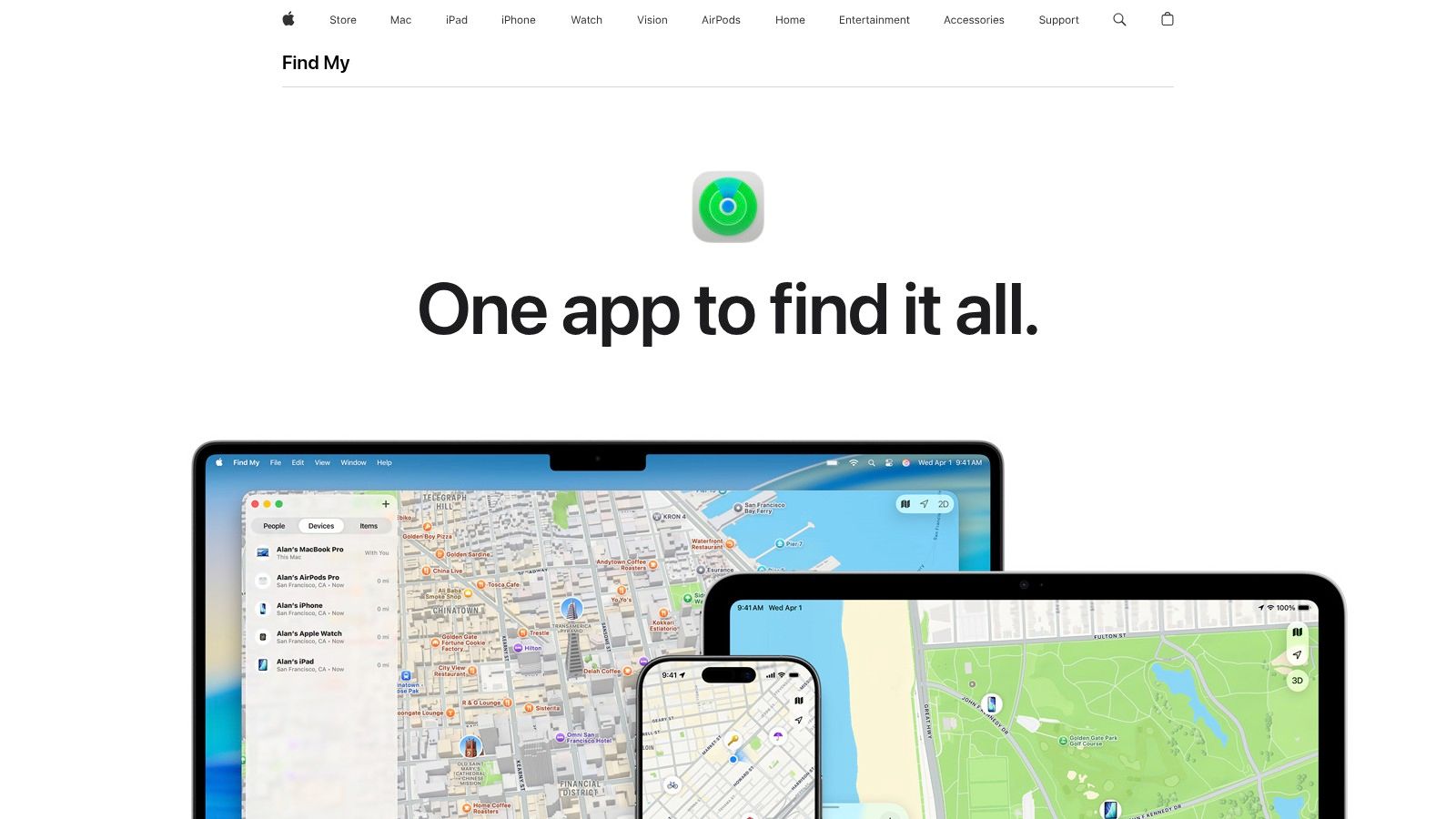
If your circle is mostly on iPhone, Apple Find My is still the cleanest low-friction option. It’s already built into Apple devices, the sharing flow is familiar, and it handles the most common use case well, seeing where someone is without turning the whole situation into a family surveillance setup. You can share for a limited time or indefinitely, set arrival and departure notifications, and stop sharing per contact.
The biggest strength here is restraint. Find My usually feels like a coordination tool first, not a monitoring platform. That makes it easier to recommend for friends, partners, and roommates who want convenience without a lot of extra behavioral data.
Best for Apple-only groups
The practical fit is simple. Choose Find My when everyone already uses Apple hardware and you want a private, native friend tracker app with minimal setup. It’s especially good for crowded events, airport pickups, and everyday “text me when you get there” situations that are easier to handle with an arrival alert.
Practical rule: If you only need to know where someone is and whether they arrived, Find My is usually enough. If you also need context about what’s happening around them, it isn’t.
A few trade-offs matter:
- Best advantage: Core people-tracking features come built in, so there’s no extra app to persuade friends to install.
- Main limit: The experience is strongest inside Apple’s ecosystem. Mixed-device groups will hit friction fast.
- Reliability issue: System permissions still matter. If one person has background refresh or location settings misconfigured, the shared view can look less dependable than it should.
If you’re already comparing Apple’s people-finding tools with Apple’s item-finding ecosystem, this breakdown of Tile vs AirTag helps separate those jobs.
One side note for Apple-heavy users who rely on a watch during commutes or walks, good hardware fit matters more than people admit. A secure strap like these Apple Watch 11 bands can make quick glances and alerts more usable on the move.
For simple friend location sharing on iPhone, Apple’s own Find My overview is the place to start.
2. Google Maps Location Sharing
At a concert, one friend uses an iPhone, another uses Android, and everyone needs the same meeting point. Google Maps Location Sharing handles that mix with less setup than an Apple-only solution. Its strength is access across iPhone, Android, and the web, not a long list of safety features. For the setup, including the 24-hour limit Google puts on link shares, see how to share location from iPhone to Android.
The sharing model also suits short plans. A person can send a live location for a set duration or share trip progress until arrival. That gives friends a route and estimated arrival time without leaving an always-on location feed active.
A practical fit for mixed-device groups
Use it for meetups, travel days, airport pickups, and one-off coordination. A link can make sharing workable even when someone does not use Google services extensively. For a casual plan, that lower friction often matters more than location history or household monitoring.
Accuracy still has limits. GPS.gov on smartphone GPS accuracy states that GPS-enabled smartphones are typically accurate within a 4.9 m radius under open sky, while buildings, bridges, and trees reduce accuracy. In dense streets or inside large buildings, the map marker may shift or update late. Treat it as useful route context, not proof of an exact position.
A moving dot also depends on the phone. Battery restrictions, weak reception, disabled permissions, or a paused app can interrupt updates. Check those settings before relying on location sharing for a time-sensitive pickup.
For a broader comparison of temporary sharing options, see this guide to live share location.
Choose Google Maps when the group needs:
- Cross-platform access: iPhone, Android, and web users can coordinate.
- Limited exposure: Time-based sharing and trip-only visibility reduce how long location remains available.
- Simple coordination: Friends can share routes, arrival progress, or a current position without adopting a dedicated family tracking system.
The trade-off is account and privacy friction. Some users may not want personal location connected to a Google account, while others may prefer the convenience. For the product itself, use Google Maps.
3. Life360
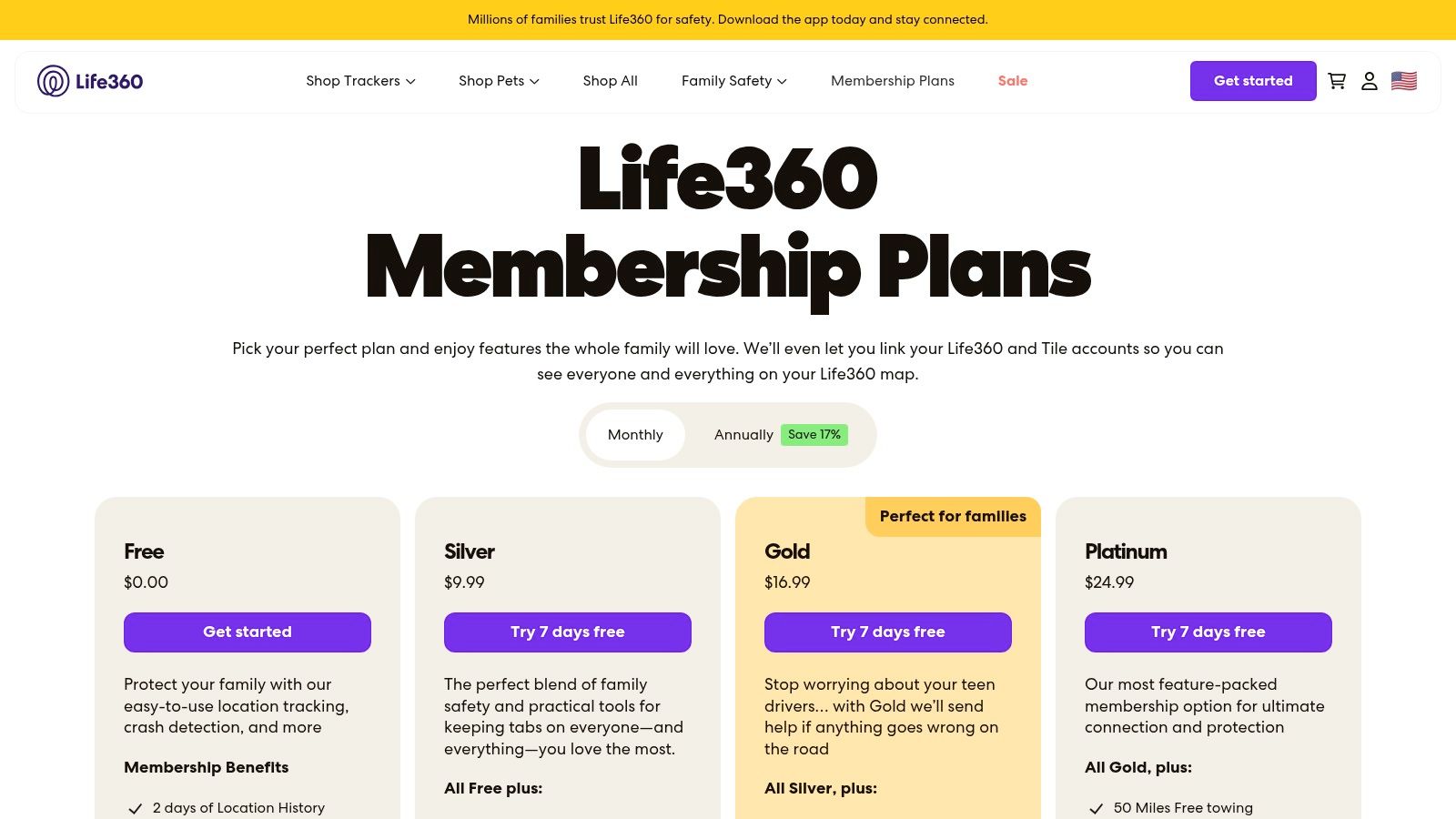
Life360 is a family oversight system first, and it tracks friends effectively only when everyone agrees to use it that way. Its shared map, place alerts, location history, driving features, and household safety tools create more visibility than a casual meetup usually requires. For a concert or one-time pickup, that broader scope may be unnecessary.
The platform is organized around Circles, so it fits recurring relationships better than one-off interactions. Families coordinating school runs, car use, and regular pickups can get practical value from a shared account structure.
Best for households, not low-stakes hangouts
Life360 suits parents, caregivers, families with teen drivers, and households that accept more persistent location sharing. A friend group may view the same setup differently, especially if members want to share a location only for a particular event.
Privacy boundaries need to be agreed before anyone joins. Research on location-sharing privacy found that these tools can reveal a person’s home and raise concerns about access control. In a review of 89 location-based applications, only four explicitly notified users about who had requested their location, according to the CMU location privacy research paper. That makes permission settings and access reviews part of the setup, not an afterthought.
Decide these points first:
- Who can view location history
- Who receives place alerts
- How quickly each person can revoke access
- Whether driving and safety features justify ongoing exposure
The main advantage is added safety and driving context beyond basic map sharing. The cost is more persistent data exposure, which may suit a household but feel intrusive among friends.
For families comparing dedicated services, this overview of a family tracking app provides a useful frame. Review current features and plans through Life360.
4. Snapchat Snap Map and Live Location
You are leaving a concert with friends and need everyone to find the same meeting point. If the group already uses Snapchat, opening Snap Map or sharing Live Location may be easier than asking everyone to install a separate friend tracker app. Familiarity lowers setup friction, but it does not turn Snapchat into a dedicated safety service.
Snapchat fits casual meetups and short, deliberate sharing. Its audience controls let users choose who can see their location, which limits exposure compared with a tracker built around continuous household monitoring. The practical question is how much information the group needs. For finding friends at an event, a social map may be enough. For personal safety, the limits matter more.
Best for casual coordination among existing Snapchat friends
The app works best when location sharing extends an active conversation. Friends can coordinate arrivals, check who is nearby, or share whereabouts for a limited period without creating another group or dashboard. People who do not already use Snapchat, however, have little reason to adopt it solely for tracking.
Privacy expectations should be explicit. A study involving 147 young people found that sharing location was generally considered acceptable with trusted contacts, for limited periods, and to communicate ordinary whereabouts rather than support continuous monitoring, according to the Journal of Computer-Mediated Communication study on young people and location sharing. Participants also questioned whether a static location icon communicates distress. That matches Snapchat’s design: it shows whereabouts, not a request for help.
Use Snapchat for social visibility, not as the only response channel when someone may need active assistance.
- Best advantage: Low setup effort for existing Snapchat groups.
- Privacy strength: Selectable audiences can reduce unnecessary exposure.
- Main limitation: A viewer must notice the location and decide what to do.
Battery use and data exposure also depend on how often sharing is enabled and who receives access. Review those settings before a trip, then stop sharing when the coordination task ends.
For the platform, visit Snapchat.
5. WhatsApp Live Location
You are already in the group chat, someone is leaving late, and nobody wants to install another app just to coordinate arrival times. That is the job WhatsApp Live Location handles well. It shares live movement inside an existing chat for a limited period, then the share ends.
That makes WhatsApp a strong fit for the casual side of a friend tracker app. It is built for short coordination windows, not for maintaining an always-on map of friends or family. From a privacy point of view, that restraint matters. You expose location when there is a clear reason, to people already in the conversation, and you can shut it off without cleaning up a bigger tracking setup.
The trade-off is just as clear. WhatsApp is good at showing where someone is. It gives much less context around what that location means, who is actively checking it, or how a group should respond if the situation shifts from routine coordination to personal safety. In practice, that limits it to low-friction meetups, travel timing, post-event check-ins, and the common “message me when you get home” use case.
It also travels well across mixed-device groups. If some people use iPhone and others use Android, WhatsApp avoids the platform split that can make other tools awkward.
Use it when the goal is convenience with limited data exposure. Do not treat it as a full safety workflow. A live location inside a chat still depends on another person noticing it, opening the thread, and understanding whether anything is wrong.
- Best advantage: Fast ad hoc sharing inside a chat many groups already use every day.
- Privacy upside: Temporary sharing reduces ongoing exposure and is easy to stop.
- Main limit: Limited safety context, no persistent shared map, and no built-in response workflow if something goes wrong.
For simple in-chat live sharing, WhatsApp remains one of the easiest options.
6. Glympse
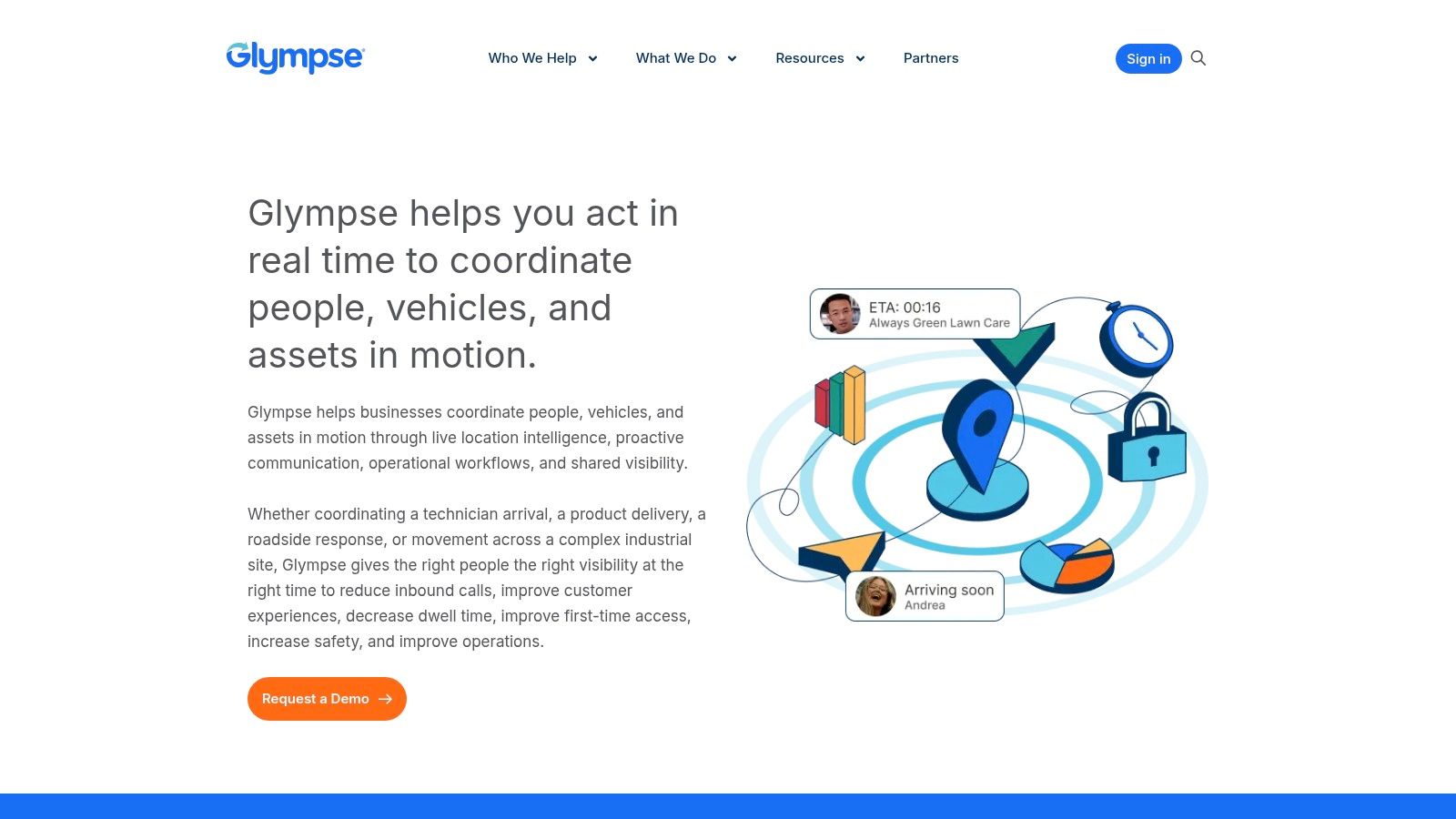
If your main requirement is temporary sharing that expires automatically, Glympse deserves more attention than it usually gets. It’s one of the few options that stays focused on the short-term handoff, “here’s where I am for this trip, this pickup, this commute, or this event,” without nudging you toward permanent circles and always-on visibility.
That makes it one of the better privacy-conscious picks for casual coordination. You can send a live location view through a link, and the recipient doesn’t need to build a whole account relationship around it.
Best for one-off trips and low-commitment sharing
Glympse is especially good when the other person won’t install a new app or when you don’t want your friend tracker app to become a standing arrangement. Send the link, let it expire, move on. That’s a smart model for airport pickups, rides to unfamiliar places, event arrivals, and temporary coordination with extended family.
The key caution is that raw phone positioning can get messy in cities, underground spaces, and indoors. Research on smartphone GPS in a Chicago downtown environment found raw GPS delivered acceptable accuracy, defined in that study as roughly 30 m or better, for about 75% of cases, while the same evaluation recorded maximum errors above 100 m on the ground and nearly 400 m in underground segments, according to the Springer study on smartphone localization in urban environments. For Glympse, that means it’s excellent for temporary route awareness, but not something I’d trust alone in a scenario where exact intervention depends on the map point being right.
Temporary sharing is often the healthiest default. The less durable the data trail, the less chance it turns into routine monitoring.
For quick, expiring shares, use Glympse.
7. 3rd-i
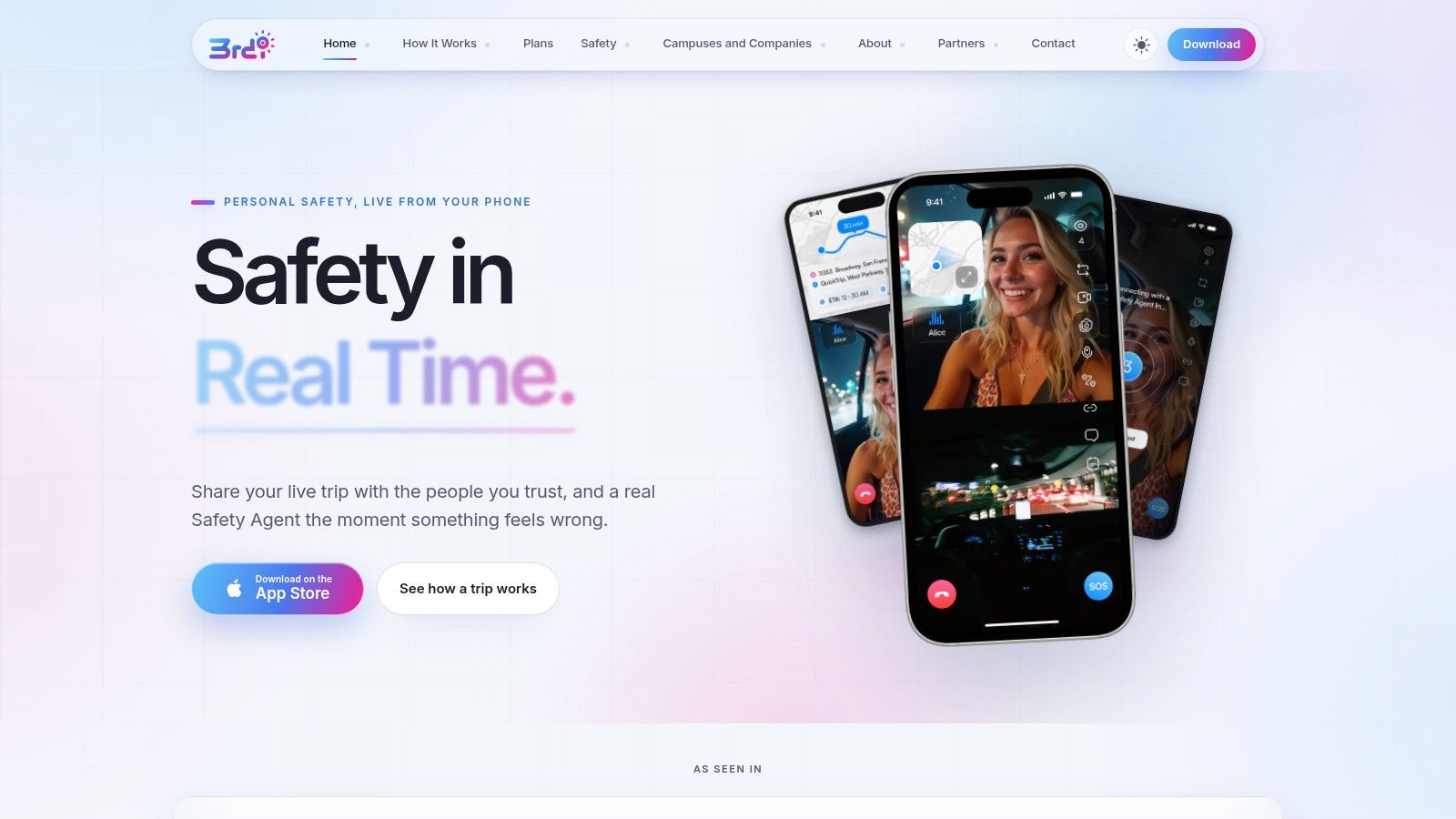
3rd-i sits in a different category from most apps on this list. It isn’t just trying to show where your friend is. It’s built for situations where location alone doesn’t answer the underlying question, whether someone is okay, whether anyone is actively watching, and how help gets escalated if communication breaks down.
That distinction matters for late walks, rideshares, campus travel, and lone work. U.S. college safety data is a useful example. A Bureau of Justice Statistics release on violent victimization among college students found 68 violent victimizations per 1,000 students annually among college students aged 18 to 24, estimated that about 526,000 students experienced violent crime each year, and reported that 492,000 of those incidents occurred off campus. The same release said only 34% of violent victimizations involving college students were reported to police. For a safety-oriented friend tracker app, that supports features that work before, alongside, or apart from formal reporting.
Best for active safety monitoring
3rd-i combines live route, video, and audio with selected contacts and trained Safety Agents, plus escalation workflows including 911 handoff through RapidSOS. That’s the operational gap many standard location apps leave open. If a watcher can see the route, hear what’s happening, or view live video, they have more context than a map dot can provide.
Its safety controls also reflect a stronger view of consent. Features like Ghost mode, visible watcher count, one-tap nudges, and an Emergency Entry Pin address a central tension between reassurance and autonomy. That’s important because location sharing can drift into coercive monitoring if users can’t easily limit access or understand who is watching.
- Best advantage: Human-in-the-loop monitoring and richer context than location alone.
- Main trade-off: More setup, and more than many users need for a simple meetup.
- Right use case: Higher-risk movement where delayed response or ambiguity is the actual problem.
For product details and current availability, visit 3rd-i.
Friend Tracker Apps, 7-Way Comparison
| Service | 🔄 Implementation Complexity | ⚡ Resource Requirements | 📊 Expected Outcomes | 💡 Ideal Use Cases | ⭐ Key Advantages |
|---|---|---|---|---|---|
| Apple Find My | Low, built into Apple OS | Minimal, Apple device + iCloud; UWB for Precision Finding | Accurate, private location sharing within Apple ecosystem | Apple-only family/friend groups, lost-device locating, precision finds | Deep OS integration; strong encryption and per-contact controls |
| Google Maps Location Sharing | Low, app/web; simple sharing flows | Minimal, app/web; Google account for persistent sharing; link for non-users | Reliable cross-platform live sharing, ETA/tracking | Mixed iOS/Android groups, navigation and ETA sharing | Cross-platform reach; link shares for non-Google recipients; free |
| Life360 | Medium, app setup, Circles and plans | Moderate, installs for all members; subscription for advanced features | Comprehensive family safety: history, alerts, driving reports | Family monitoring, driving safety, child/elder tracking | Rich safety features (crash detection, Tile integration), tiered plans |
| Snapchat Snap Map / Live Location | Low for Snapchat users; opt-in controls | Minimal, Snapchat account/app; permissions for background updates | Casual social location sharing among friends; behavior varies by permissions | Teen/young-adult friend groups, social meetups | Social context integration; granular privacy defaults and reminders |
| WhatsApp Live Location | Low, built into chats, no extra setup | Minimal, WhatsApp app/account; encrypted connection | Simple, time-limited live sharing inside chats; no persistent map | Quick coordination in 1:1 or group chats, meetups | End-to-end encryption; ubiquitous and easy ad-hoc sharing |
| Glympse | Very low, no account required to view | Minimal, sender app or web; recipients use browser link | Temporary, auto-expiring live shares viewable without app | One-off meetups, ETAs, when recipients won’t install an app | Fast, no-install link sharing with auto-expiry; privacy-friendly |
| 3rd‑i | High, specialized setup; Squad and agent onboarding | High, paid plans/minutes, smartphone data, agent infrastructure | Enhanced emergency monitoring with live video/audio, escalation, recordings | High-risk scenarios: lone workers, late-night safety, rideshare incidents | Human-in-the-loop monitoring, RapidSOS 911 escalation, recorded evidence |
Choosing the Right Friend Tracker App for Your Situation
Start with the job, not the app. If you only need meetup coordination, shared ETA, or a quick “I’m on my way,” choose the tool that exposes the least ongoing data. That usually means Google Maps, WhatsApp Live Location, or Glympse, depending on whether you need cross-platform sharing, in-chat convenience, or a link that expires automatically. For Apple-only groups, Find My is still the simplest long-term option that doesn’t feel overly heavy.
If the core issue is reassurance during travel, the bar changes. Global travel and injury data shows why that matters in ordinary movement, not just obvious emergencies, and the student safety data cited earlier reinforces that risk often sits off campus and outside formal systems. In those situations, a basic friend tracker app can help, but only up to a point. A location dot doesn’t tell your contact whether you’re stuck in a tunnel, safe but stationary, unable to answer, or in trouble. It also doesn’t guarantee that anyone is looking at the map when it matters.
That’s why I sort these apps into two buckets. Casual coordination tools help people find each other and stop over-texting. Safety-oriented tools help people interpret uncertainty and react. Snapchat can do the first well for existing friend groups. Life360 works if your household wants deeper ongoing visibility and is comfortable with the extra data exposure. 3rd-i fits the second bucket more clearly because it adds live context and a path to human escalation rather than assuming location alone is enough.
Before you invite anyone, agree on three things. Who can see you. How long they can see you. How you turn it off fast. That conversation matters as much as the app itself. The best setup is the one that fits the moment, respects consent, and doesn’t normalize permanent monitoring when a temporary share would do the job.
If you want more than a map dot, 3rd-i lets selected contacts and trained Safety Agents see live video, audio, and route during late walks, rideshares, and other higher-risk trips. It also adds nudges, recordings, and emergency escalation workflows that standard location-sharing apps usually don’t cover. See how it works at 3rd-i.