
10 Recording Apps That Transcribe in 2026
You’re home after a late-night walk that ended in a confusing argument. You recorded part of it, but now you’re scrubbing through a voice memo, trying to find the exact words. There’s no transcript, and the file name doesn’t give you a clear incident timestamp. Sending the entire recording would expose unrelated conversation, too.
The recording is only half the record. A transcript helps you find a name, instruction, or disputed phrase, but you still need the original audio. You also need to know where it’s stored, who can open it, and what survives when you export it.
The best recording apps that transcribe aren’t interchangeable. Apple Voice Memos and Google Recorder suit everyday notes. Otter and Fireflies organize meetings. Riverside supports production work. 3rd-i connects recording and transcription to live safety monitoring, which is a different job from taking meeting minutes.
Privacy starts before you press Record. For calls involving people in different locations, review the consent steps for recording interstate calls, rather than assuming your own location settles the question.
Choose for the handoff, not just the transcript. Can you find the relevant passage, verify it against the audio, and share only what the recipient needs?
That’s the standard used here: accuracy limits, storage choices, access, exports, and fit with the situation you’re recording.
Table of Contents
- 1. 3rd-i
- 2. Apple Voice Memos
- 3. Google Recorder
- 4. Otter.ai
- 5. Rev
- 6. Notta
- 7. Just Press Record
- 8. Fireflies.ai
- 9. Transkriptor
- 10. Riverside
- How the 10 recording apps compare on platform, free access, and best use
- Match the Recorder to the Moment You Expect
1. 3rd-i
Best for live safety oversight with documentation afterward.
3rd-i combines live video, audio, and route sharing with automatic recording, transcription, and AI summaries. Start a trip and your selected Squad can watch the route and video together, rather than trying to interpret a moving location pin.
That distinction matters during a rideshare, late walk, or lone-working shift. A transcript helps explain what was said afterward. Live context lets trusted contacts and trained Safety Agents understand what’s happening while the trip is underway.
A safety connection, not just a recorder
Safety Agents can monitor a trip and escalate emergencies through RapidSOS. Dual-camera streaming adds context from both sides of the phone, while Picture-in-Picture, Lock Screen widgets, and one-tap nudges reduce the need to switch between messages and the live session.
- Documentation: Recorded streams, transcripts, and summaries support later review. Verify important statements against the recording rather than treating a summary as a complete account.
- Access and privacy: Choose your Squad deliberately. Ghost mode controls temporary map visibility, but it shouldn’t be mistaken for a complete recording-retention policy.
- Deployment: Individual, family, campus, and company options support different monitoring arrangements. Group deployments use centrally managed seats and pooled minutes.
The trade-off is that this is an iPhone-focused, metered safety service, not a lightweight voice-memo utility. Confirm streaming allowances, recording availability, download options, retention, and who can retrieve an incident record before relying on it for documentation.
The Emergency Entry Pin can help responders identify the appropriate entrance. Still, 3rd-i is an added safety layer, not a substitute for contacting emergency services directly. Test the normal trip workflow in advance, without triggering a false emergency.
2. Apple Voice Memos
For an idea, personal reminder, or straightforward in-person note, start with the app already on your phone. Apple Voice Memos offers transcription on compatible iPhones, alongside familiar recording, trimming, organization, and sharing tools.
Its advantage is simplicity. You don’t need to build a meeting workspace just to capture a thought. Searchable transcripts make spoken notes easier to retrieve, provided your device, language, and region support the feature.
Keep the original before editing
Voice Memos lets you trim or replace audio, which is useful for cleaning up a personal memo. For an important conversation, preserve an untouched copy before making changes and give the recording a descriptive name with the relevant context.
- Works well for: Personal notes, short interviews, and spoken observations you’ll review yourself.
- Falls short for: Advanced speaker attribution, meeting action items, and monitored safety sessions.
- Check before sharing: Whether the recipient needs the recording, the text, or both, and whether your account’s syncing settings match your privacy expectations.
Hands-busy capture also has practical uses, such as ways to document experiments while hands are busy. But audio alone can’t show what’s happening around the speaker.
If visual context matters, compare that limitation with dual-camera video. Voice Memos is a sensible everyday recorder, not an emergency oversight tool.
3. Google Recorder
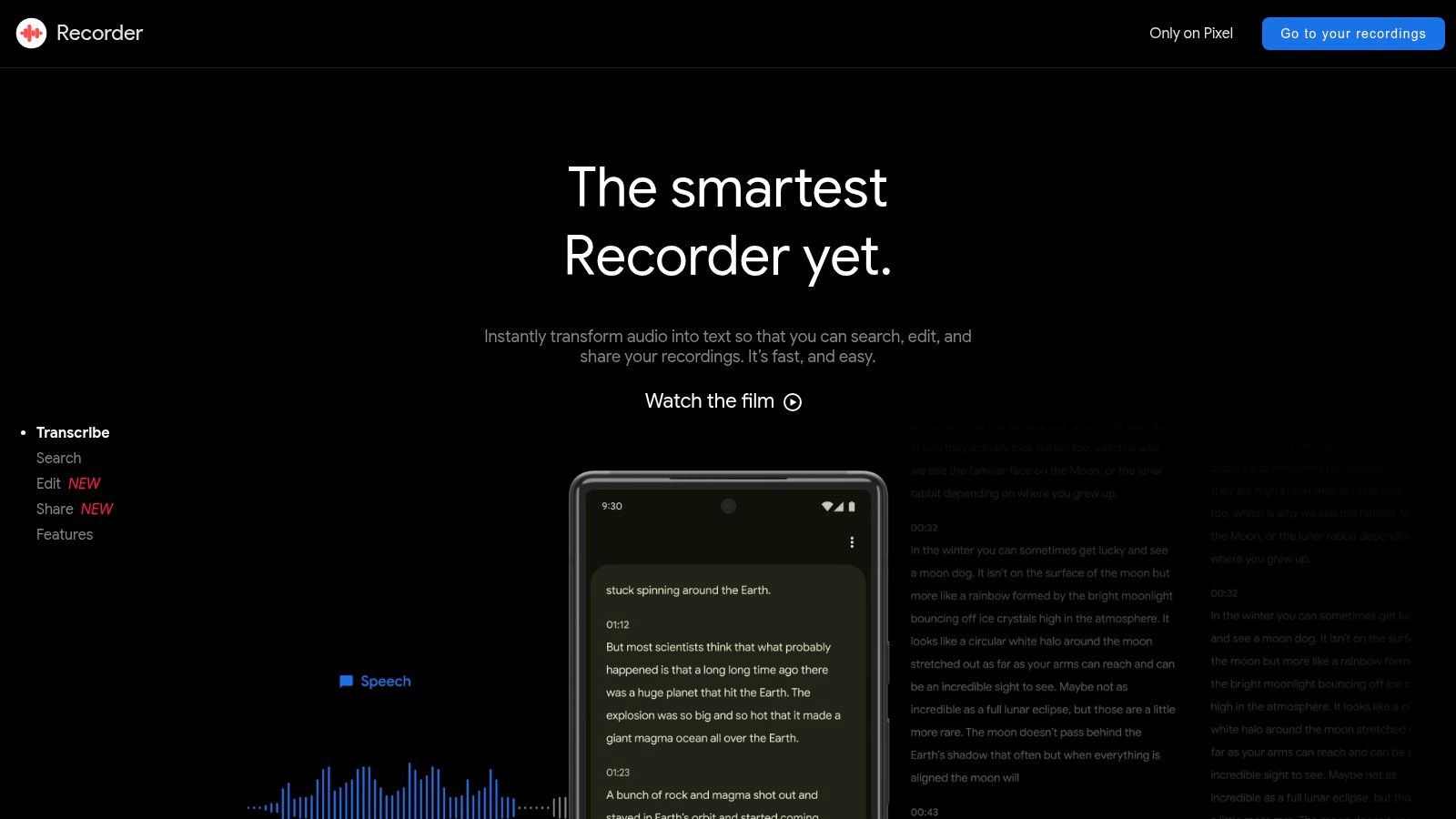
Pixel owners should try Google Recorder before paying for another transcription subscription. Google Recorder combines recording, automatic transcription, and transcript search in a device-focused workflow.
Its storage choice is particularly useful: recordings aren’t synced to a Google Account unless you enable syncing. That gives you a clear decision to make before a sensitive interview, rather than discovering afterward that you’ve created a cloud copy.
On supported devices, speaker labels help separate contributions. Treat those labels as navigation aids, not verified identities, especially when people interrupt or speak from different distances.
Test the phone, not a headline accuracy claim
Google’s speech-recognition accuracy guidance recommends evaluating representative audio and suggests 30 minutes to 3 hours of labeled speech for a meaningful accuracy estimate. That guidance isn’t a benchmark of the Recorder app, but the testing principle is useful.
Try the actual conditions you expect: a phone on a desk, speech through a mask, traffic nearby, or people talking over one another. Search for an unusual name afterward and verify it against playback.
The limitation is compatibility. Recorder is best suited to supported Pixel devices, not a mixed-device team seeking a universal Android recorder. Before sharing, test the audio and text outputs separately and decide whether cloud access is necessary.
4. Otter.ai
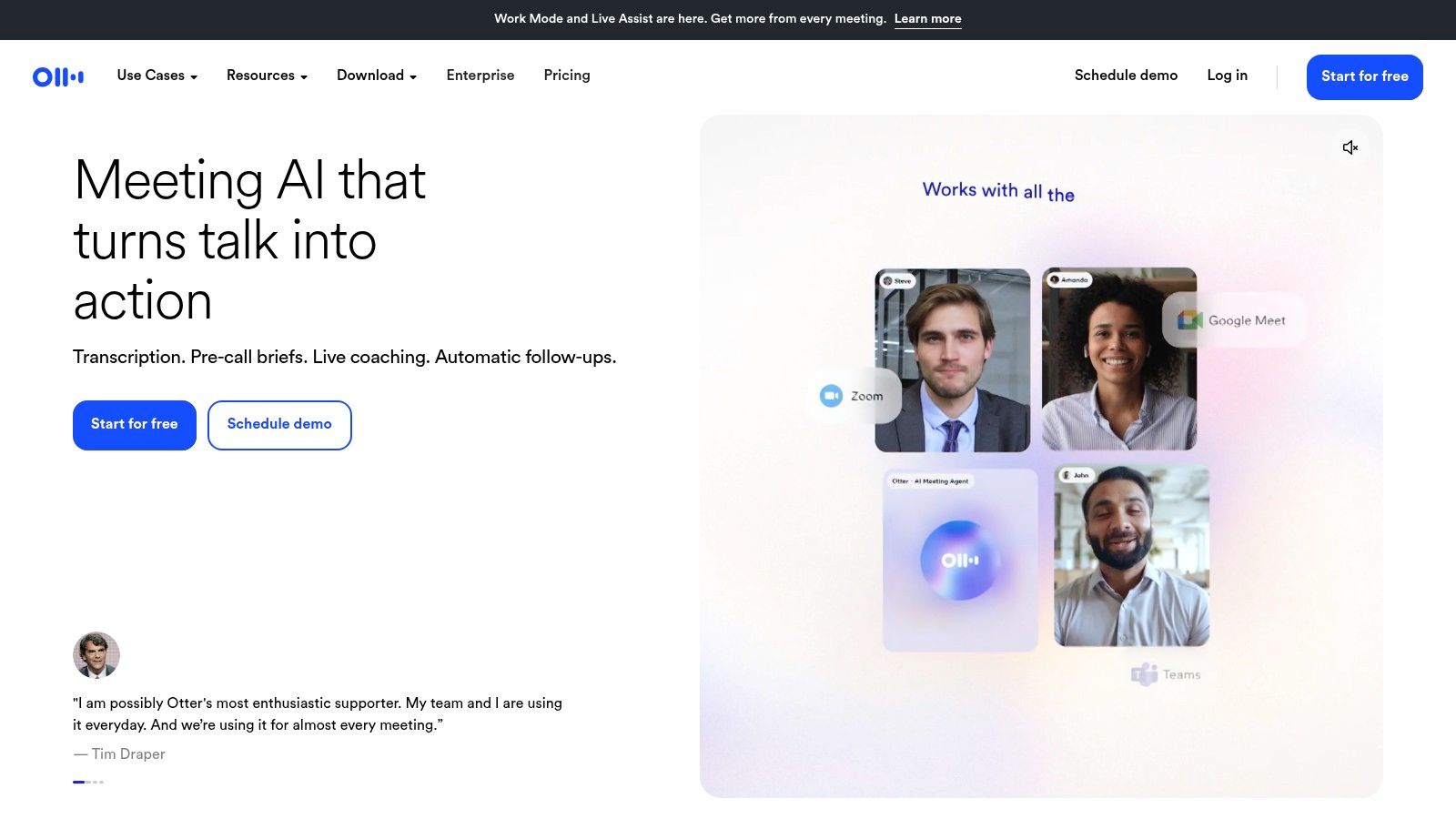
Otter.ai fits people who move between lectures, interviews, and online meetings. It combines live transcription, searchable notes, speaker identification, highlights, and summaries, with integrations for Zoom, Microsoft Teams, and Google Meet.
The useful part isn’t just seeing words appear. It’s being able to return to a conversation, locate a topic, and turn the discussion into follow-up work without replaying everything.
Accuracy still depends on the recording. A 2024 study of Otter transcripts in psychological-language tasks found average word error rates of 2.50% and 3.36% under its study conditions. Those results don’t establish how Otter will perform during a windy walk or an overlapping group discussion.
Practical rule: Use speaker labels and summaries to locate the relevant exchange. Use the recording to verify who said what.
Watch the account boundaries
Otter’s cloud workspace makes ongoing search and collaboration convenient, but live transcription needs a reliable internet connection. Free-plan session and import limits can also interrupt an otherwise suitable workflow.
Before a recurring meeting, check who owns the resulting record, who receives access, and what your chosen plan lets you export. Otter is a strong note-taking option, but it doesn’t provide the live personal-safety monitoring offered by a dedicated safety service.
5. Rev
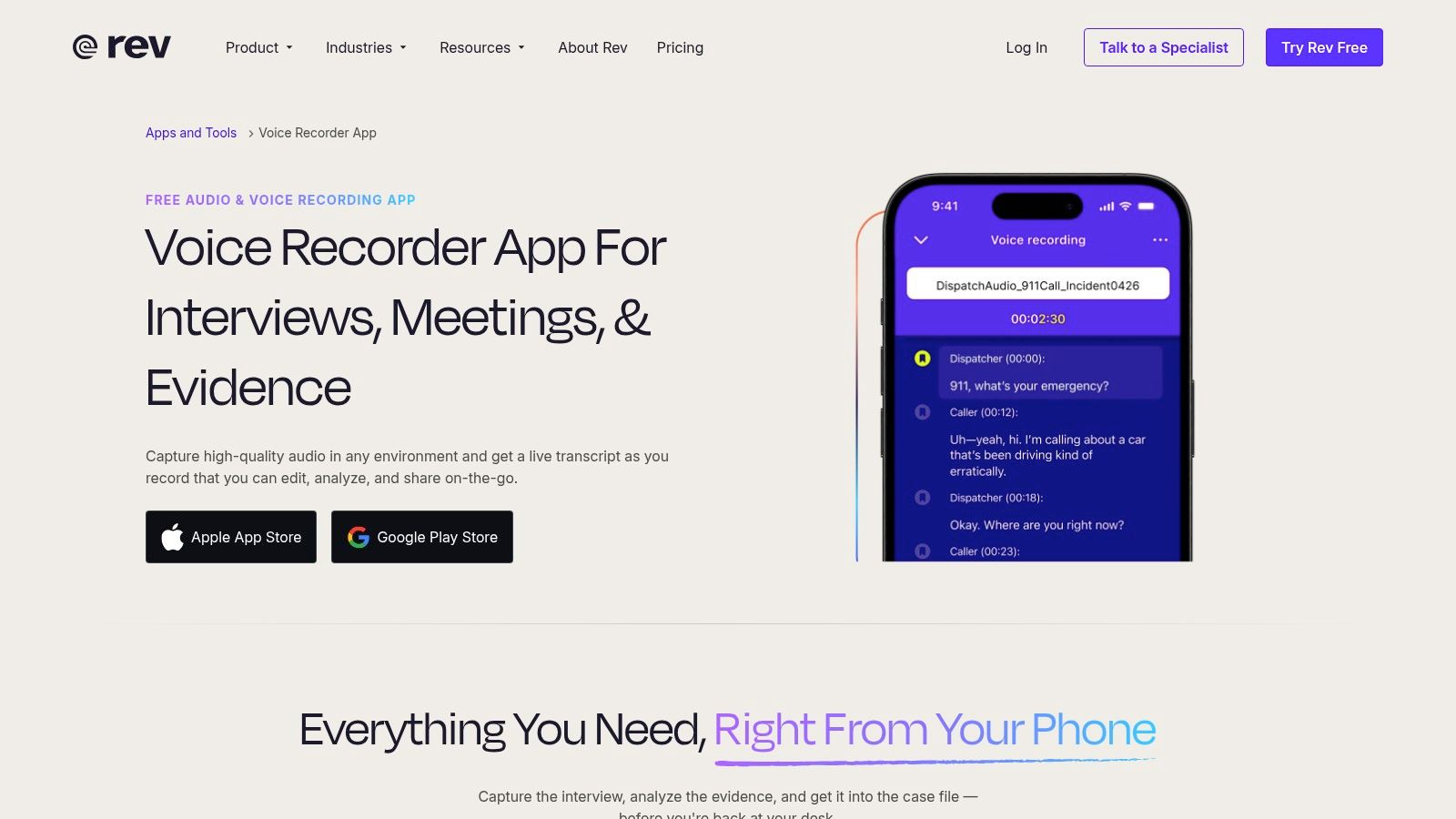
The useful distinction with Rev’s voice recorder is the route from quick AI text to optional human transcription. That suits interviews and documentation where you may need more review than a machine-generated draft provides.
The mobile app supports recording, transcript editing, highlights, bookmarks, and cloud collaboration. It can capture audio without a signal and upload later, which separates successful capture from immediate transcription.
Offline capture isn’t offline processing
Don’t confuse the ability to record offline with a promise that every transcription or collaboration feature works offline. Verify that the file saved, then confirm upload completion when connectivity returns.
- Main strength: You can choose between a fast AI workflow and paid human transcription.
- Main trade-off: Human review adds cost, especially for lengthy material, and it still doesn’t resolve every ambiguous or inaudible passage.
- Important boundary: This mobile voice-recording app doesn’t support phone-call recording.
A qualitative-research comparison of human and AI transcription found automated workflows faster and cheaper, but with more errors. That supports a practical division of labor: use automation for navigation, then direct review toward consequential passages.
For sensitive interviews, assign viewer and editor permissions deliberately. Keep a source recording separate from your working transcript, and test the export before committing a whole project to the workspace.
6. Notta
A multilingual interview creates a different problem from an English voice memo. You may need transcription, translation, speaker separation, and a readable summary, without losing the distinction between the original words and their interpretation.
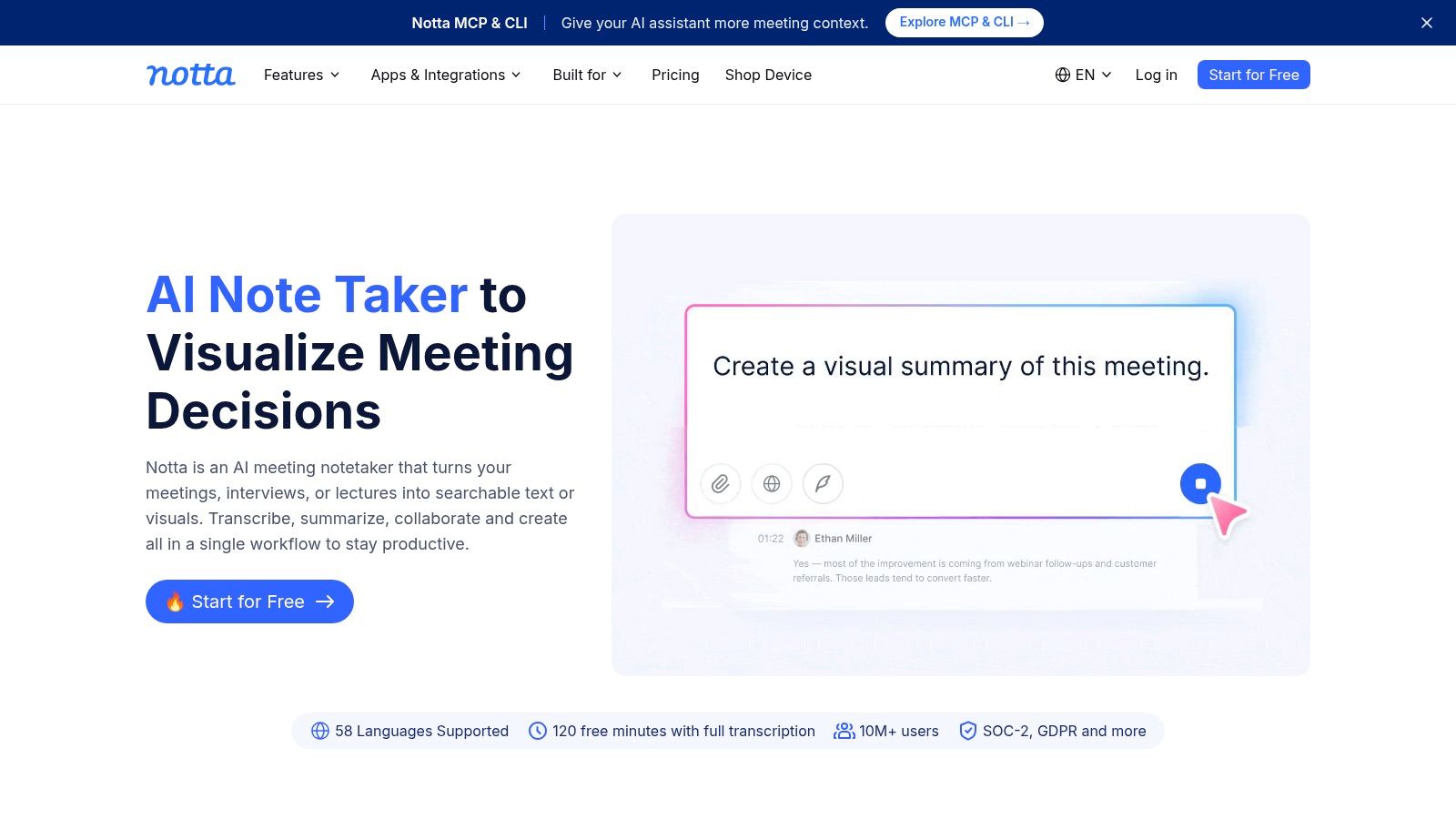
Notta brings mobile recording, audio uploads, meeting capture, translation, and summaries into a shared web-and-mobile workflow. Its appeal is breadth, particularly when your work includes both in-person conversations and online meetings.
Keep translation separate from verification
A translated sentence can sound fluent while containing a mistaken name or technical term. Review the source-language transcript first where possible, then check the translation with someone qualified to assess the meaning.
The Qualtranscribe guide to AI transcription ethics discusses the difficulties surrounding accents, code-switching, specialist vocabulary, and cultural context. Those are reasons to plan human review, not reasons to reject multilingual transcription outright.
- Good fit: Cross-language notes and meeting workflows that benefit from synced transcripts.
- Check carefully: Per-conversation restrictions, paid transcription allowances, and whether your expected exports are included.
- Privacy limitation: Cloud processing won’t suit a requirement that the recording remain entirely local.
Run a realistic conversation through the plan you intend to use. A generous-looking monthly allowance won’t help if an individual session restriction cuts off the kind of conversation you need to capture.
7. Just Press Record
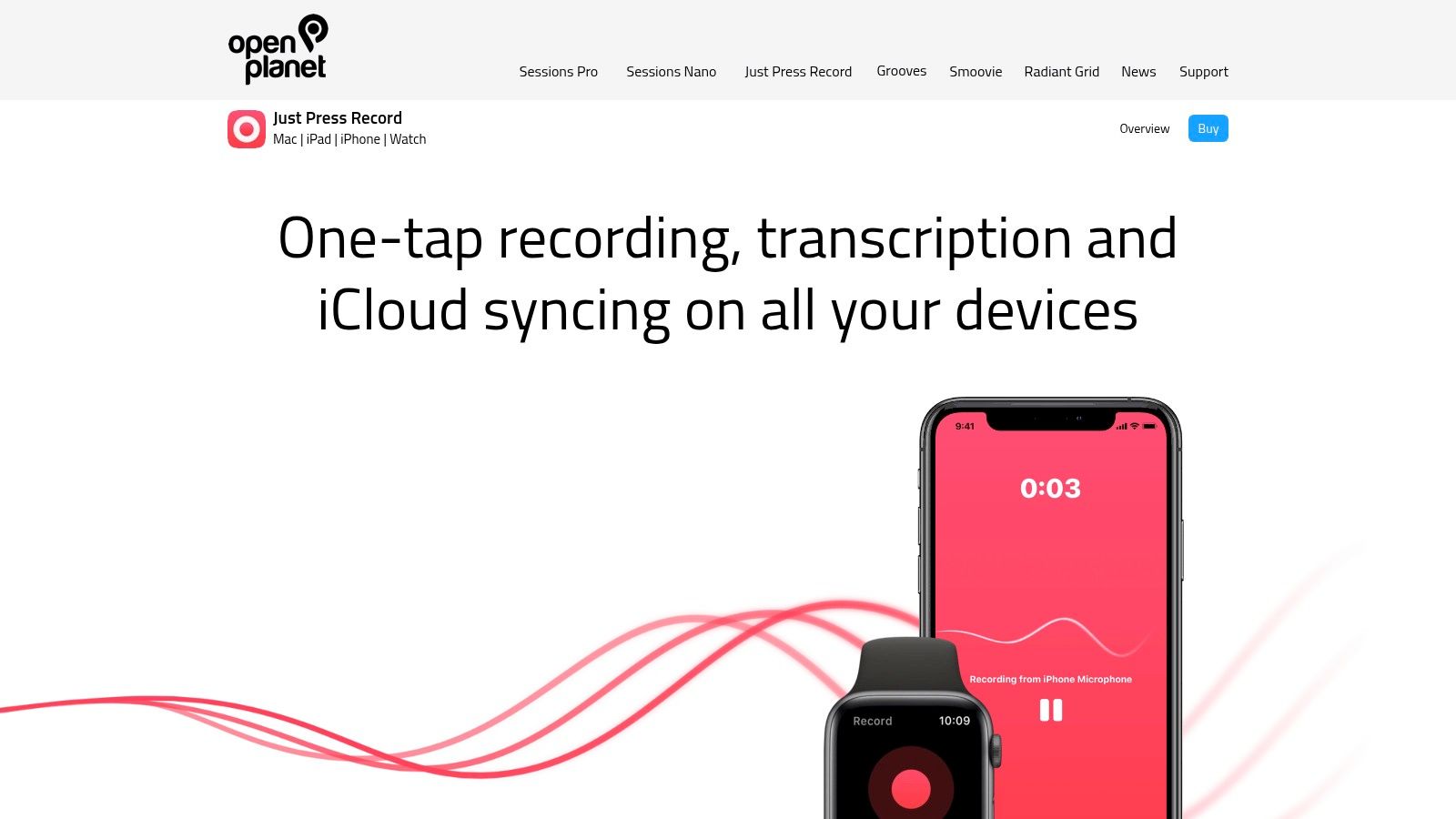
Reaching for a phone can be the awkward part of taking a voice note. Just Press Record suits Apple users who want quick capture through an Apple Watch, Siri, shortcuts, or device controls.
It turns speech into searchable text and supports iCloud syncing plus audio or text sharing. The purchase model is a useful alternative to a recurring transcription subscription, particularly for personal notes rather than collaborative meeting work.
Watch recording and transcription are separate stages. The Watch can record independently, but the recording must transfer to an iPhone for transcription, so don’t assume a captured note is already searchable.
A recording shortcut solves access to the microphone. It doesn’t establish that someone else can see the recording or respond to it.
Personal capture versus live visibility
Just Press Record is useful for a spoken work log, an idea during a walk, or an observation made while your hands are occupied. It doesn’t record phone calls or audio from other apps, and it isn’t a monitored incident service.
Compare that personal capture model with live video streaming to cloud storage when remote visibility is part of the requirement. Before using either approach for important documentation, test transfer completion, account access, and your ability to share the original recording alongside the text.
8. Fireflies.ai
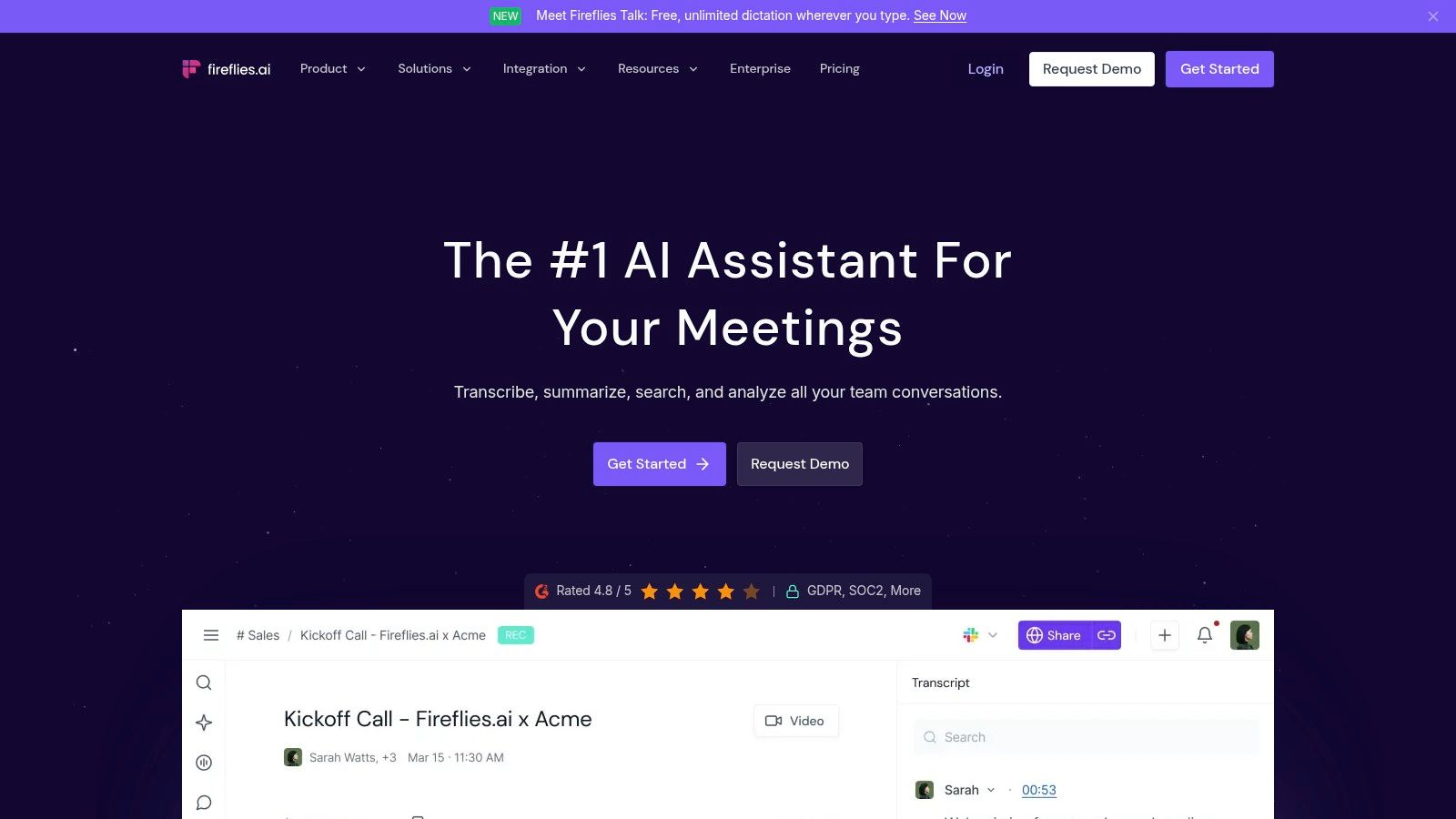
Choose Fireflies for a shared meeting record, not merely a personal recording button. Fireflies.ai combines mobile capture of in-person conversations with online meeting integrations, uploads, searchable transcripts, notes, and collaboration.
That broader workspace helps when an interview or discussion needs to become team follow-up. It also means you’re managing an account-based cloud record, not just an audio file sitting on your phone.
The practical concern is access after the meeting. A discussion may include personnel issues, customer details, or information that shouldn’t be visible to everyone who normally follows a project.
Configure sharing before capture
- Ownership: Decide whose account should hold the recording, particularly when a staff member may leave.
- Permissions: Inspect workspace and sharing defaults before recording a sensitive conversation.
- Allowances: Check how AI summaries and file-transcription tasks consume plan credits.
- Portability: Export a sample recording and transcript, then open them outside Fireflies.
Guidance from Goodwin on scrutiny of AI transcription tools highlights consent and vendor data-handling concerns. The operational lesson is straightforward: review the treatment of audio, transcripts, and derived summaries, rather than assuming they all follow the same rules.
Fireflies can be a sensible team tool. For an occasional private memo, the workspace administration may be more effort than the recording warrants.
9. Transkriptor
Suppose you already have an interview video, an audio note, and a recording sent by a colleague. A recorder-only app won’t necessarily organize that mixed backlog.
Transkriptor supports both mobile recording and transcription of existing audio and video files. Editing, speaker identification, organization, translation, and export tools make it a candidate for turning scattered media into working documents.
Test the exported record
The deciding test isn’t how tidy the transcript looks inside the app. Export material in the format you expect to use, then check it in the receiving application.
- Speaker attribution: Confirm labels against playback, particularly around interruptions and brief replies.
- Document structure: Check whether the output preserves the distinctions you need between speakers and passages.
- Source connection: Keep the original media with a stable name so another reviewer can locate it.
- Plan fit: Verify the allowance for your expected workload and whether summaries or AI chat require a different tier.
Transkriptor is more suitable for mixed-file transcription than for live emergency coordination. It won’t replace a safety contact or provide incident monitoring because it can turn recorded speech into text.
For frequent use, read the checkout terms carefully, especially when purchasing through a mobile app. Choose based on the recording volume and export workflow you need, not the longest feature list.
10. Riverside
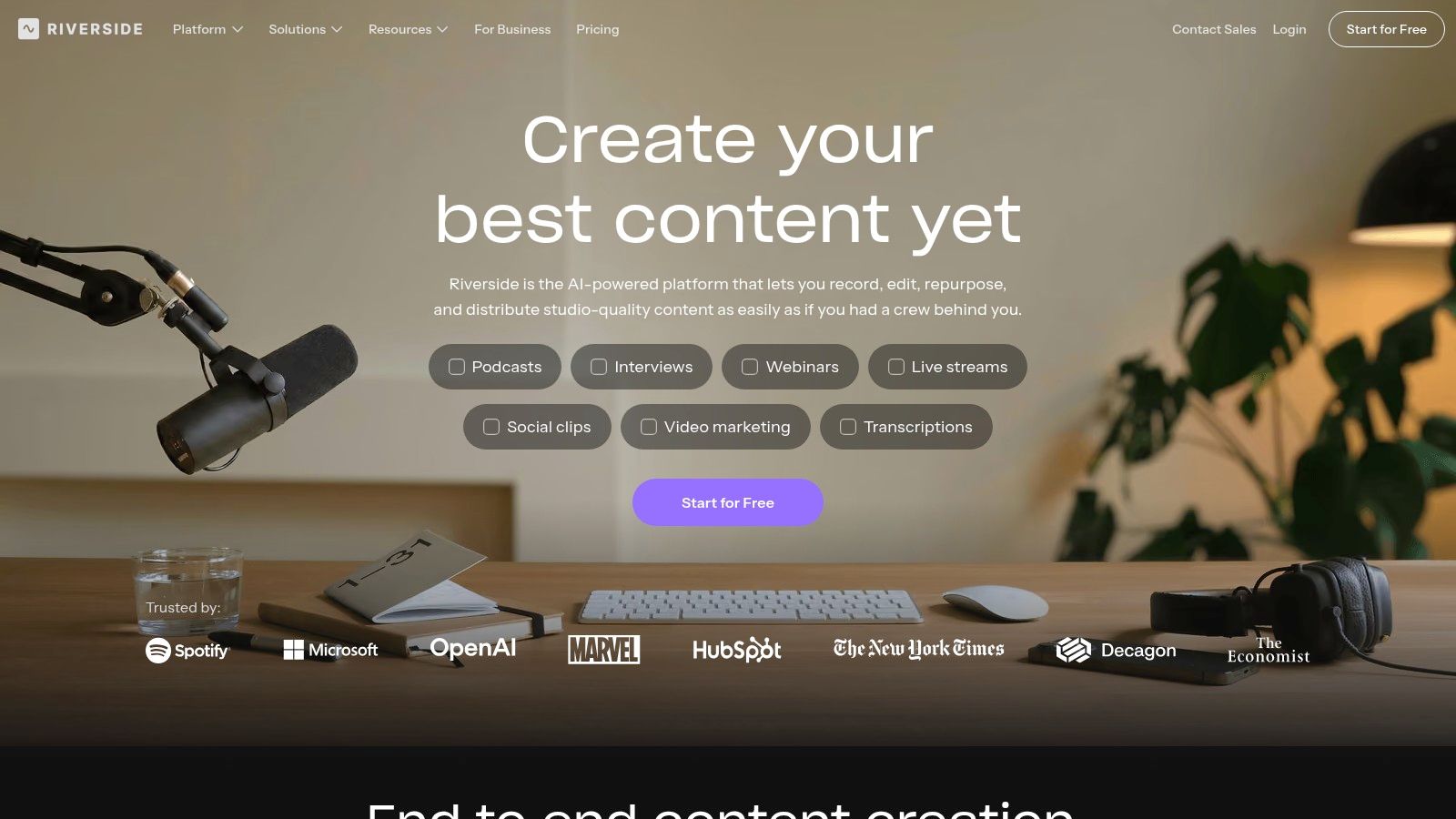
Riverside belongs in the production category. Its remote recording workflow, separate participant tracks, transcripts, captions, and transcript-based editing suit podcasts, interviews, and recorded video conversations.
Separate tracks give an editor more control than a single combined conversation file. That’s useful when preparing a publishable interview, but it’s unnecessary overhead for someone who just wants to dictate a shopping reminder.
An edited production isn’t the source record
Transcript-based editing is convenient because you can work through words instead of navigating only through waveforms. For documentation, though, preserve the unedited recording before removing pauses, rearranging material, or creating clips.
Keep the distinction visible: A caption file, an edited interview, and an original recording serve different purposes. Don’t hand over one as though it were another.
Check the selected plan and device for the transcript downloads and editing tools you need. Ask remote guests to confirm their microphone input before beginning, and verify that the recording workflow has completed before treating the session as safely captured.
For safety use, distinguish production features from live-stream video effects and, more importantly, from monitored emergency escalation. Riverside helps produce media; it isn’t designed to provide continuous personal-safety oversight during a walk or rideshare.
How the 10 recording apps compare on platform, free access, and best use
| Item | Platforms | Free Option | Best For |
|---|---|---|---|
| 3rd-i (Recommended) | iPhone | No free option noted; paid plans | Live safety monitoring with video, audio, and location sharing |
| Apple Voice Memos | iPhone, iPad, Apple Watch | Free built-in app | Simple recording and transcription in the Apple ecosystem |
| Google Recorder | Supported Pixel devices | Free | Recording and searchable transcripts for Pixel users |
| Otter.ai | iOS, Android, web | Free Basic plan with monthly and session limits | Meeting notes, live transcription, and summaries |
| Rev | iOS, Android, web | Free option not specified | Recording with a choice of AI or paid human transcription |
| Notta | iOS, Android, web | Free plan with monthly and per-conversation limits | Multilingual transcription and translation |
| Just Press Record | iPhone, iPad, Mac, Apple Watch | No free option noted; one-time purchase | Quick recording and searchable transcripts across Apple devices |
| Fireflies.ai | iOS, Android, web | Free plan available | Team meeting recordings, transcripts, and collaboration |
| Transkriptor | iOS, Android, web | Free option not specified | Transcribing recordings and audio or video files |
| Riverside | iOS, Android, desktop, web | Free transcription tool | Remote interviews, podcasts, and media production |
Match the Recorder to the Moment You Expect
The right choice depends on what you need to happen after you stop recording, and whether anyone needs to act before that moment. A searchable personal note, a shared meeting record, a publishable interview, and an incident record require different tools.
For quick voice memos, try Apple Voice Memos or Google Recorder on a compatible device before adding another subscription. Check language support, record a realistic sample, and share it with yourself. Just Press Record is worth considering when Apple Watch access or recording shortcuts make capture easier.
For meeting follow-up, compare Otter, Notta, and Fireflies against the platforms your team already uses. Session limits, import allowances, access defaults, and exports matter more than a polished demonstration. Rev offers a route to human transcription, while Transkriptor suits mixed-file workloads and Riverside suits production.
Make the handoff part of your test
Before choosing any of these recording apps that transcribe, follow a sample record through its entire journey:
- Capture and retrieval: Record in the conditions you expect, then locate a specific phrase through the transcript.
- Verification: Check names, locations, instructions, and speaker labels against the original audio.
- Sharing and export: Open the exported files outside the app and inspect what a recipient can access.
- Retention and deletion: Confirm what happens to the audio, transcript, summary, and shared access when you delete or close the record.
For sensitive appointments, the consultation recording advice from PatientNotes is a useful starting point for thinking through recording as part of a broader documentation workflow. Get appropriate permission and decide in advance who needs the resulting material.
If your concern is a late walk, rideshare, or lone-working shift, a transcript alone doesn’t provide oversight. Test who can watch, how check-ins work, and how help is requested. Confirm which capabilities depend on your phone, connectivity, paid plan, or remaining allowance.
Finally, separate finding a passage from proving a claim. Machine-generated text can help you search a recording, but a fluent sentence can still contain a consequential mistake. Preserve the source, label machine-generated material appropriately, and record corrections rather than replacing uncertain wording.
Choose the app whose complete workflow you can explain to another person: where the recording lives, who can access it, how you verify it, and how you hand it over. That’s a stronger basis for a decision than transcript quality alone.
3rd-i combines live video, audio, and route sharing with trained Safety Agent monitoring, plus recorded streams, transcripts, and AI summaries for follow-up. Visit 3rd-i to explore coverage for yourself, your family, or your team, and check how its monitoring and documentation workflow fits the trips you want supported.