
Where Is My Husband App: 10 Safe Location Tools
Does your husband know you’re checking his location right now?
That question separates a safety tool from surveillance, and it’s the one most “where is my husband” pages skip. Search the phrase and the results are a jumble. A 2022 write-up describes a service that claimed no software install was needed and limited users to one message every three hours. A same-named UK single peaked at 47 on the chart, and other results point to games and unrelated apps. None of that tells you what a location tool requires, what the person being watched can see, or what breaks when a signal drops.
The demand is real, though. In a survey of 1,000 U.S. adults, 62% said they share their mobile location with a loved one or friend, and 78% of those named safety as the main reason (All About Cookies location-sharing survey). Safety is the market. Covertness isn’t.
This list covers four kinds of tool: live trip monitoring for a walk, ride, or commute; simple shared maps; trip and timer check-ins; and apps an employer or campus issues. Each entry answers the same three questions. What does the sharing partner see? Which permissions have to be granted for it to work? And what happens when the session fails, the phone dies, or the connection drops?
One ground rule before the list. Every tool here is built for two people who agreed to use it, and each one gives the person being watched a way to see who is watching and to stop sharing. If the plan is to install something without the other person’s knowledge, nothing below is the right answer.
Table of Contents
- 1. 3rd-i
- 2. Bond
- 3. Noonlight
- 4. Apple Check In
- 5. Google Maps Location Sharing
- 6. Life360
- 7. bSafe Your Guardian
- 8. Snug Safety
- 9. Rave Guardian
- 10. Report It Personal Safety App
- 10 Partner Location-Sharing and Safety Tools Compared
- Choosing Together, a Decision Path for Partner Location Sharing
1. 3rd-i
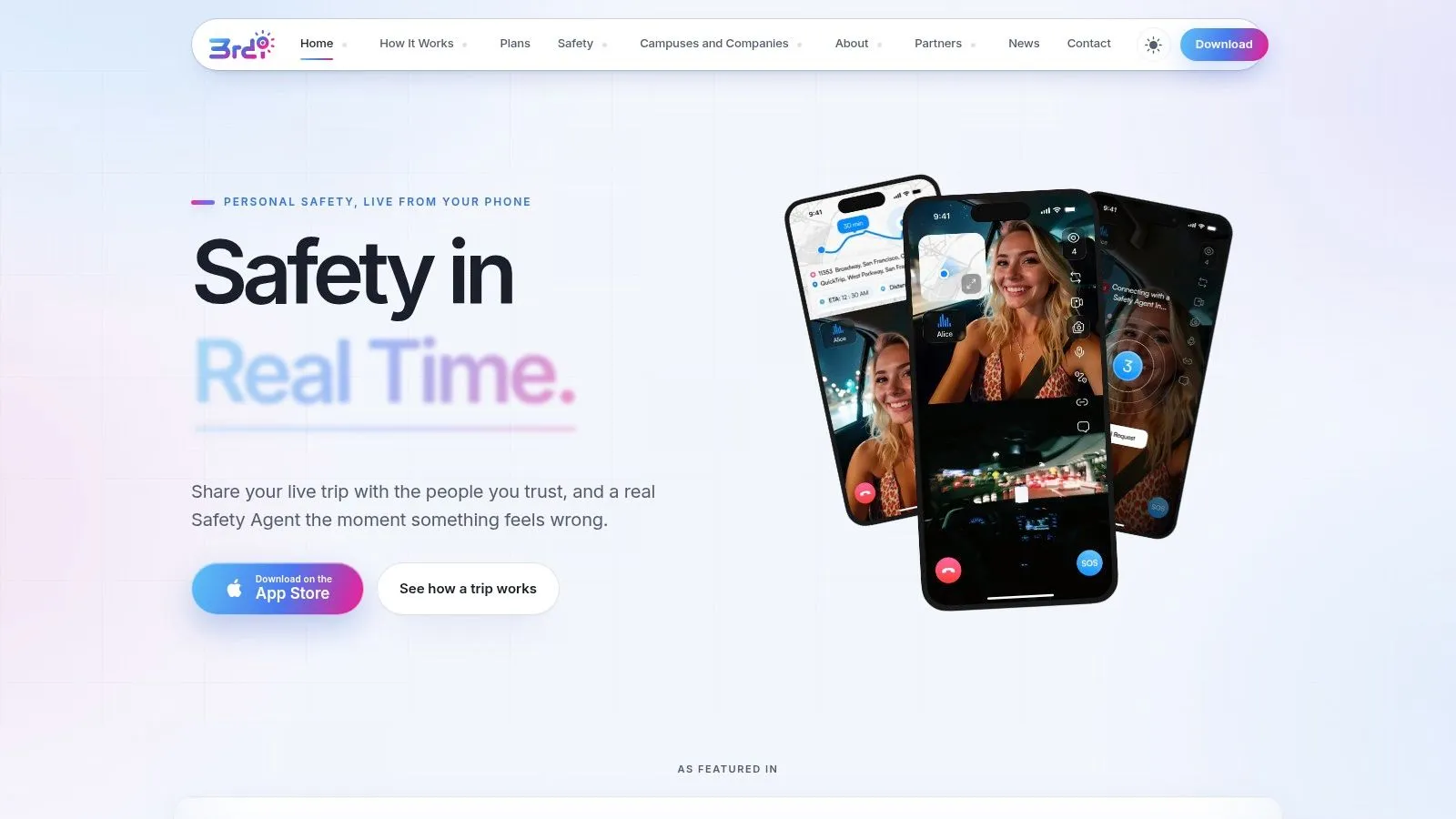
3rd-i is built for the trip, not the tab. The traveler starts a session and chosen contacts get the route plus live audio and front or rear camera video, so a watcher can tell the difference between a man sitting on a train and a man standing in an empty car park. The app is free to download and runs on iPhone.
What your partner sees. A Squad member can join the stream and the trip, view recordings of both, and track location while the app is in use, once permission is granted. The watcher count is visible, and contacts can send a one-tap nudge such as “You good?” or “Home yet?” instead of asking by text.
What you have to grant. Precise location, including background location. Deny it and Trip Mode, precision SOS location sharing, and the related Safety Agent features stop working as intended.
What happens when it fails. Every individual plan includes Safety Agent monitoring and 911 escalation, and the agent watches the stream, hears the audio, and tracks GPS in real time. The hard limits are hardware and minutes. The app isn’t available on Android, and streaming draws on the monthly allowance in your plan.
2. Bond
Bond’s pitch is a stranger watching out for you, which is either the point or the dealbreaker depending on the couple. The product is monitored safety: a trained agent, not just your partner, keeps an eye on the trip. Which features sit free and which sit behind a paid plan depends on the tier you pick, so read the plan page rather than assuming the sticker price covers the whole journey.
Where it earns the money is follow-up. If a traveler drifts off an agreed route or misses an expected arrival, someone with a duty roster checks. A shared map shows you where somebody is. It doesn’t call them, and it doesn’t call anyone else.
What the watched person has to agree to. Bond adds a third party to an arrangement most couples think of as private. Route monitoring means an agent sees the journey, and live video means an agent sees the street. That is a bigger concession than sharing a dot on a map with your husband, because the watcher doesn’t know him and doesn’t owe him discretion. Agree on that before you buy, not after the first alert.
Practical rule: if either partner would be uncomfortable with a stranger reviewing the trip, buy a check-in app instead and keep the money.
When it works, the failure mode is covered by a human. When it doesn’t, the same limits apply as any phone app: no signal, no monitoring. Website: Bond.
3. Noonlight
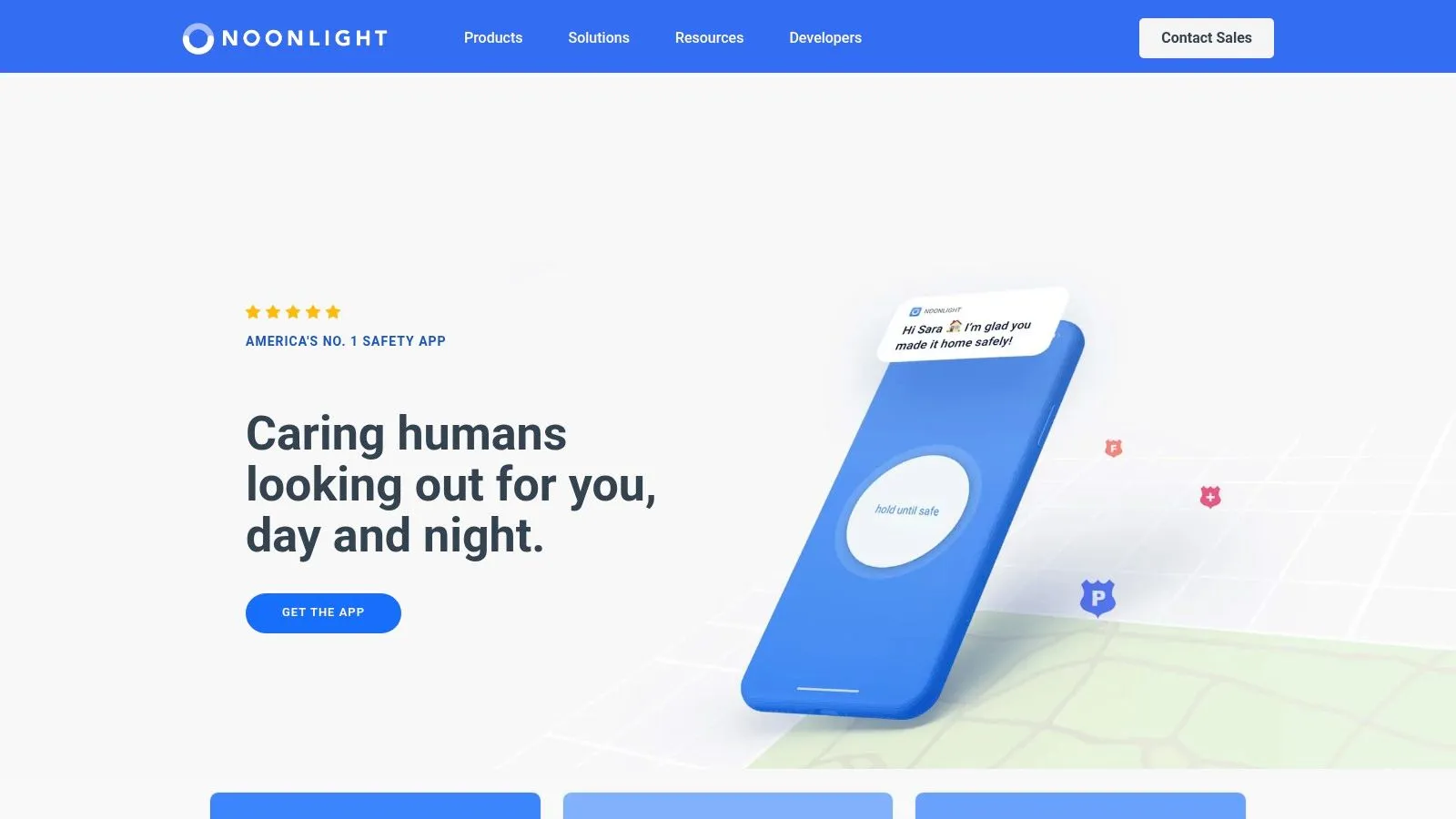
Noonlight flips the question. It doesn’t show a partner where you are for an hour. It gets help moving in about the time it takes to release a button you’re already holding.
The mechanics define the failure mode. You hold the Safety Button. When you’re safe, you enter a PIN to cancel. Release it without the PIN and a dispatcher contacts you, then sends help if you don’t answer. The core button and response service are free on iOS and Android, while an Apple Watch app, a widget, and automatic crash response sit behind a subscription.
Consent stays simple because nothing reaches a partner until an alarm fires, and the person who benefits is the person holding the phone. That also makes it the wrong tool if what you want is to watch a husband’s commute in real time.
What it needs. Location permission and a working connection. A dead battery or a tunnel ends the arrangement, which is why I’d pair it with a check-in rather than rely on it alone. Website: Noonlight.
4. Apple Check In
Say your husband takes the 6:40 train and you want confirmation he got off at the right stop rather than a live view of the whole ride. That’s what Check In is for, and it’s already on the phone.
Setup happens inside a message. You choose the contact, pick trip-based or timer-based, and decide what a missed check-in shares: just your location, or your route and device details too. The recipient gets notified automatically when you arrive. You picked the person, the trigger, and the payload, which is about as much consent control as a built-in feature gives.
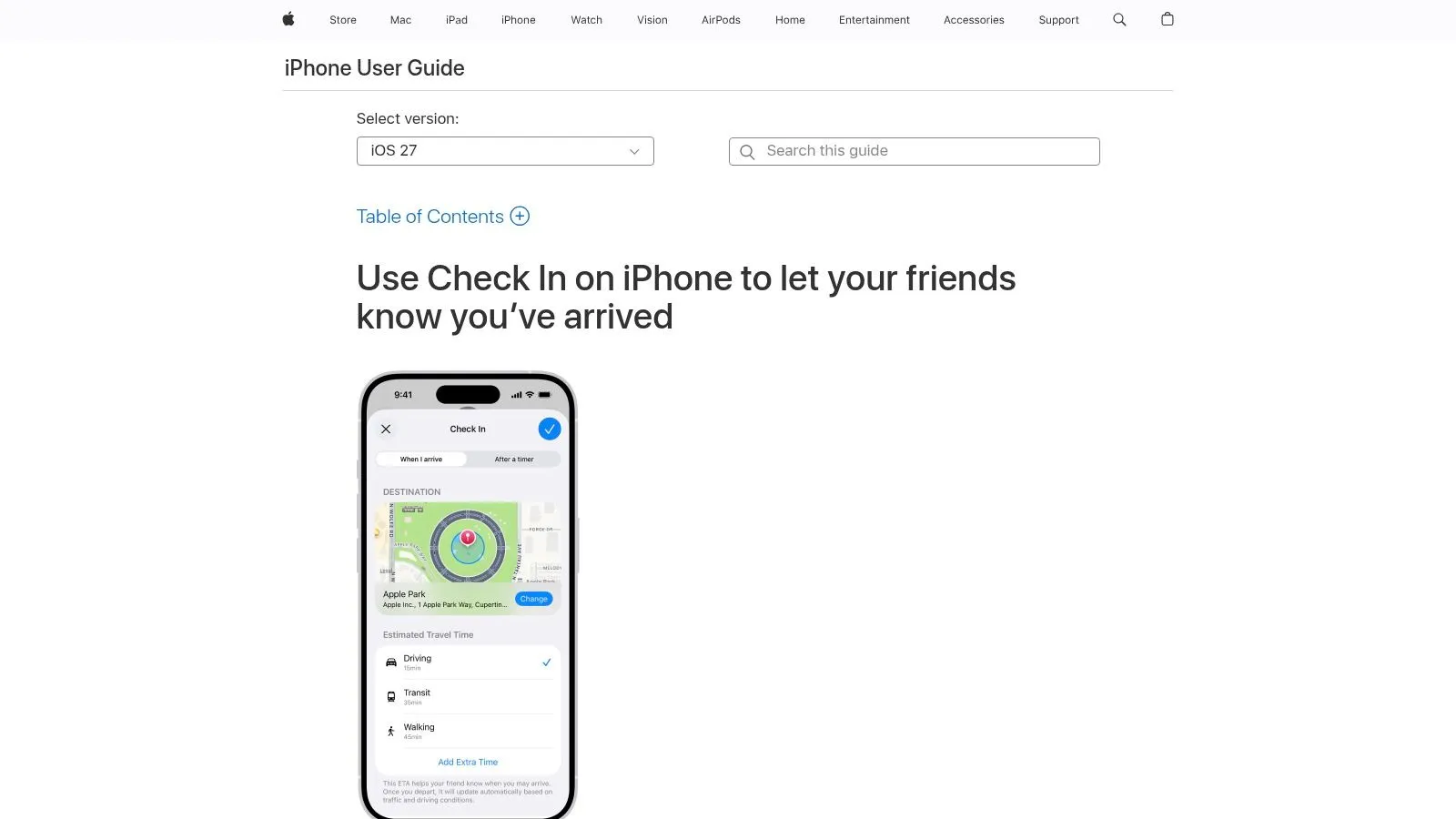
What the recipient actually sees
Nothing until arrival, or until the check-in fails. There’s no map to refresh and no history to scroll. For a couple who want reassurance without a permanent window into each other’s day, that restraint is the feature.
Where it breaks. Both phones need iOS 17 or later, and it runs through Messages, so mixed-device households are out. It confirms an arrival rather than monitoring the journey, so a delay between departure and destination produces silence, not data. If the phone dies mid-trip, the timer expires and whatever fallback details you pre-selected are what your partner receives.
Built-in also means one less installer asking for location access. A 2025 analysis of Android applications found that 90.66% of the apps examined performed location tracking (arXiv analysis of location-monitoring apps). If you want the habit to stick, this family check-in app guide walks through timing and contact choices.
5. Google Maps Location Sharing
Start here before either of you installs anything new. Google Maps shares real-time location with a person you choose, on iPhone and Android, and the person sharing can stop at any time.
That stop button is the consent shape a partner tool should have. Sharing is explicit, visible to the person sharing, and reversible in a tap. For a closer look at the controls and how they behave in practice, this review walks through how Google Maps location sharing works, and this guide to sharing location from iPhone to Android covers the cross-platform case most couples experience.
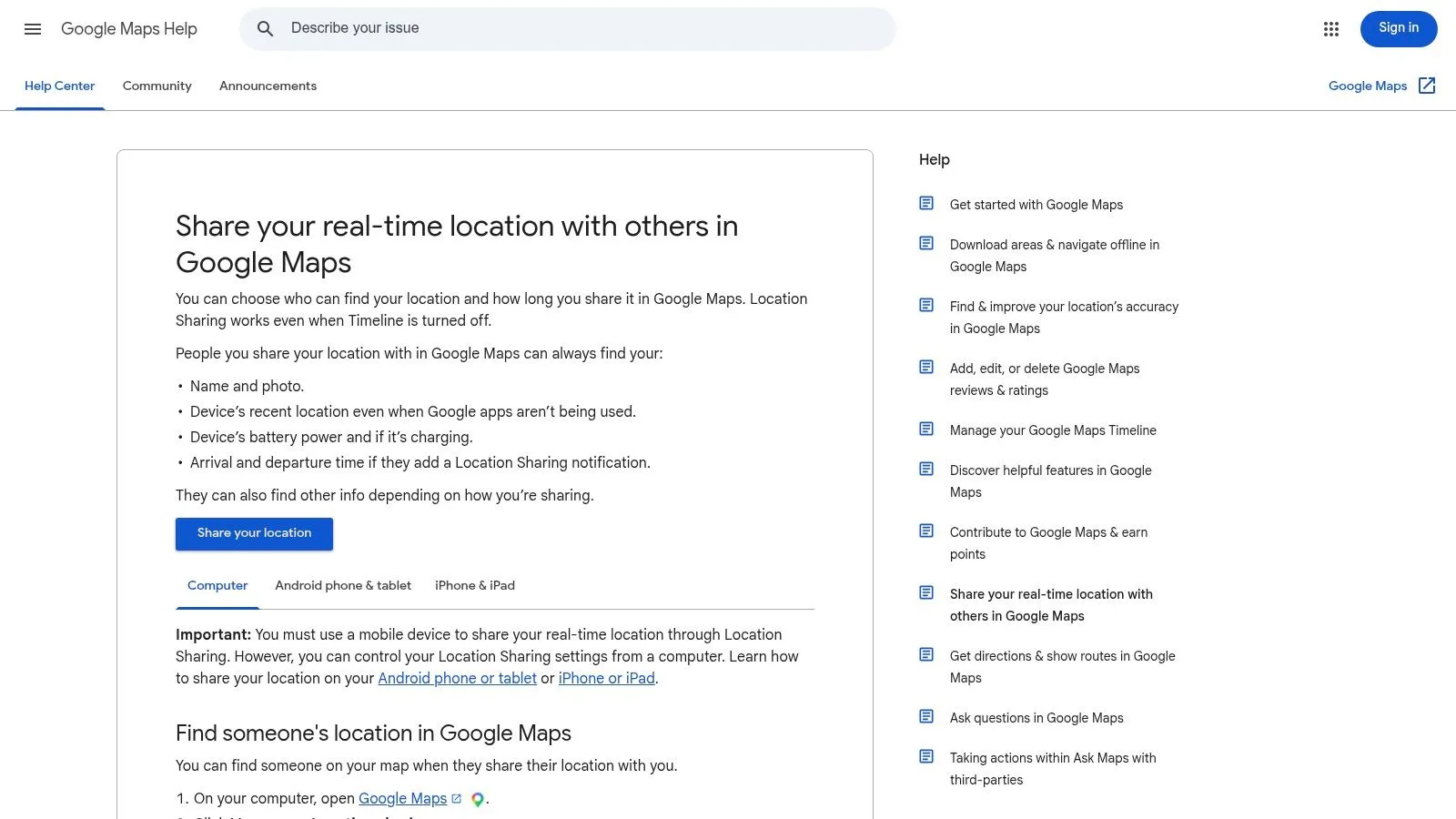
What your partner sees. A dot, a name, and a last-updated timestamp. There is no route, no destination, and no hint of whether that dot is moving toward home or away from it.
That gap is the honest limit of map sharing. A University of Illinois summary of location-sharing research reports that respondents shared their location with an average of 3.86 people, and makes the operational point that knowing somebody is miles away gives you no way to intervene (University of Illinois ACES). The feed answers “where” and nothing else, which is either the appeal or the dealbreaker depending on why you are checking.
What it needs. Location services switched on and the traveler actively sharing. When it fails, it fails without warning. A dead phone, a background app the system closes, a permission reset after an update, and the dot stops, with no alert telling your partner the feed went dark. Website: Google Maps.
6. Life360
Life360 answers a different question, which is “where is everyone, all the time.” Circles share live location, place alerts fire when someone arrives or leaves, and higher tiers add location history, driving summaries, crash detection, emergency dispatch, and roadside assistance. Paid memberships cover the people in your Circle.
That suits a household with teenagers and strains a couple negotiating trust. Continuous location is a standing arrangement with no natural end, and the person being watched has to be comfortable with it on an ordinary Tuesday, not just the night of a late shift.
If sharing only feels acceptable during a commute, share only during a commute. A tool that can run all day doesn’t have to.
The consent numbers explain why this deserves a conversation. Australia’s eSafety research found that 13.6% of adults considered it reasonable for a partner to track them whenever they wanted through location-sharing apps, and 9.7% accepted both unrestricted tracking and password access as reasonable expectations (eSafety research on tech-based coercive control). A minority view held by a meaningful number of people is how a convenience feature turns into a control habit.
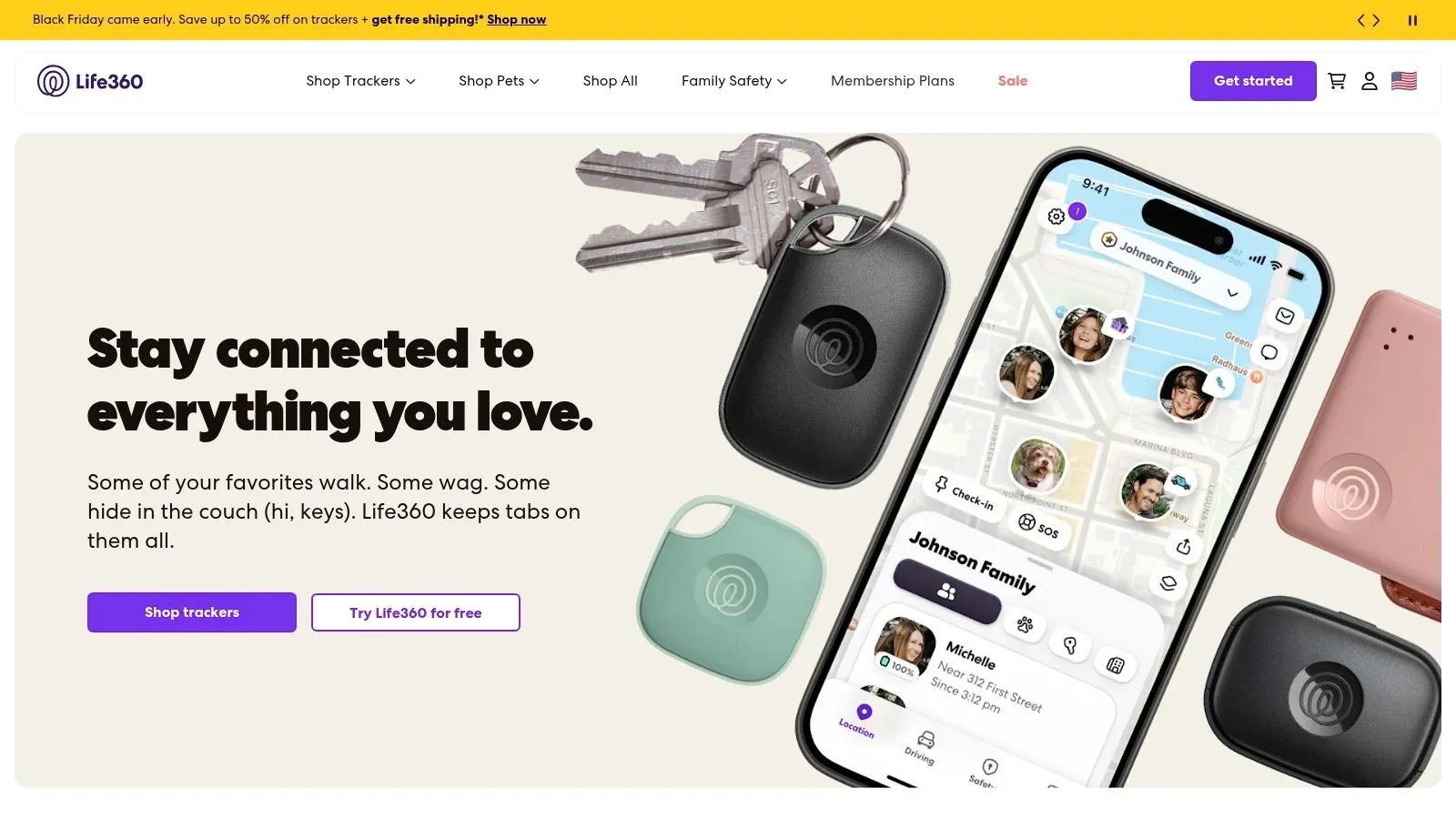
Where it falls short. History limits and features shift by tier, and there’s no live audio or video to tell you what’s happening around the dot. For a walk or a rideshare, that’s the difference between knowing and helping, which is what this family tracking app comparison sorts through. Website: Life360.
7. bSafe Your Guardian
bSafe is a safety platform with an unusually wide feature set and a regional caveat you have to check before paying. SOS options can include a button, a codeword, a fake call, and fall detection. Live location, audio, and video can be shared, journey and presence monitoring sit alongside them, and the Complete plan includes 24/7 monitoring, according to the provider.
The consent design is the interesting part. You can notify personal contacts, add professional monitoring, or use both, which means a couple can decide how much of the safety net is human and how much is software. A codeword trigger is a workable middle path for someone who can’t reach the screen.
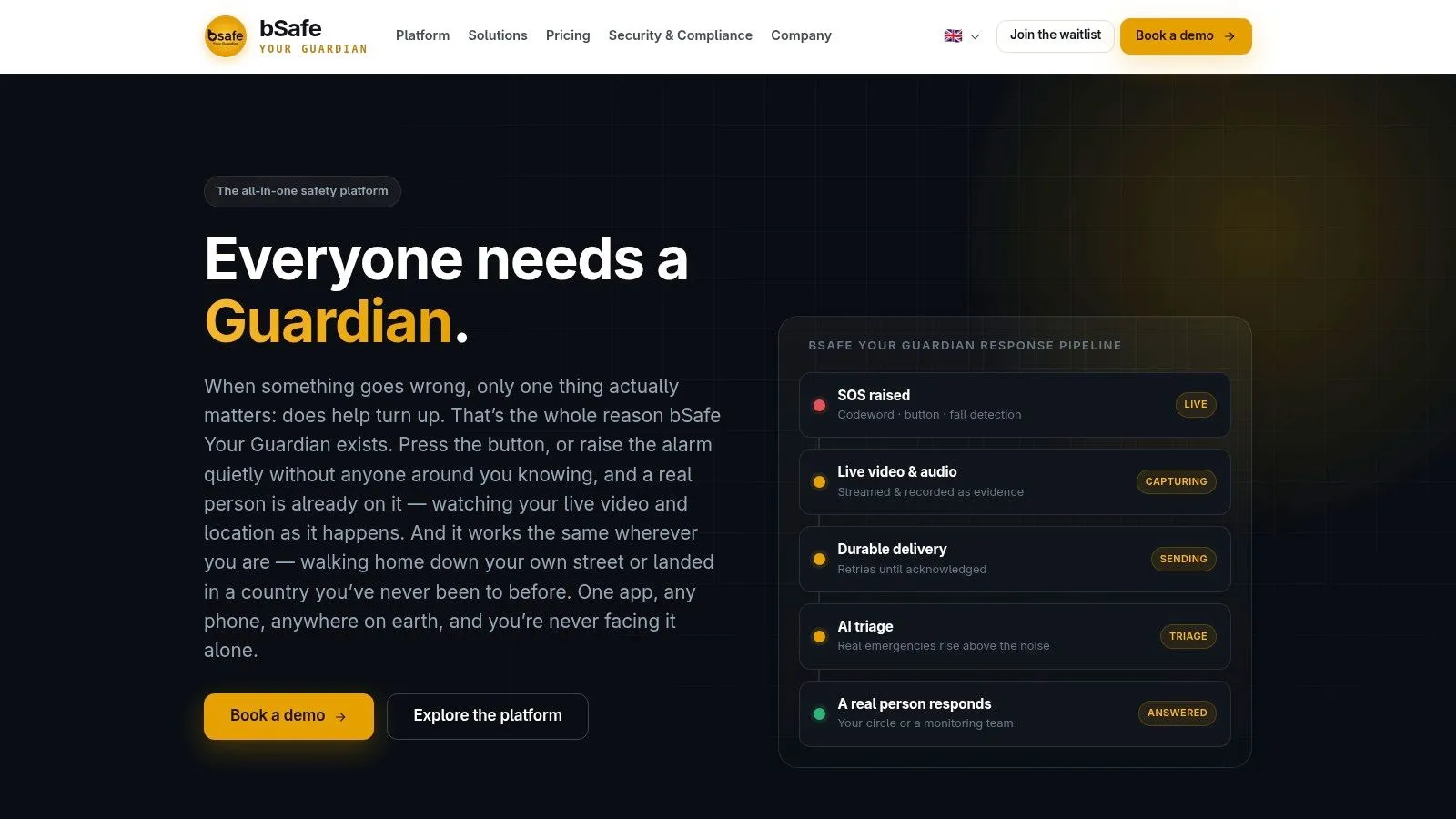
What to verify first. The company is UK-based and displays prices in pounds. U.S. availability, emergency handling, and what happens when a call reaches dispatch need checking before you depend on it. Features vary by plan, region, device, and connectivity, and the provider’s own terms caution that alerts can’t be guaranteed to be sent or acted upon.
That caution is worth taking seriously. No app in this list can promise that a message leaves your phone and reaches a person, so read the terms at bSafe World rather than trusting a comparison page.
8. Snug Safety
Snug isn’t a tracking app, which is the reason to include it. A user checks in once a day. Reminders nudge them if they forget, and if the check-in is missed, Snug texts their chosen contacts and shares the most recent location. The free plan covers basic check-ins, while the Dispatch plan adds dispatcher follow-up and wellness-check coordination.
Think about who this fits. Someone living alone, working odd hours, or recovering at home. The partner isn’t watching a dot. The partner gets an alert that something didn’t happen, which is a much lower-trust arrangement and often a more durable one.
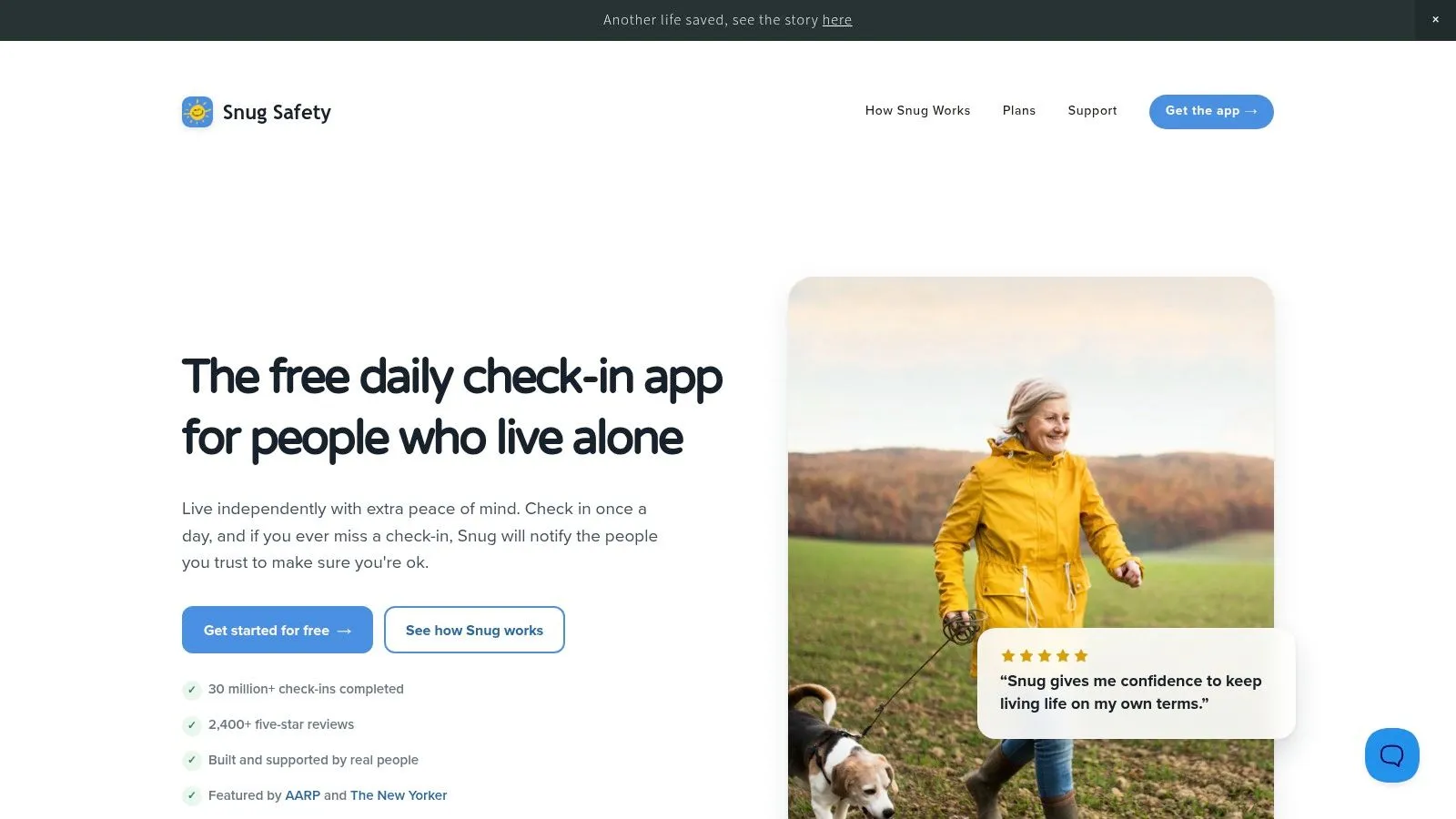
What it can’t do. Live location during a walk. Route visibility. Anything in the moment. If your husband is on a late train and you want to see the journey, Snug answers yesterday’s question, and the free plan leaves the actual follow-up to your emergency contacts.
Confirm the price at the source. The provider’s pages list differing monthly figures for Dispatch, so check the current number at Snug Safety before you commit.
9. Rave Guardian
Rave Guardian is issued, not bought. A participating campus or employer configures it, and what you get depends on that configuration: safety timers for a walk, trusted contacts acting as virtual guardians, location sharing, messaging with the organization’s safety team, and in some setups emergency calling and campus resources.
The consent question changes shape here, because the institution is a party to the arrangement. The useful conversation isn’t only with your husband. It’s with whoever administers the account. Ask what the safety team sees, how long records are kept, and who can review a timer that expires.
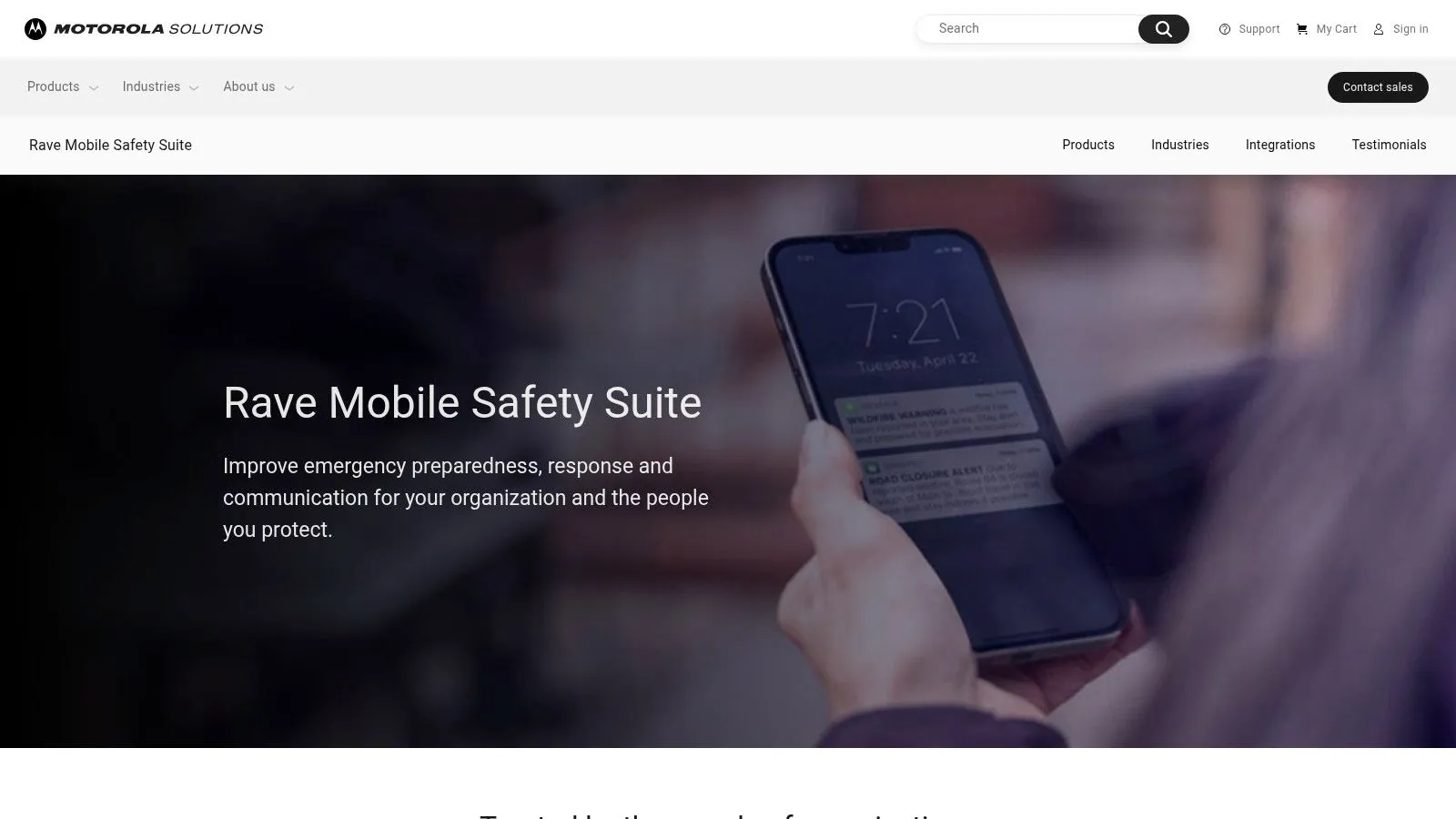
Where it works. Students crossing campus at night, staff leaving a building after a late shift. A timer that expires and escalates to people whose job is response is a different product from a map.
Where it doesn’t. Off campus, outside the institution, and for anyone who isn’t enrolled. Capabilities and response procedures vary by organization, and a household without a participating university or employer can’t use it at all. Website: Rave Guardian.
10. Report It Personal Safety App
Report It targets organizations protecting employees, including lone workers, remote staff, and people in higher-risk environments. The app runs on iOS and Android, and the provider describes live location and video options, two-way messaging, multimedia evidence capture, and emergency support connected through RapidSOS. Professional monitoring and emergency coordination depend on the plan the organization buys.
For a couple, it’s a useful signal that the serious end of this market looks like dispatch software rather than a consumer map. For an employer, it raises the question every employee should ask out loud.
Ask before you install: which parts of my day are visible to my employer, and can I start and end a session myself?
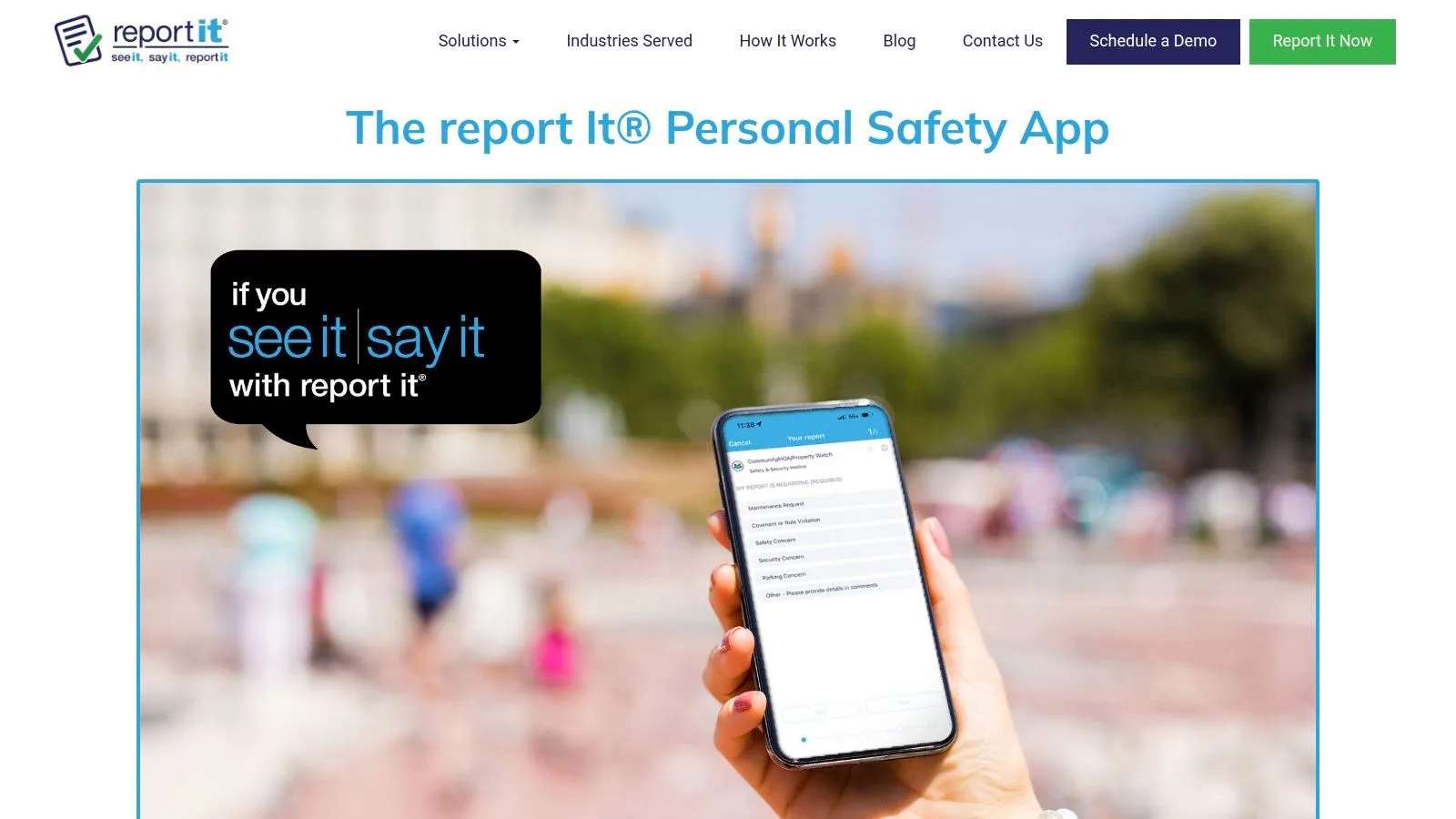
Individual consumer pricing isn’t clearly published, availability depends on configuration, and evidence capture raises its own retention questions, so treat this as a workplace tool and read the organization’s policy at Report It before you rely on it.
10 Partner Location-Sharing and Safety Tools Compared
Read the rows through permissions: what the partner can see, what the phone must allow, and what still works when access is denied.
| Item | Platform | Free option | Best for | Key limitation |
|---|---|---|---|---|
| 3rd-i | iPhone only, Apple App Store | Free to download; paid plans meter streaming and recording minutes | Live trip sharing with monitored backup | iPhone only; denying precise or background location weakens Trip Mode and SOS |
| Bond | iOS and Android | Basic location features and emergency dialer | Location sharing with access to human support | Agent and monitoring features require a paid plan |
| Noonlight | iOS and Android | Free Safety Button and response service | Discreet access to emergency help | No continuous live trip map |
| Apple Check In | Compatible iPhones with iOS 17 or later | Built in; no separate subscription | Arrival check-ins through Messages | Both sender and recipient need iOS 17 or later |
| Google Maps Location Sharing | iPhone and Android | Available without a dedicated safety subscription | Simple real-time location sharing | A location dot cannot confirm someone is safe |
| Life360 | iOS and Android | Free tier available | Ongoing family location sharing and arrival alerts | No live audio or video monitoring |
| bSafe Your Guardian | iOS and Android | Free core SOS tools; monitoring is optional | SOS, journey monitoring, and optional professional monitoring | Verify U.S. availability and emergency handling |
| Snug Safety | iOS and Android | Free basic check-ins | Daily reassurance for people living alone | Not designed for live trip or walk tracking |
| Rave Guardian | iOS and Android through a participating organization | Often issued at no direct charge by an institution | Campus or workplace safety | Features and access vary by organization |
| Report It Personal Safety App | iOS and Android | No individual free plan published | Employer and lone-worker safety | Availability and response features depend on organizational setup |
The price column is the smaller decision. A free download can still ask for always-on location, notifications, motion activity, Bluetooth, camera, or microphone before the safety features behave as described. Agree on the visible layer first: a dot, a route, a check-in, or a live stream with audio and video. Then test the failure case, because a denied permission usually changes the product more than the plan does.
Choosing Together, a Decision Path for Partner Location Sharing
Start with the least invasive tool that solves the actual problem. If you want to know your husband got to work, use Apple Check In. If you want a shared map for everyday logistics, use Google Maps location sharing, and treat Life360 as the household option for families with teenagers rather than the default for two adults.
For a walk, a rideshare, or a late commute, the map stops being enough. That’s when a live-monitoring tool earns its place: 3rd-i for a streamed trip with a Safety Agent behind it, Bond if you want a paid agent following a route, Noonlight if you want a discreet SOS in your own hand rather than a window for someone else. bSafe sits in the same bracket with a regional caveat to check. Snug covers the living-alone case, and Rave Guardian and Report It apply only when an institution issues them.
Then agree on the terms out loud, before the first install. A five-minute conversation covers all of it.
- What gets shared: location only, or route, audio, and video as well.
- When it gets shared: all day, or from the station to the front door.
- What each permission buys: precise and background location are what make trip mode and SOS work, and denying them turns the app into an expensive clock.
- Who else sees it: a partner, a paid agent, an employer, or a campus safety team.
- How either person pauses it: no explanation demanded, no retaliation, no reinstall to check up afterwards.
- What happens after a missed check-in: who calls, who escalates, and when 911 is the right call.
That last point deserves more attention than it usually gets. A shared dot doesn’t create a response. It creates a witness. If nobody has agreed on who calls whom, the app has told you something is wrong and left you to work out the rest.
A location dot is a question. A protocol is an answer.
One more thing for anyone whose situation isn’t mutual. If sharing is being demanded rather than offered, or if you suspect a phone is already being watched, don’t start by changing settings on the device in question. Use a trusted device or contact a domestic-violence service first, and preserve evidence before you alter anything.
No app in this list replaces a direct conversation about safety and trust. The best configuration is the one both people can describe out loud, including how to switch it off.
3rd-i streams live video, audio, and location to the contacts you choose during a walk, a rideshare, or a late commute, with Safety Agent monitoring and 911 escalation included on every individual plan. The app is free to download for iPhone, so you can test it on one trip before deciding how you’ll use it as a couple. Visit 3rd-i to see the plans and start a session.